Turn your lecture notes into flashcards.
Bring your notes, paste text, or upload a course file. Clevaly helps you create a study set that stays connected to the class it belongs to.
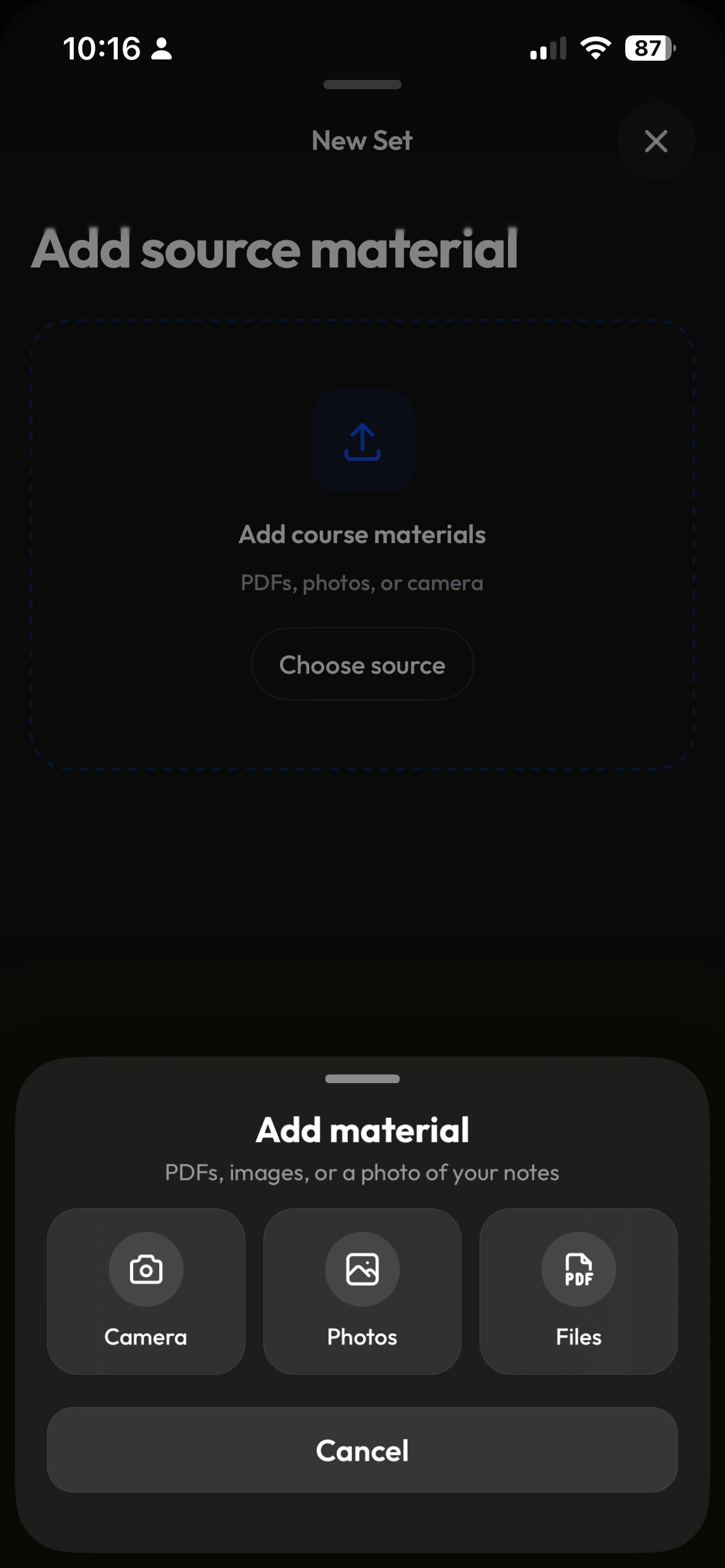
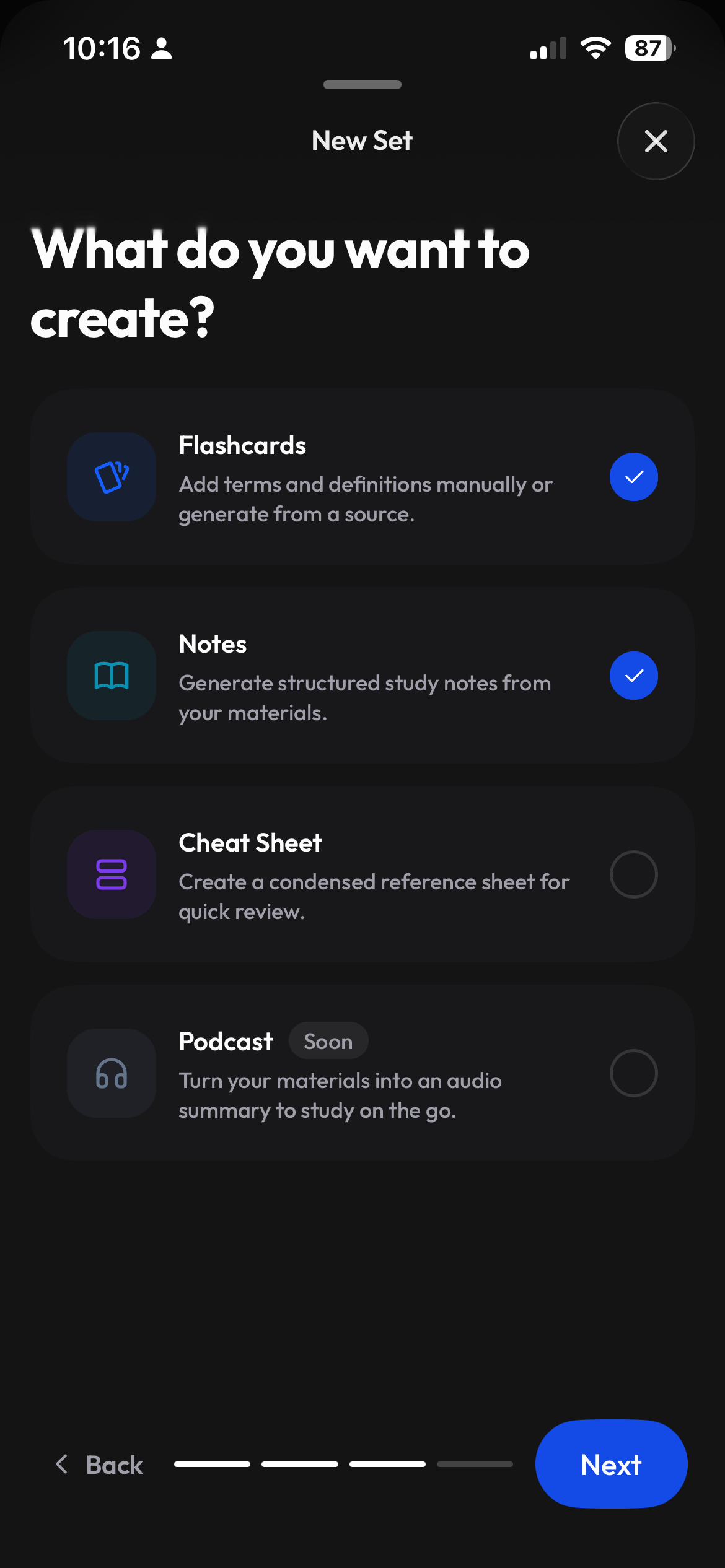
Start with the content your course already uses.
Upload a file, paste text, or begin from a blank set. You choose the source instead of searching through unrelated public material.
- Create from files or pasted text
- Keep the source connected to its course
- Start blank when you want full control
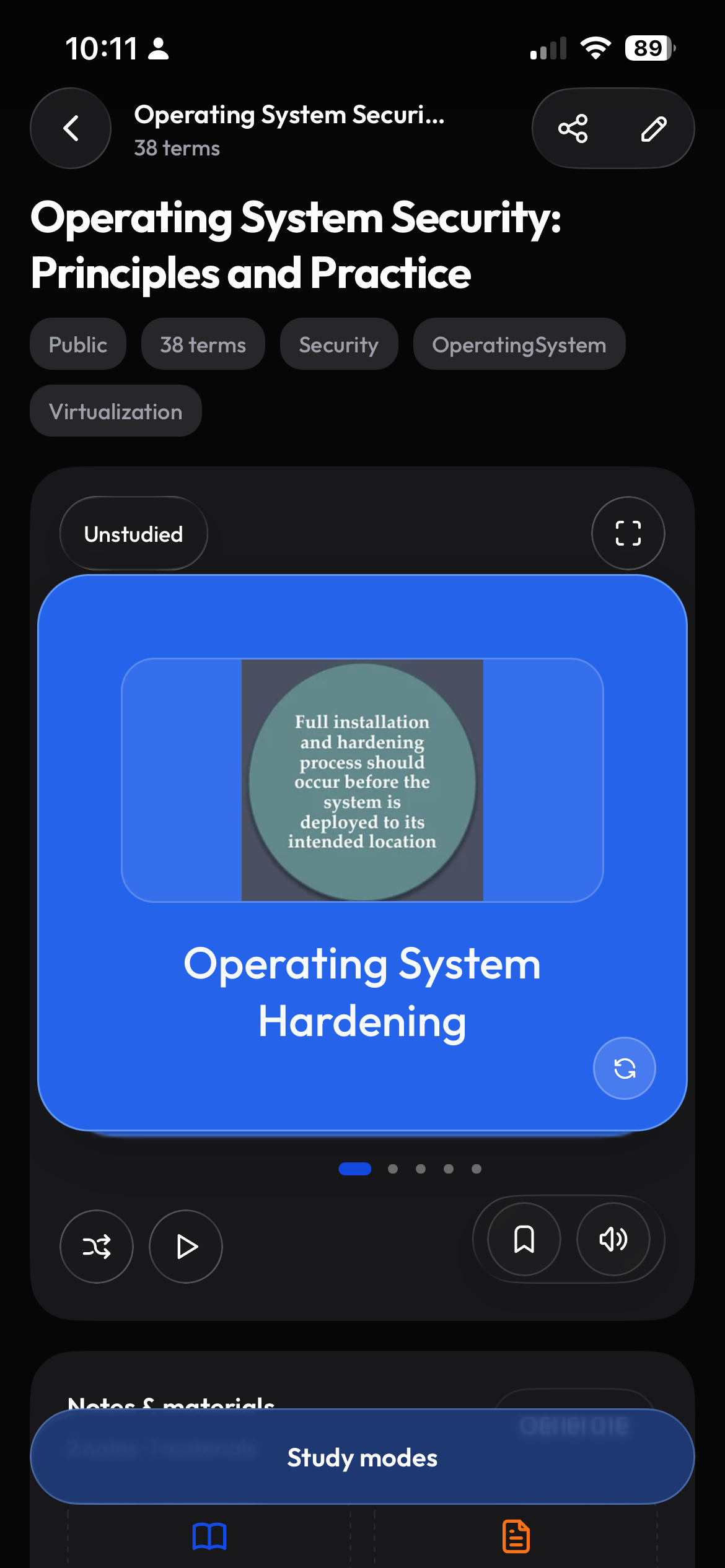
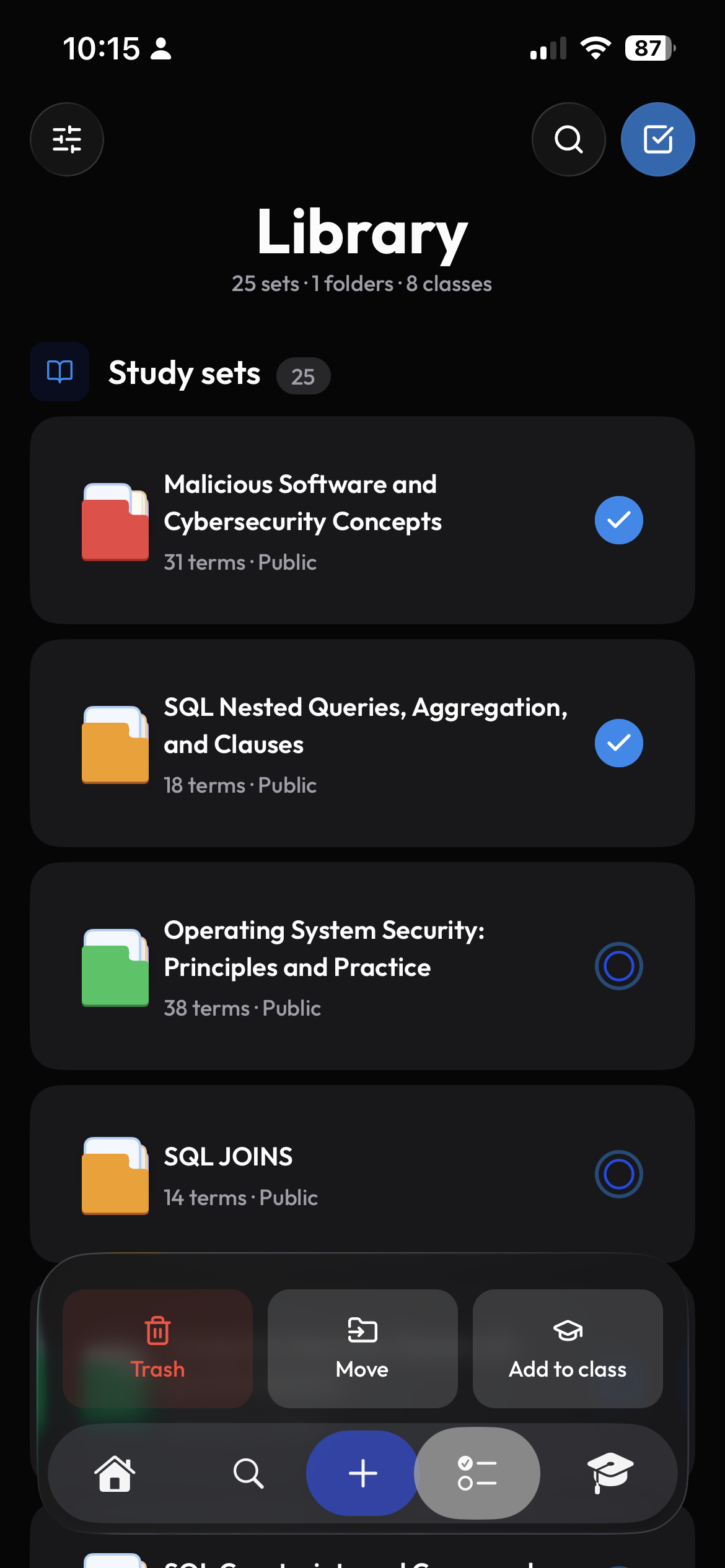
See the whole set before you start studying.
Review the generated cards and edit anything you want to change. Then start studying, with the set saved in your class and library.
- Readable set previews
- Course and library organization
- Return to recent sets quickly
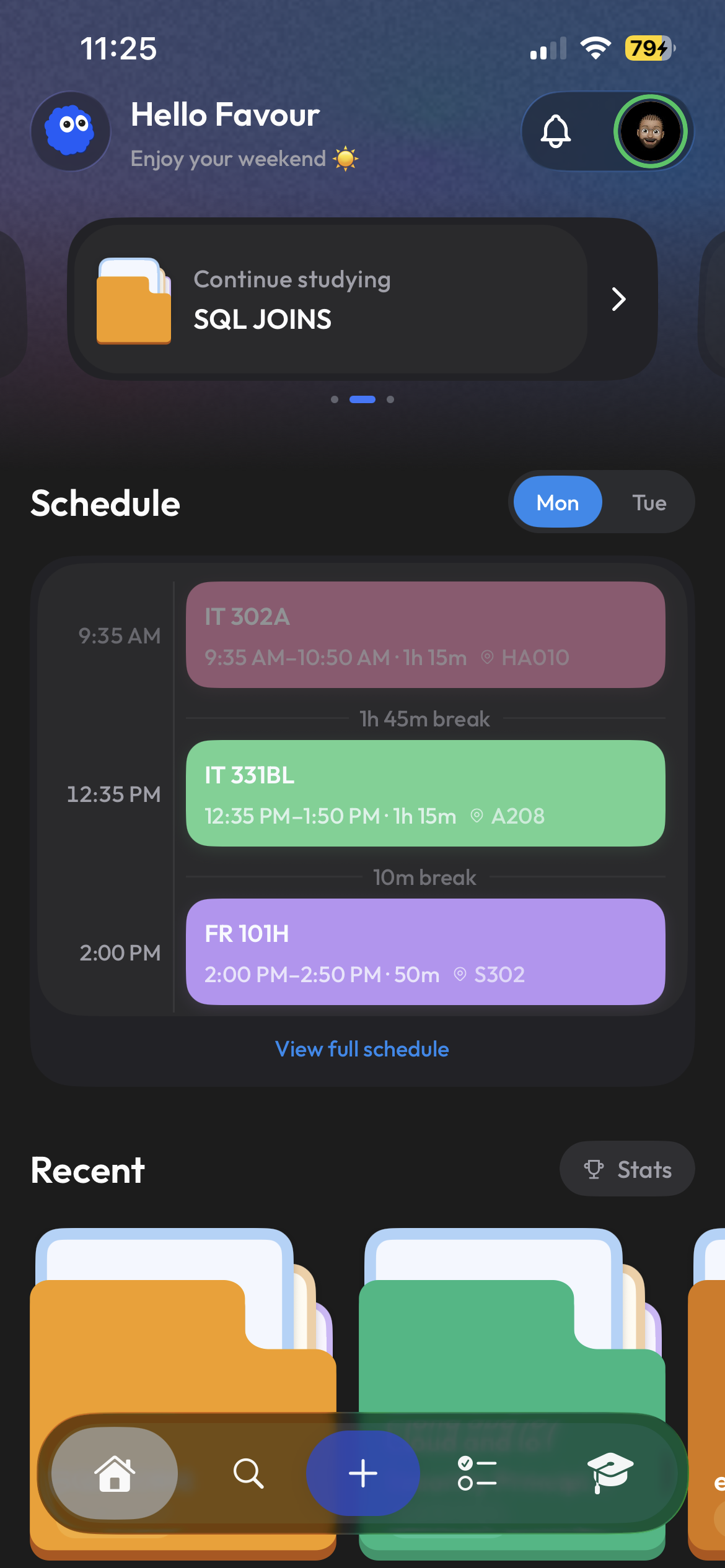
Move from making cards to learning them.
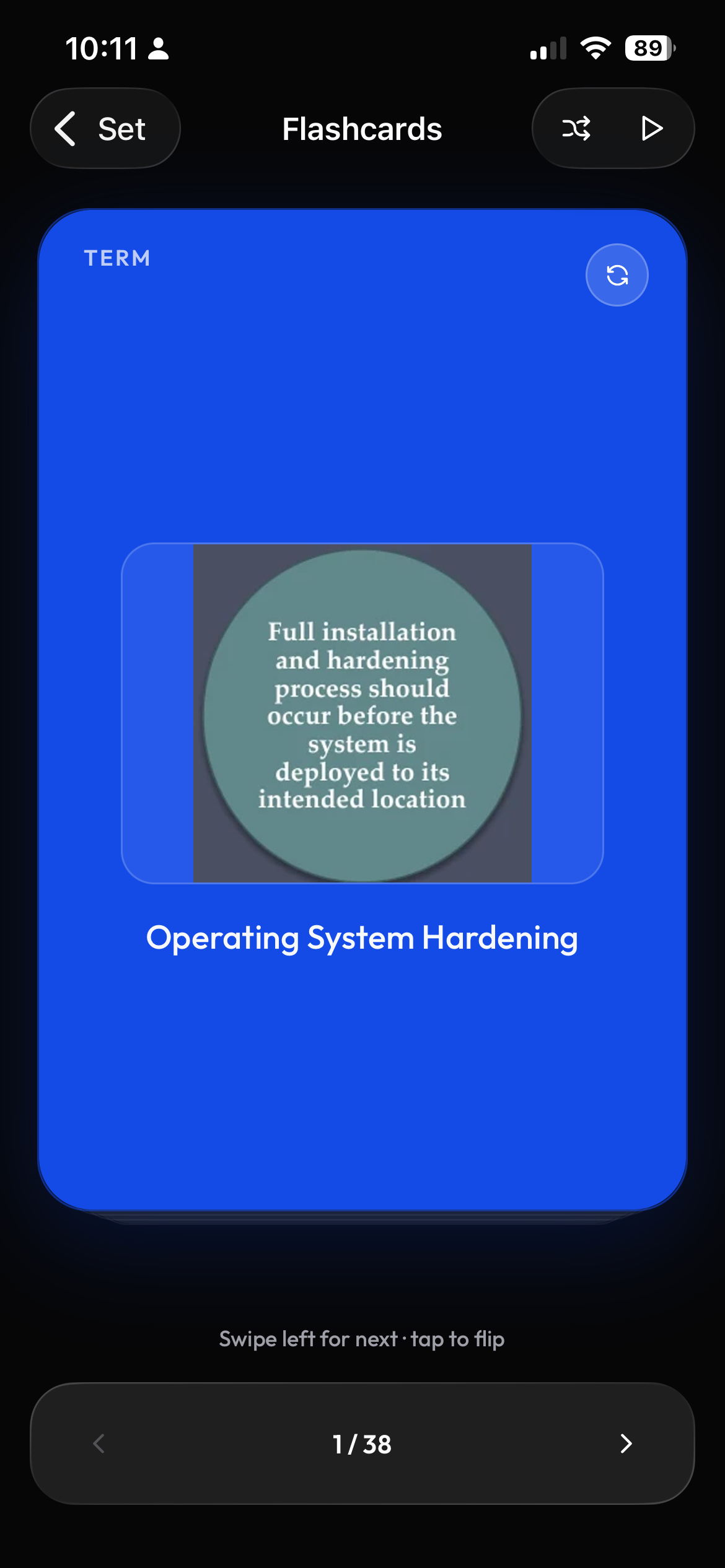
Study one card at a time on your phone, then return from the web when you have more room. The study material stays with the same Clevaly account.
- Practice with flashcards at your own pace
- Mobile and web access
- No export step between creation and study
Frequently asked questions
Can I make flashcards from a PDF or class notes?
Clevaly lets you begin with an uploaded file, pasted text, or a blank start. You can choose flashcards as the output and keep the resulting set attached to the relevant course.
Can I review a set before studying it?
Yes. Study sets have a preview where you can see the material before moving into a focused flashcard session.
Can I use the same flashcards on mobile and web?
Your Clevaly account keeps study material available across the mobile and web experiences, so you do not need to export and re-import a set.
Is Clevaly only a flashcard app?
No. Flashcards are one part of a broader school workspace that also connects classes, schedules, notes, course material, discovery, and Cleva.

Your next study session starts here.
Create flashcards from your own course material and study them wherever Clevaly fits your day.
Sign up for Clevaly