Everything in your Canvas courses, ready to study.
Create one access token in Canvas, paste it into Clevaly, and your course files sync into classes organized by topic. Generate flashcards, notes and tests from what your instructor actually posted.
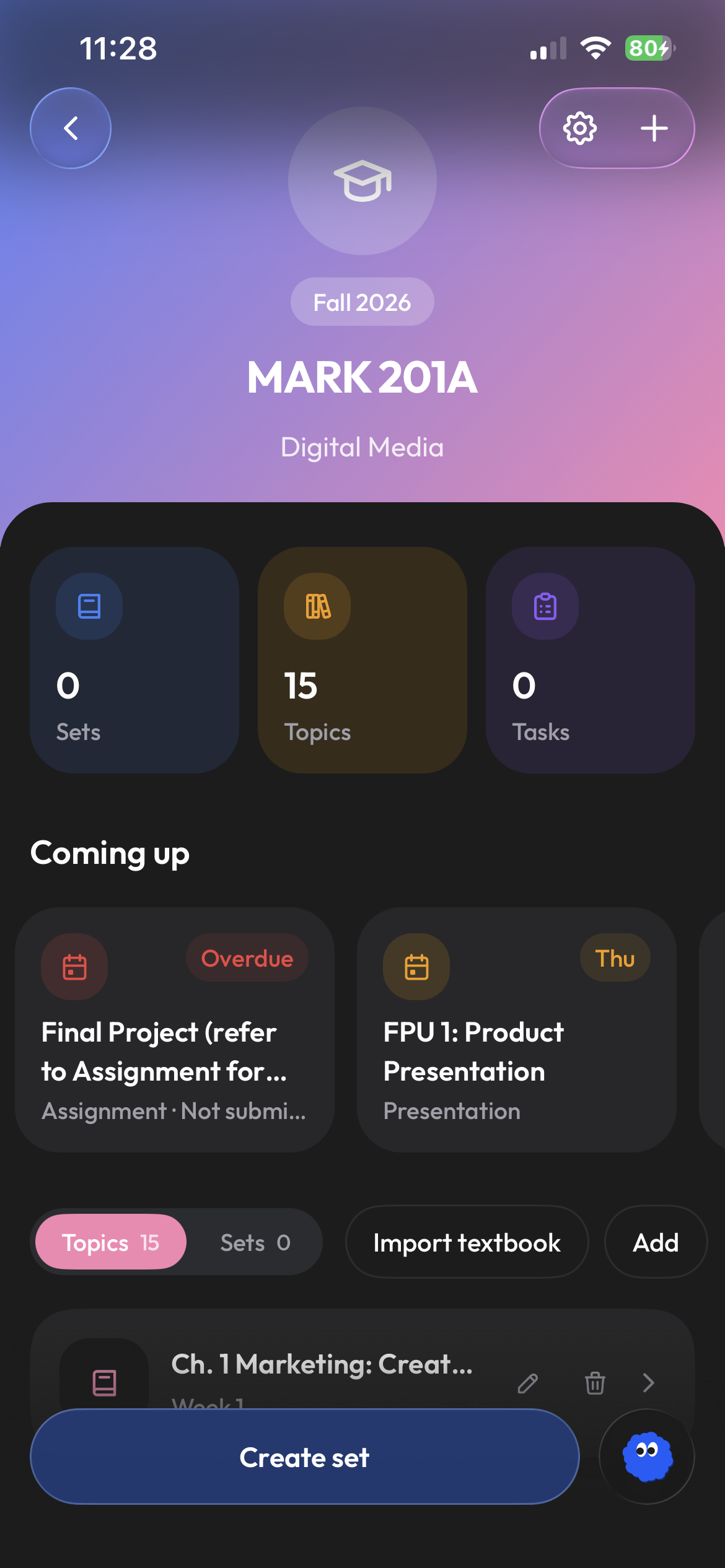
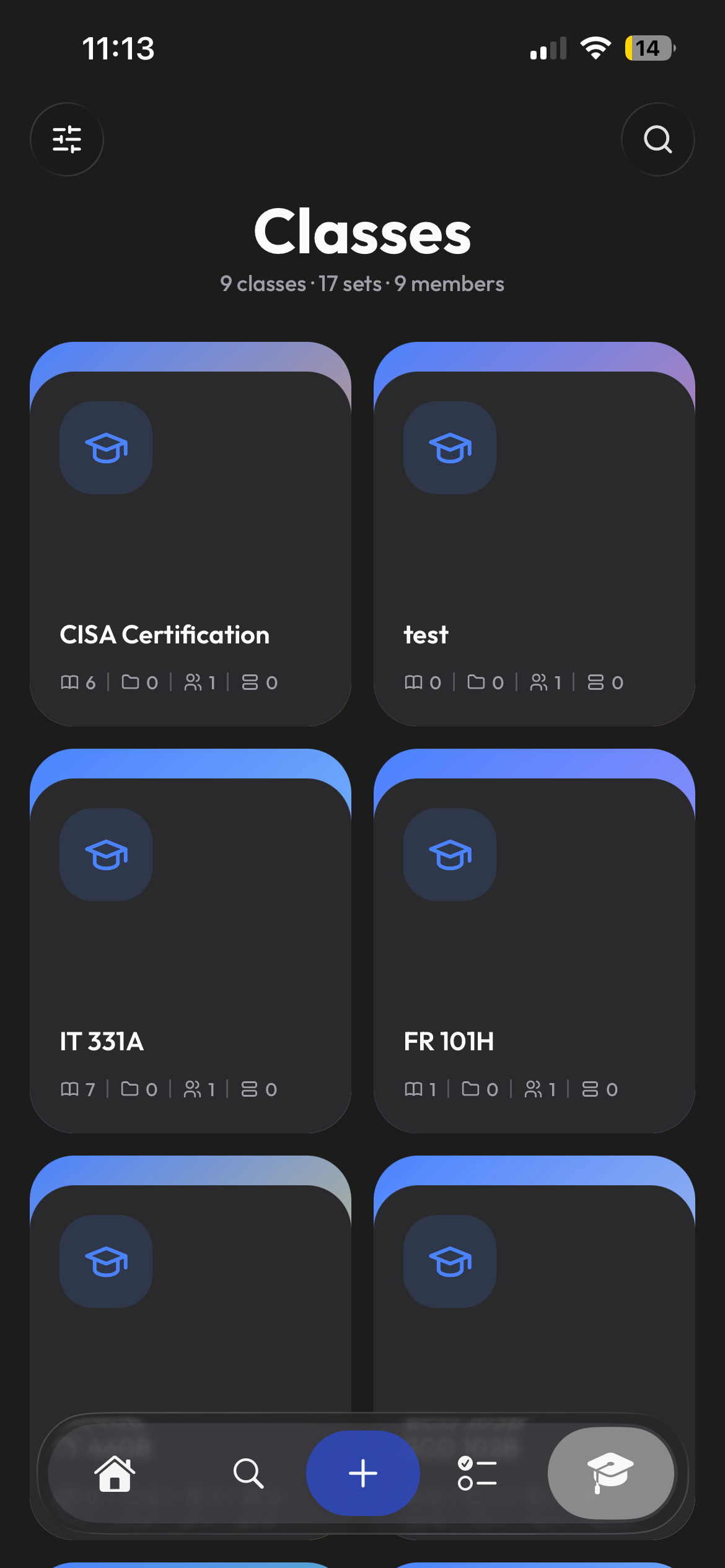
Bring your Canvas courses into Clevaly.
Open Account → Settings in Canvas, create a new access token, and paste it into Clevaly. Choose which courses to link to your Clevaly classes, then bring in their material.
- Use the connection options your school allows
- Automatic course-to-class matching
- Revoke the token in Canvas at any time
Modules become topics. Files land in them.
Clevaly reads the module each file belongs to and files it under the matching topic in your class. Turn on automatic sets and each topic keeps a study set that grows as new files arrive.
- Files organized by course topic
- Organize study sets by topic
- Deadlines surfaced on Home
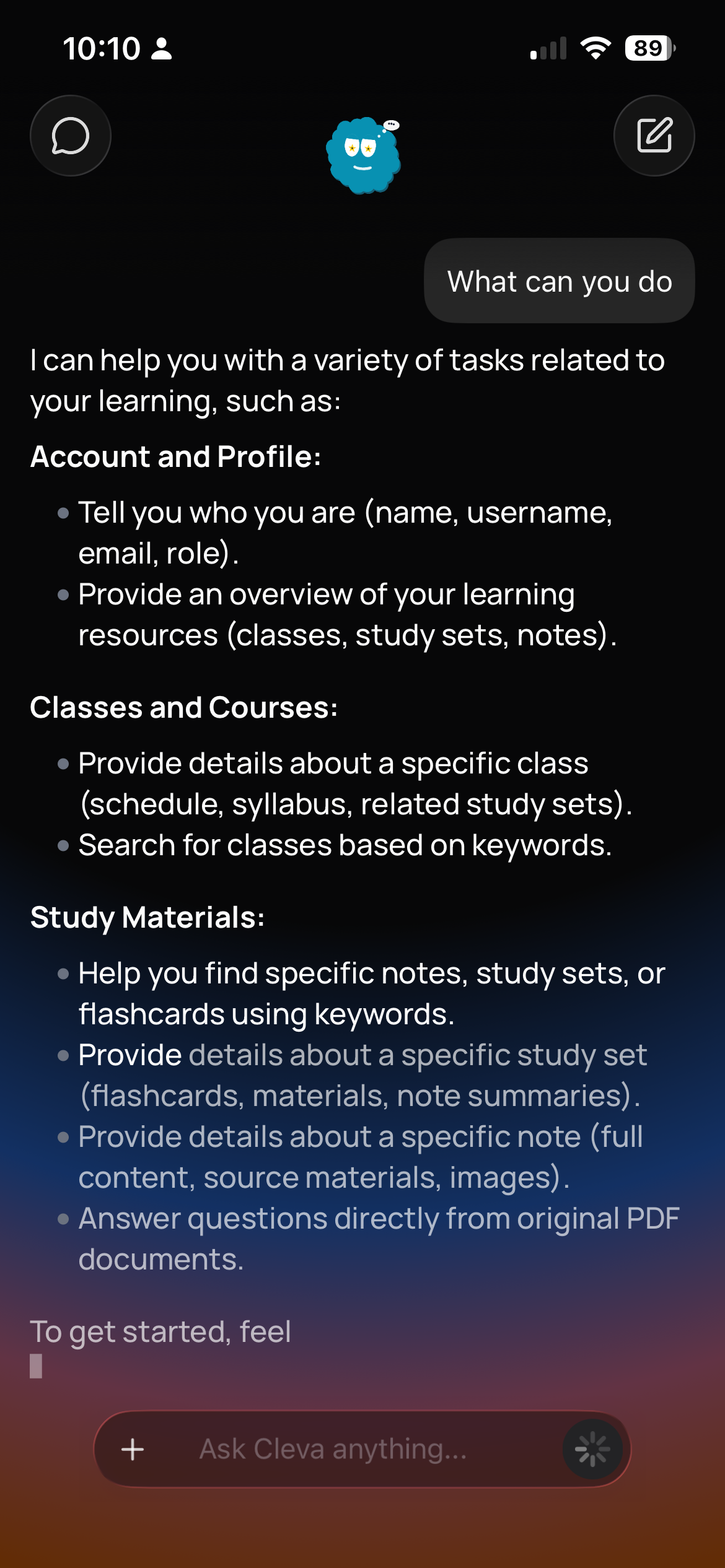
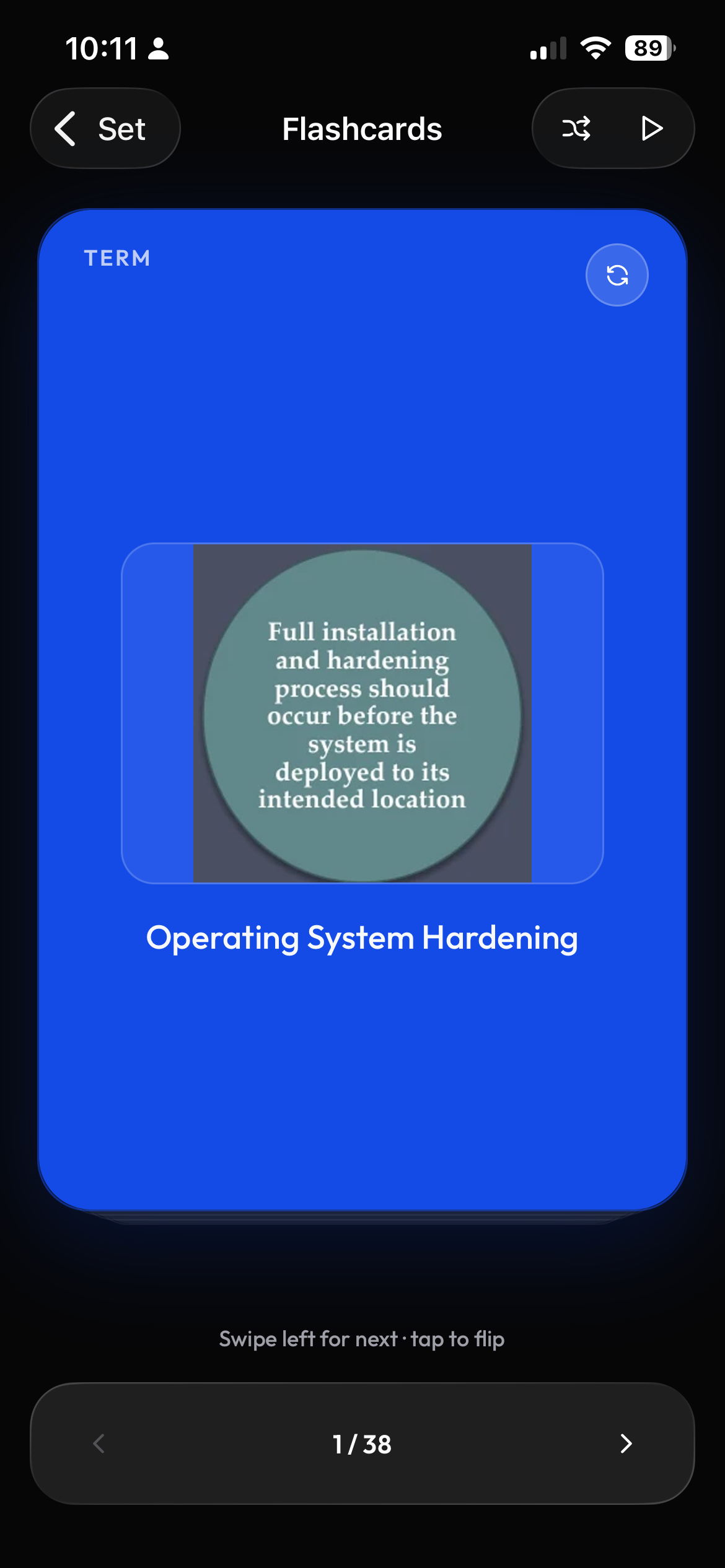
Get help with the reading you were assigned.
Cleva searches the files in your class before answering, so an explanation cites your professor's slides rather than a random website. Create practice tests from the same course material.
- Answers grounded in course files
- Practice tests from your material
- Works on mobile and web
Frequently asked questions
How do I connect Canvas?
Connection options depend on your school. Clevaly supports school-enabled sign-in and personal access tokens. The Canvas connection guide walks you through the available options.
Can Clevaly see my grades or submissions?
Clevaly reads course files, modules and assignment due dates. It does not read grades, submissions, messages or other students' work, and it never writes to Canvas.
What happens if I delete the token?
Sync stops and Clevaly asks you to reconnect. Everything already imported stays in your classes.

Connect Canvas today.
Create a free Clevaly account and paste one token. Choose your courses and start studying.
Sign up for Clevaly