Turn your lecture PowerPoint into flashcards
Bring your lecture slides into the class they belong to. Make cards from the slides, then review and edit before studying.
How it works
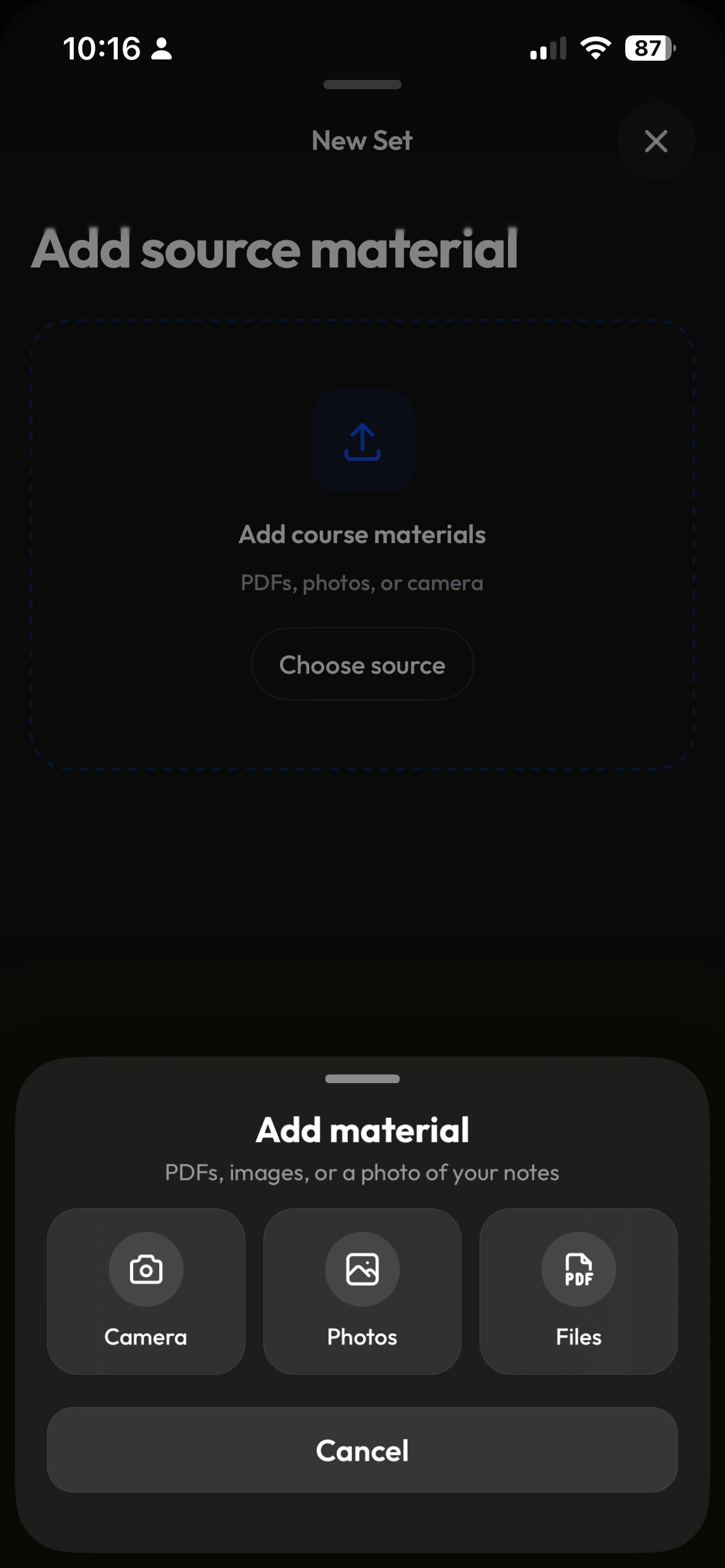
Create a study set, pick the class, upload the pptx or batch-import a folder of slides, choose Flashcards. Clevaly reads slides in full including figures, you review and edit, then study in Flashcards, Learn, Test or Match. Studying is free, generating uses study actions.
Get started in 3 steps
- 1
Pick the class and add your slides
Create a study set and upload your PowerPoint. For several lectures, use Batch import on the Create hub.
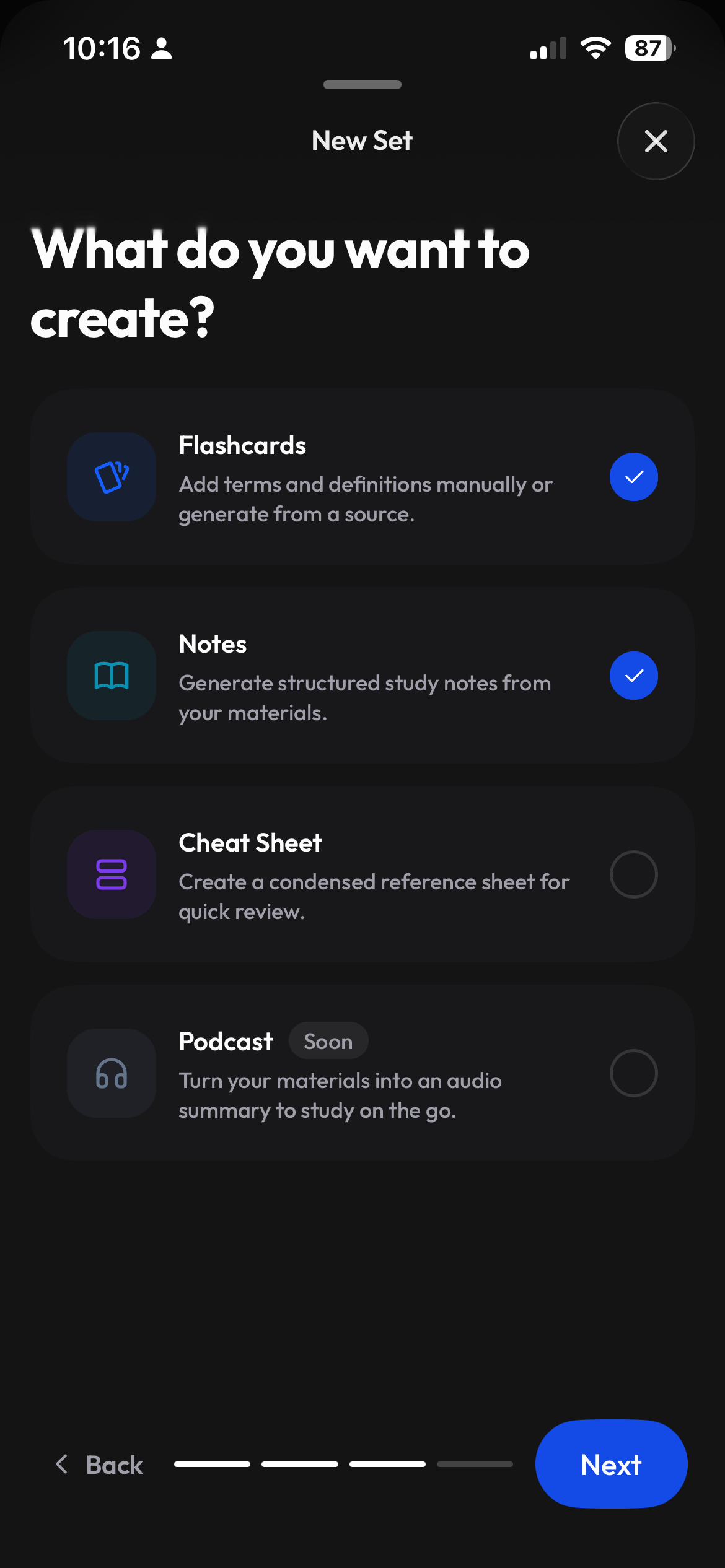
- 2
Choose Flashcards
Generate cards from your slides. You can also make notes or a practice test from the material.
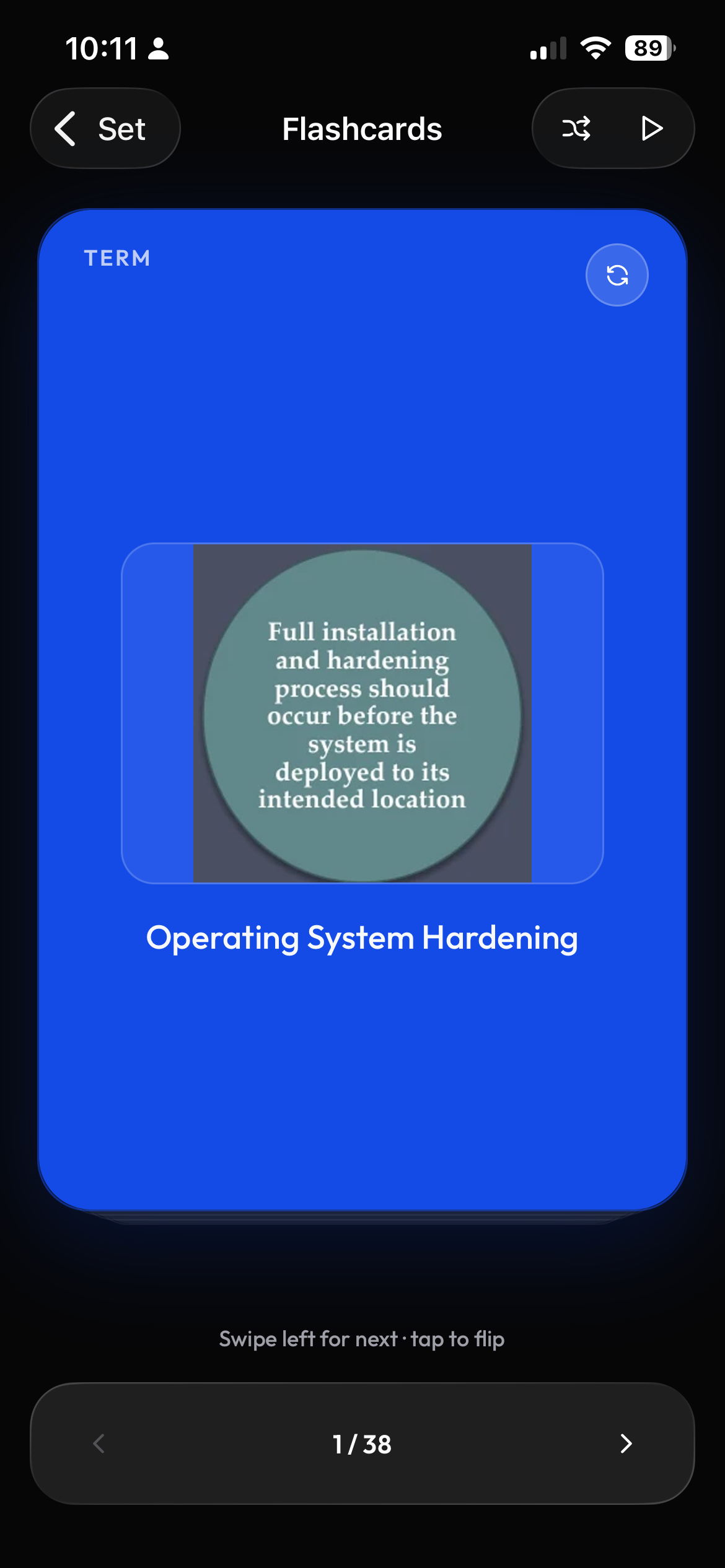
- 3
Review, edit and study
Compare the cards with your slides, edit the wording, then open Flashcards, Learn, Test or Match.
Why not paste the slides into a chatbot?
Pasting slide text is one way to ask for help. Uploading the PowerPoint to Clevaly keeps the full slides, including figures, as the source and puts the resulting cards in a study set under your class. You can review and edit the set, then use its study modes without copying the questions elsewhere.
Bring a folder of lectures, billed per file
Batch import processes several files and generates study material for each. Billing is per file, so a folder is not treated as a single generation. Review the files you select before starting. See study actions explained for how generation is metered.
Start from the slides in your course site
Moodle, Canvas and Brightspace can sync course files into your class with read-only access. See the Moodle flashcards walkthrough for the path from course material to a study set.
Have another kind of source?
Use PDF to flashcards for a PDF, upload a Word document, or start with an image or screenshot. For a book organized into chapters, see textbook to flashcards.
Study the same set in four ways
| Mode | How to use it |
|---|---|
| Flashcards | Review a term, then reveal its definition. |
| Learn | Practice the terms in your set. |
| Test | Check your understanding with a practice test. |
| Match | Pair terms with their definitions. |
Frequently asked questions
Can I make flashcards from PowerPoint lecture slides?
Yes. Upload your pptx as the source for a study set, choose Flashcards, then review and edit the generated cards.
Does Clevaly read figures in my slides?
Yes. Clevaly reads slides in full, including figures. Source figures are available at the set level; they are not automatically attached to individual cards.
Can I use Google Slides?
Download the presentation from Google Slides as a pptx or PDF, then upload that file to Clevaly.
What does it cost?
Studying is free on every plan. Generating study material uses study actions, and batch imports are billed per file. See the pricing page for plan details.
Will the generated flashcards be accurate?
AI can make mistakes or miss details. Check the generated material against your source and edit it before studying.
Are my slides used to train AI?
No. Your files are used to create your study material, not to train AI models.
Keep building your study plan

Make your next lecture a study set
Upload the slides, check the cards, and study the material in your class.