Everything your school day needs, connected.
Keep track of classes and deadlines, turn course files into notes and flashcards, and ask Cleva when a topic needs explaining.
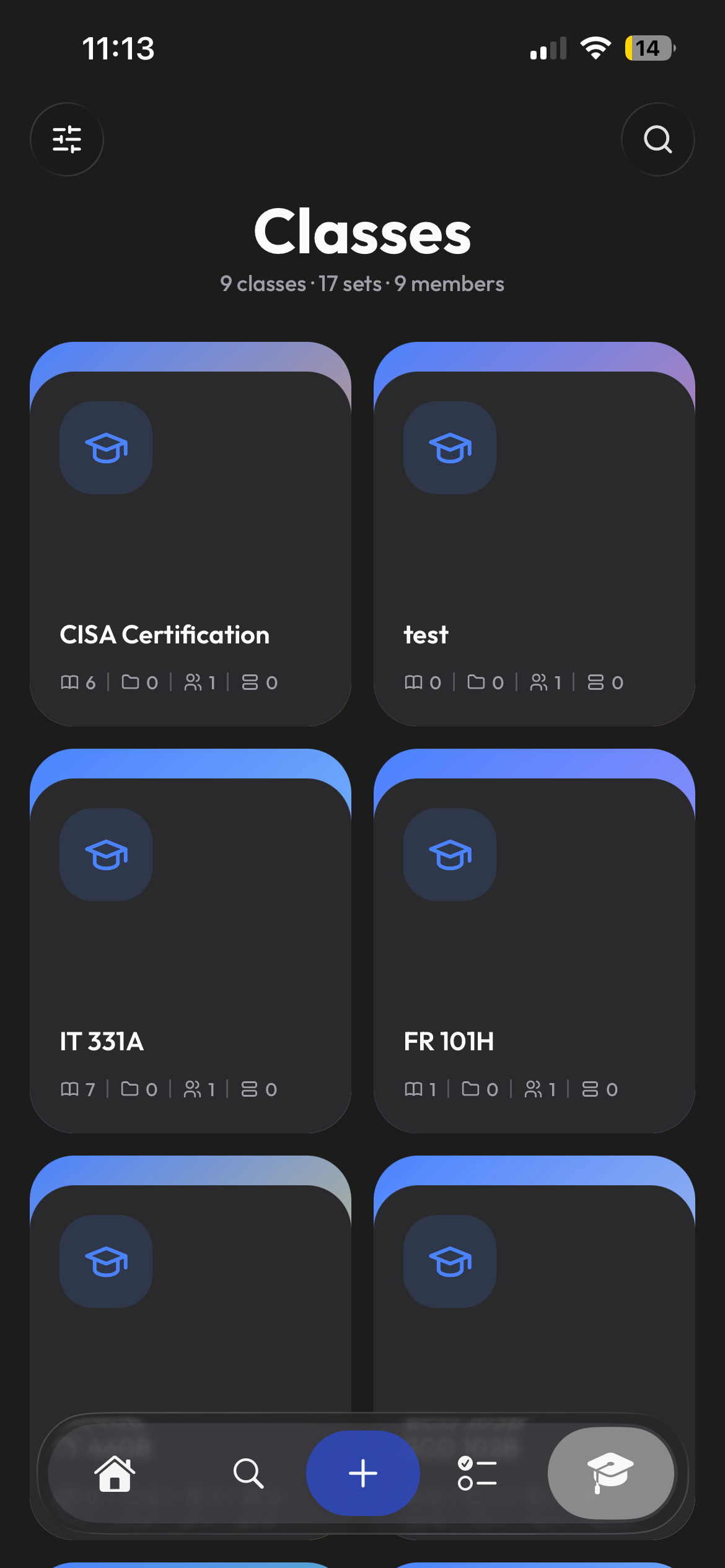
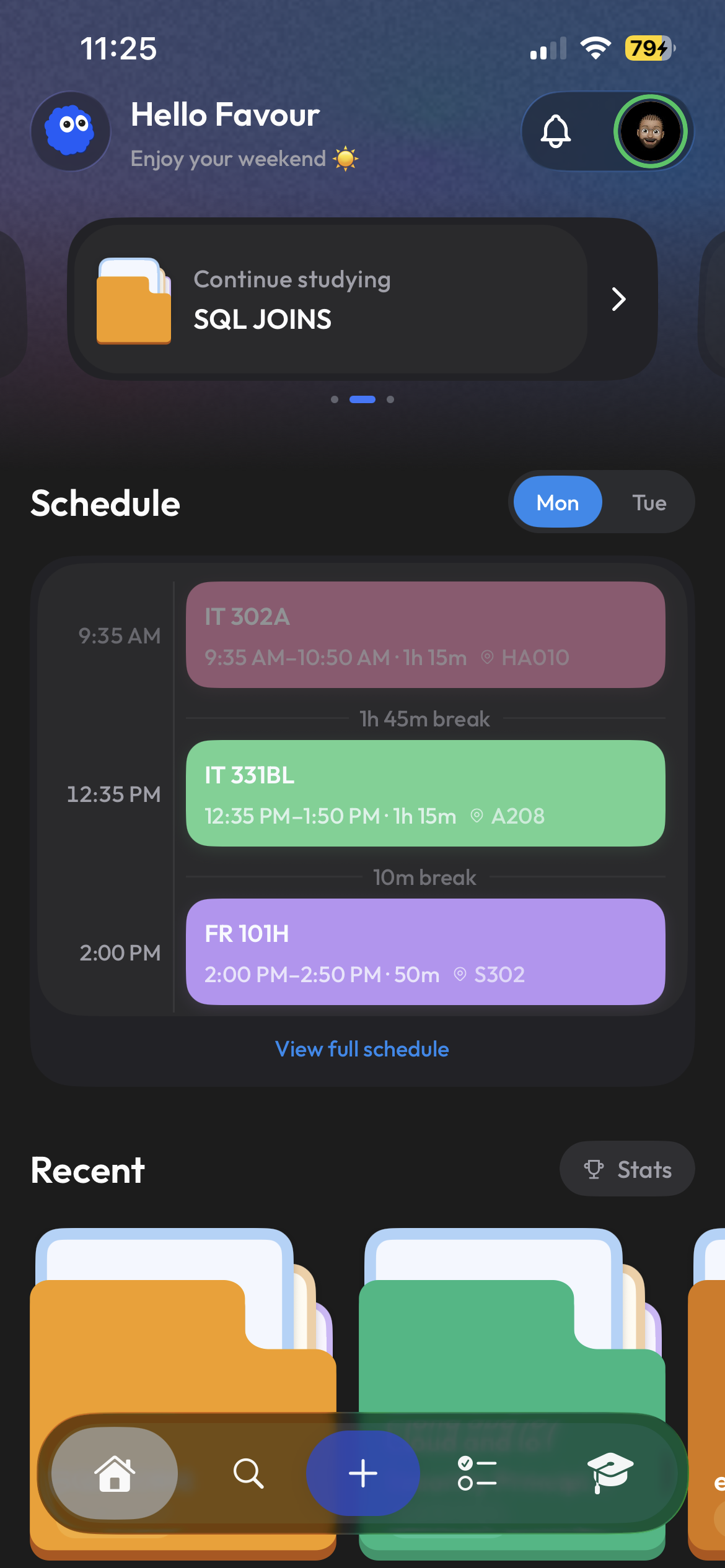
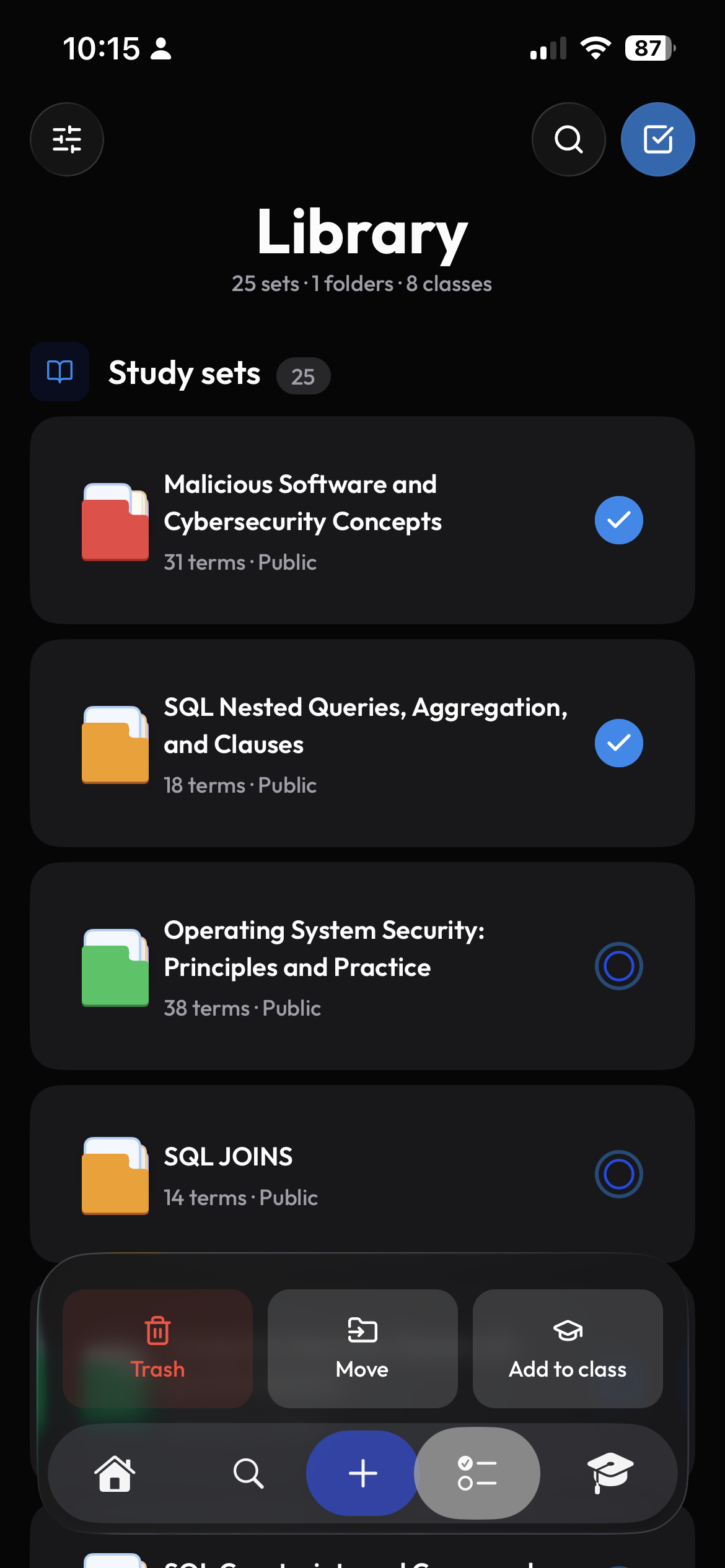
Know what is coming up today.
See your next class, upcoming work, and recent study material on Home. Open a course to find its files, notes, and study sets together.
- Today's schedule stays easy to scan
- Every course keeps its own material together
- Recent work is ready when you return
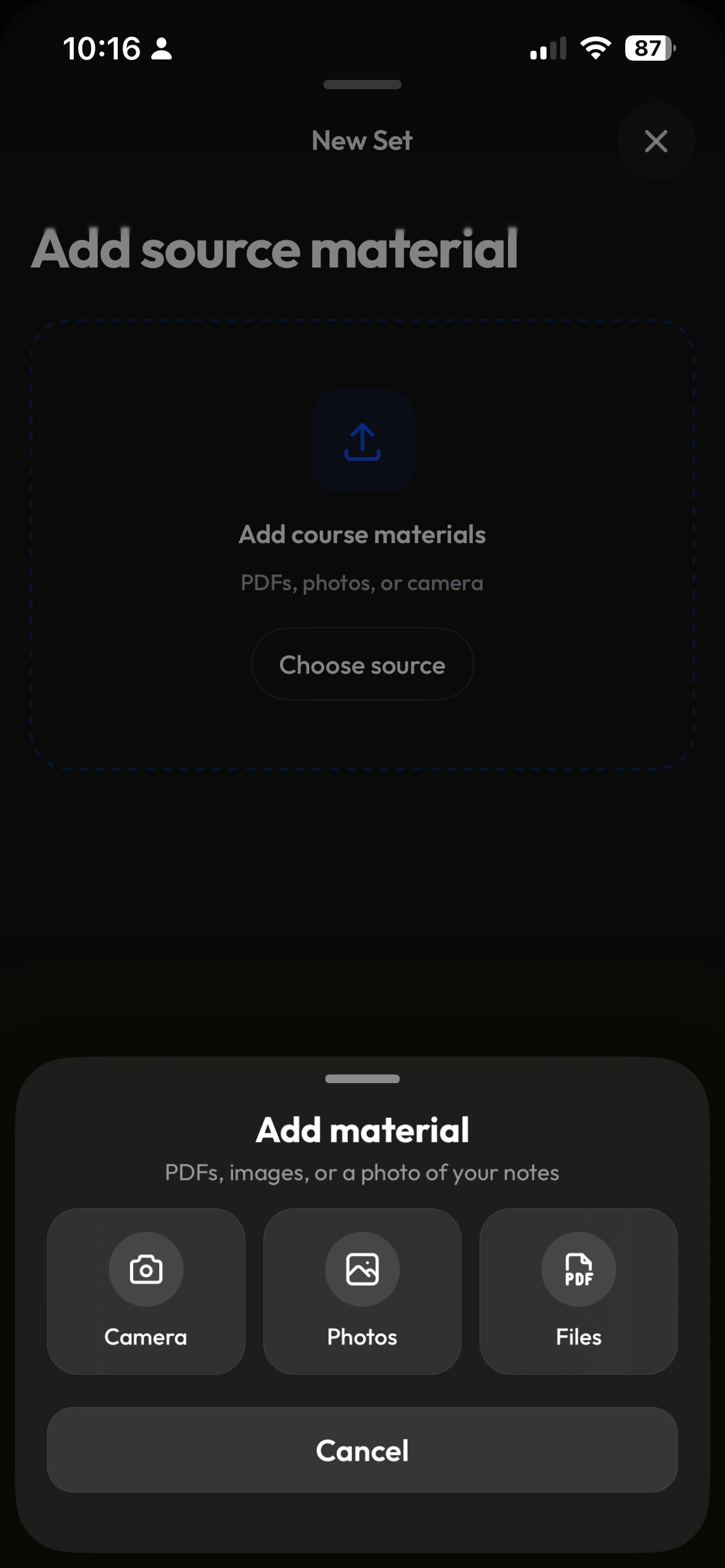
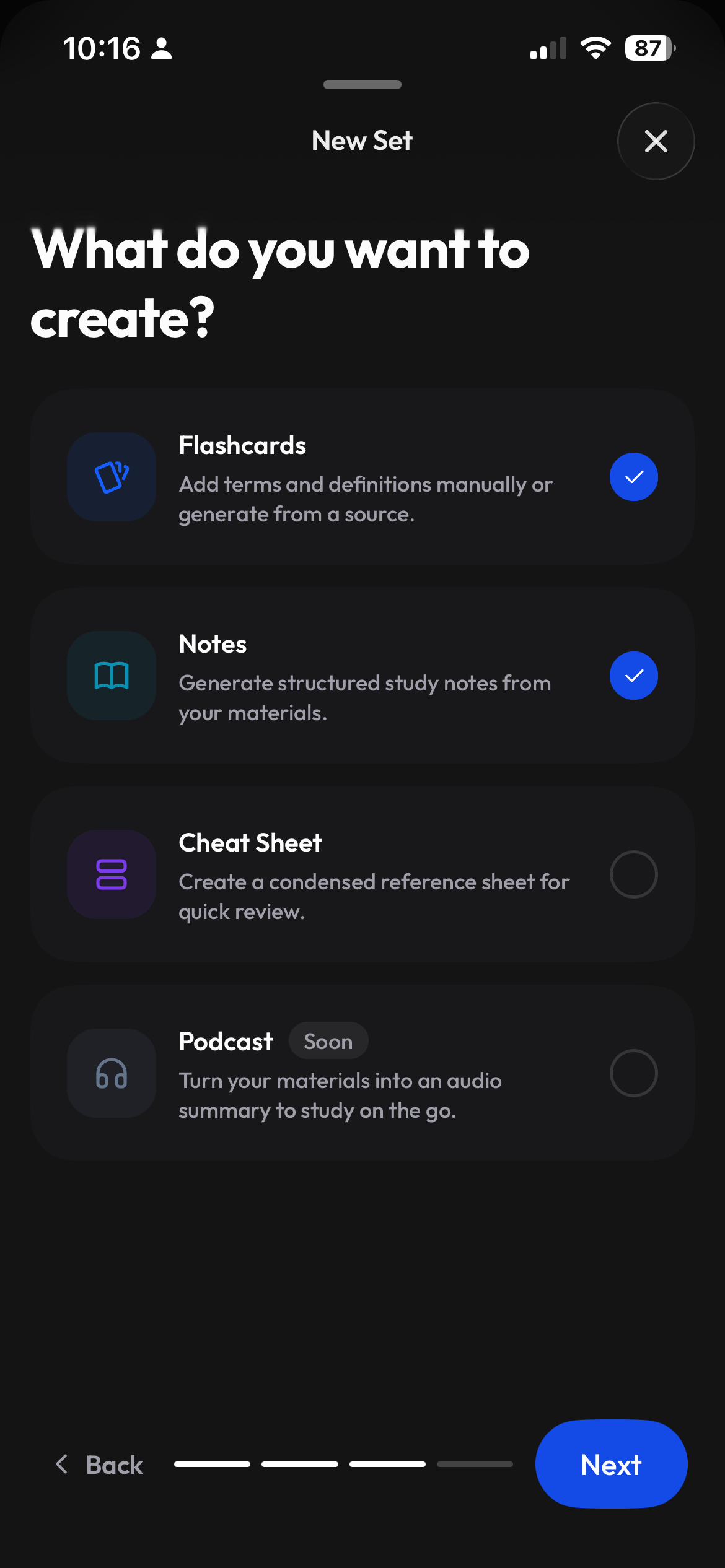
Start with your material, then choose what helps.
Bring a file, paste text, or begin from a blank page. The same source can become useful notes or a study set without moving between disconnected tools.
- Files, pasted text, and blank starts
- Notes and flashcards from the same source
- Keep everything organized by class
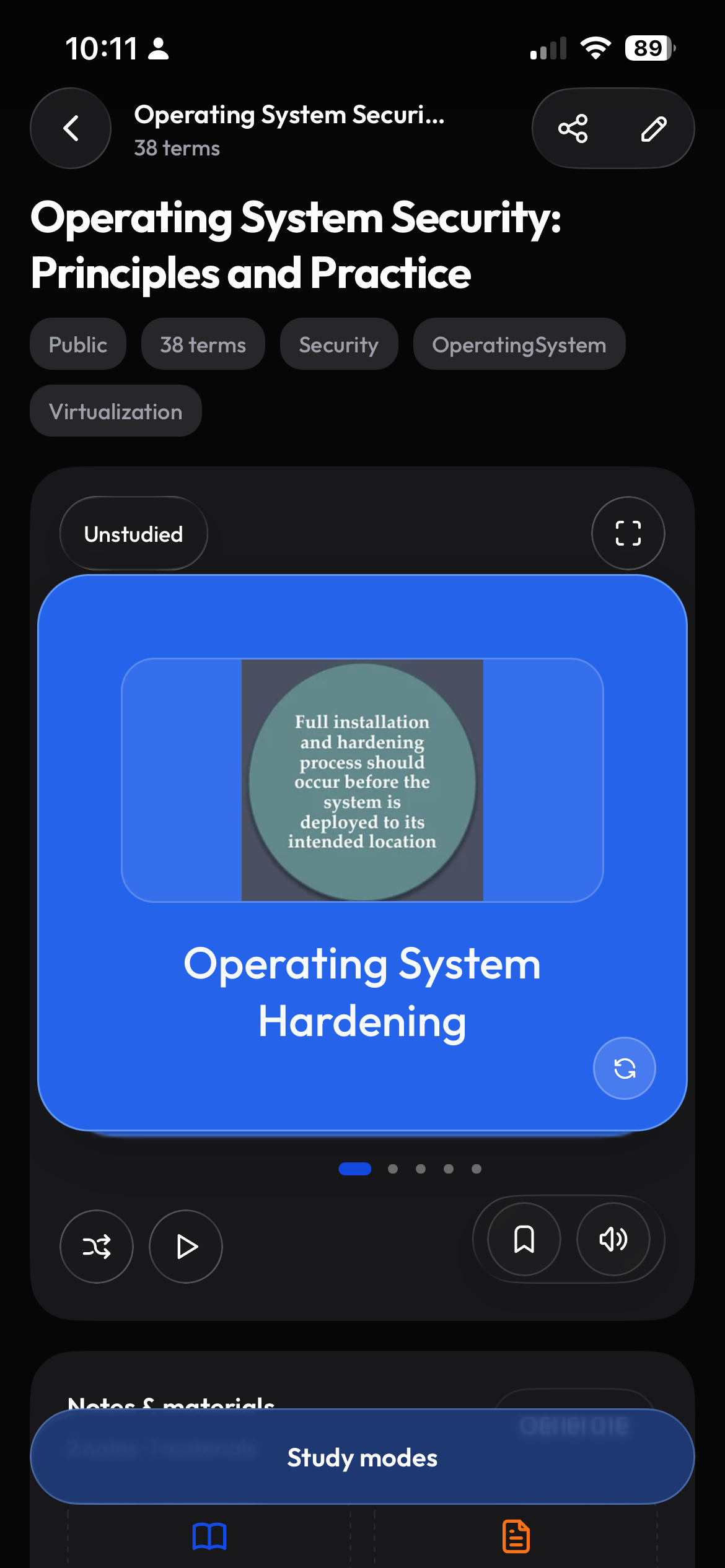
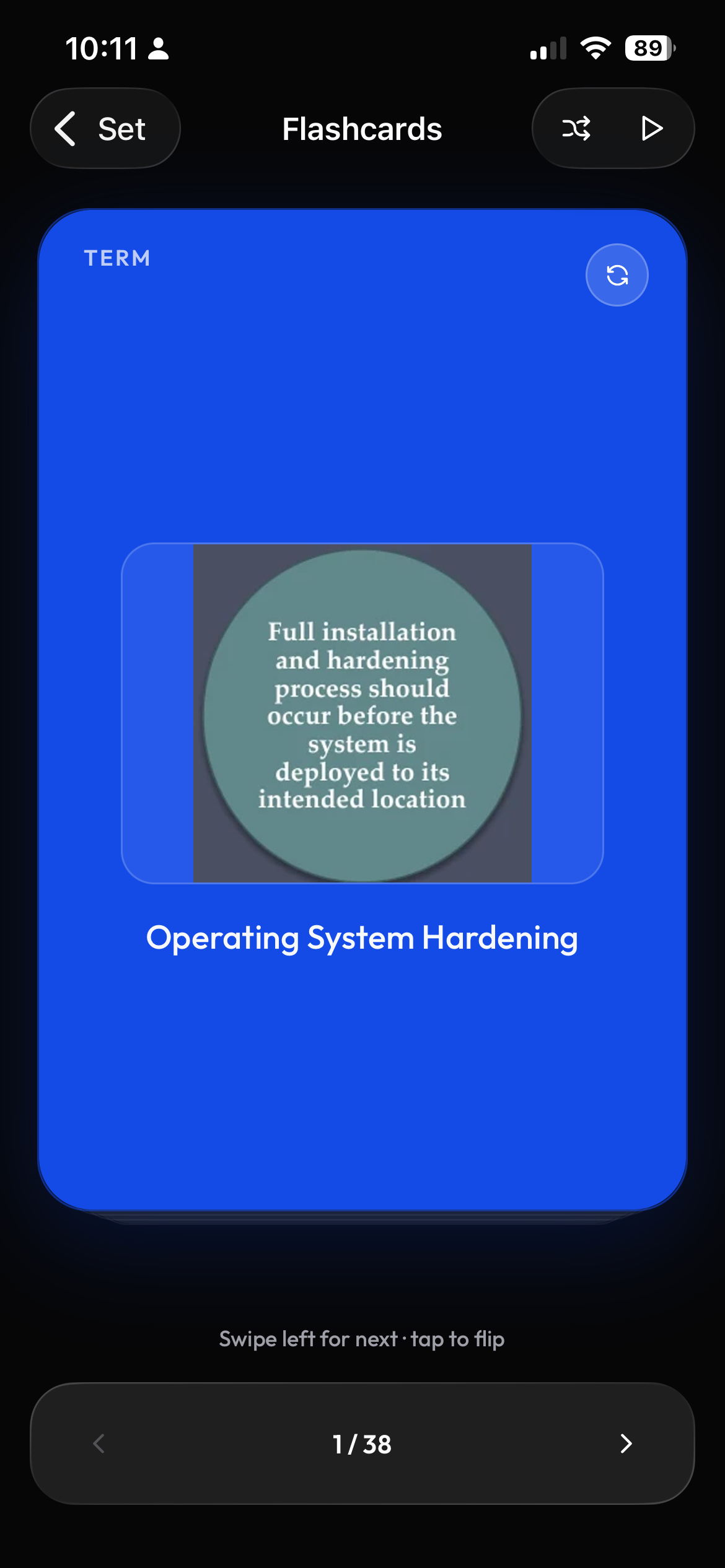
Move from overview to focused practice.
Check your cards, practice with Learn, or take a test to see what you remember. Return to difficult topics before your next exam.
- Review and edit your cards before studying
- Practice with flashcards at your own pace
- Material ready on mobile and web
Your course platform, already in sync.
Connect Moodle, Canvas, or Brightspace and Clevaly imports your readings, files, and deadlines into the right class automatically. The Chrome extension captures pages, PDFs, and videos while you browse your course site.
- Moodle, Canvas and Brightspace supported
- Course material synced to classes automatically
- Browser extension for page, PDF, and video capture

Get ready for your next class.
Add your classes and start studying from your own course material.
Sign up for Clevaly