Get help with the topic in front of you.
Ask Cleva to explain a lecture, work through an example, or quiz you using your course material.
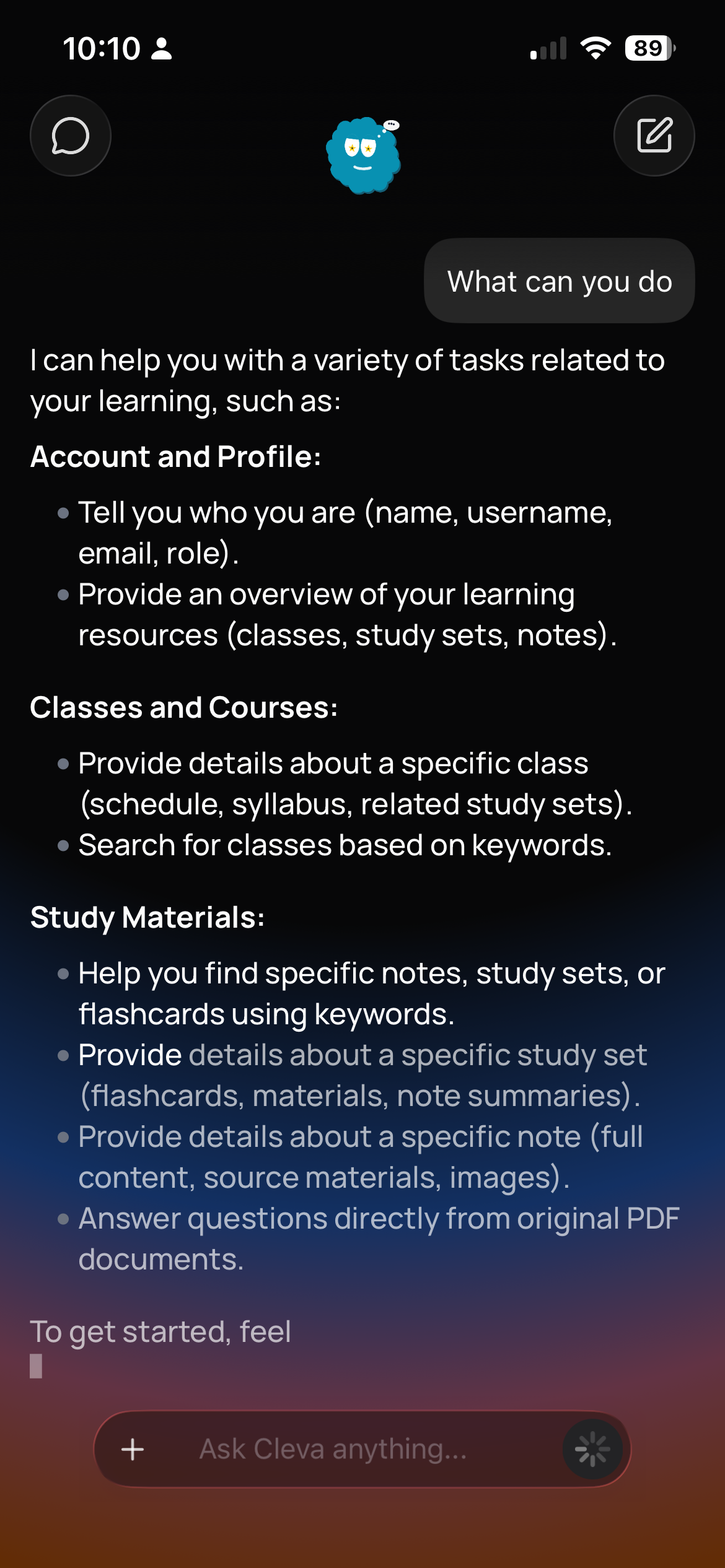

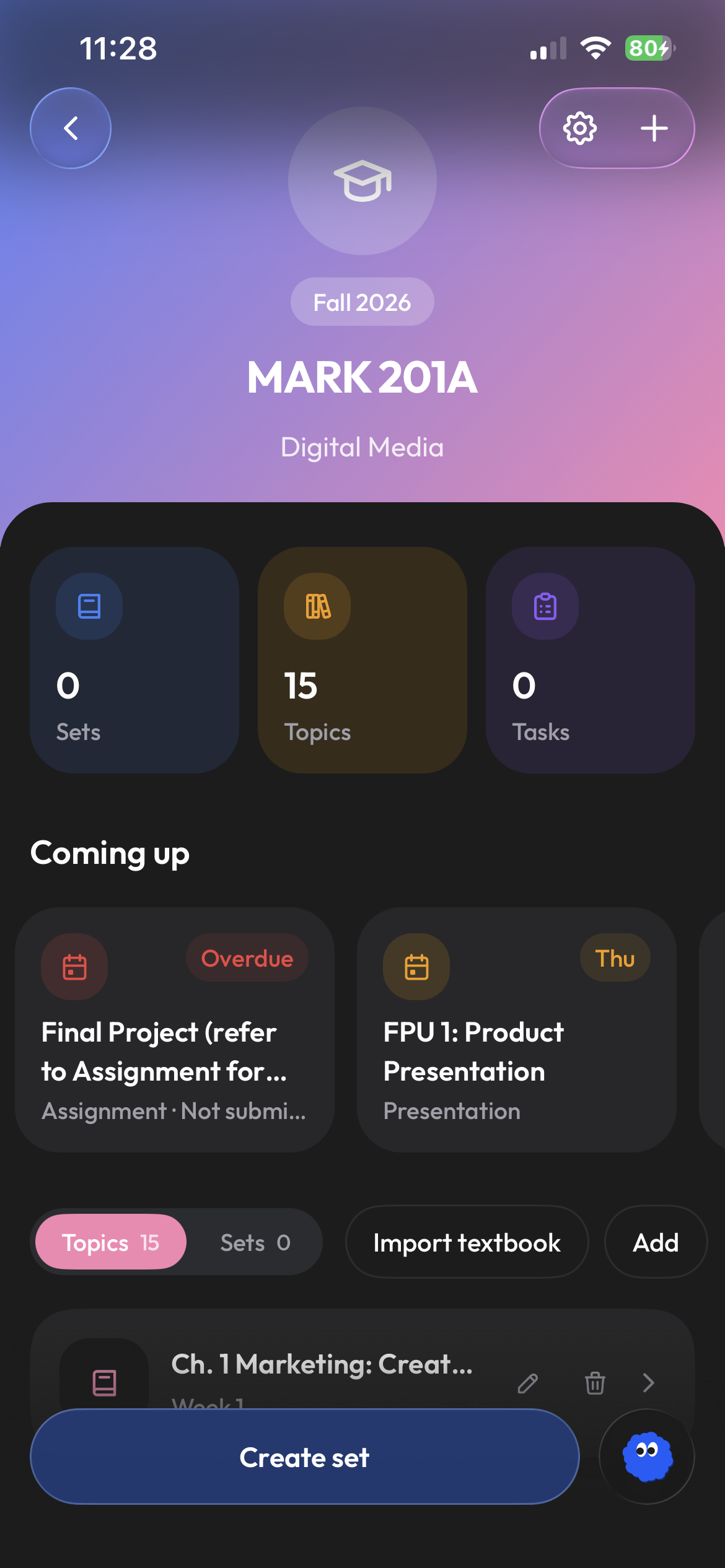
Begin from the class and material already in Clevaly.
Instead of opening a separate chat and restating the whole assignment, ask from inside the school workspace where the relevant course already has a place.
- Ask about your lectures and readings
- Explanations based on your course material
- Spend less time copying files into a chat
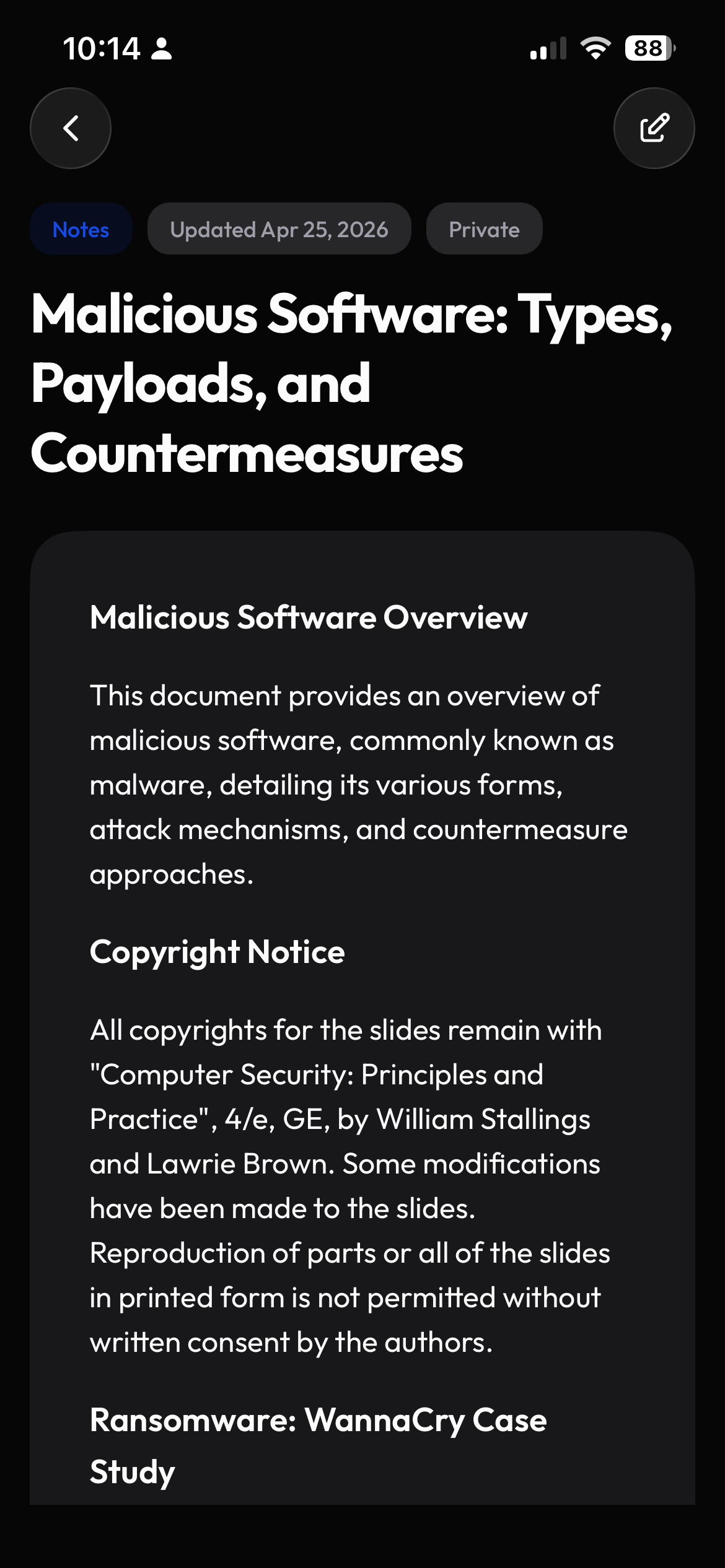
Ask for a clearer explanation, not just an answer.
Use Cleva to break down a difficult section, try another example, or identify the idea that needs more attention. Use the explanation to work through the topic at your own pace.
- Clarify dense concepts
- Request a different explanation
- Identify what deserves another review
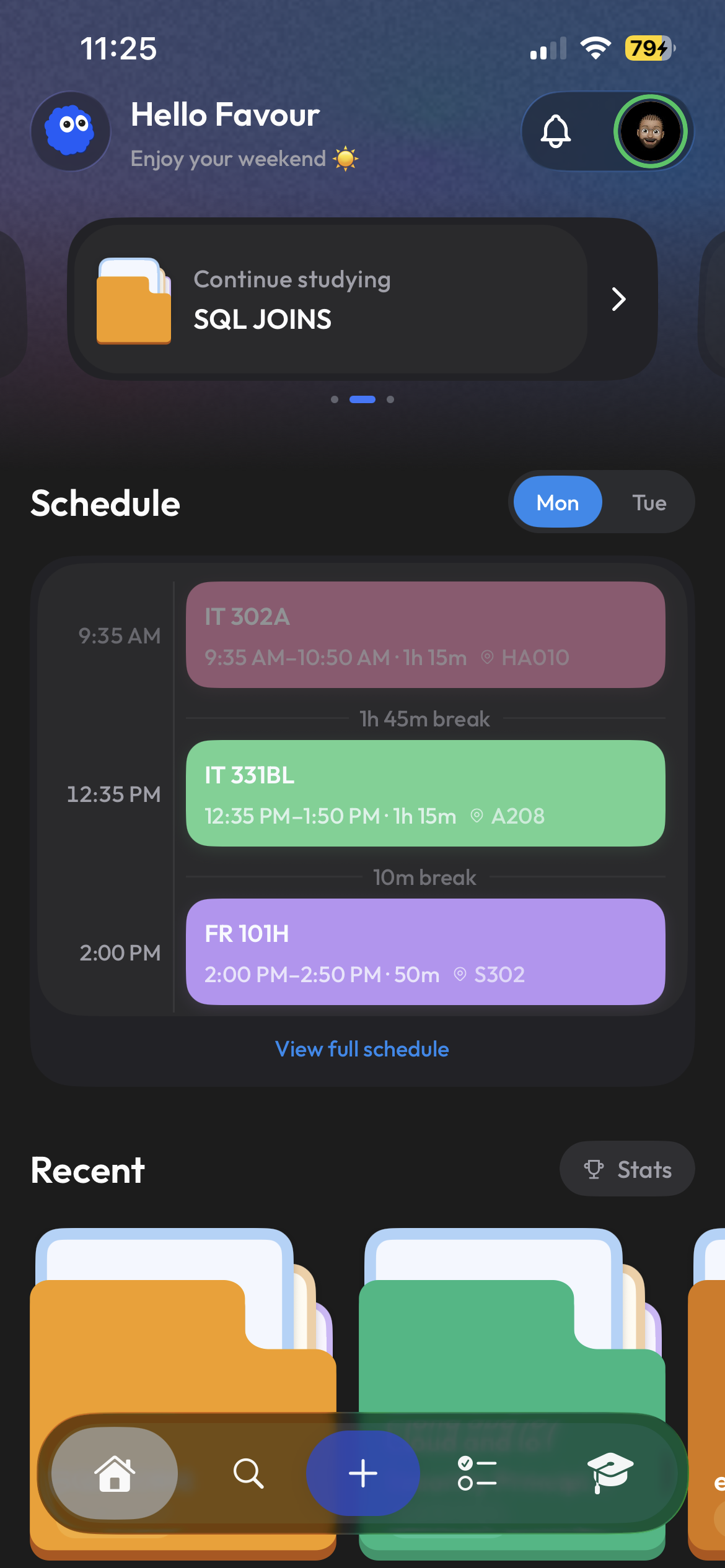
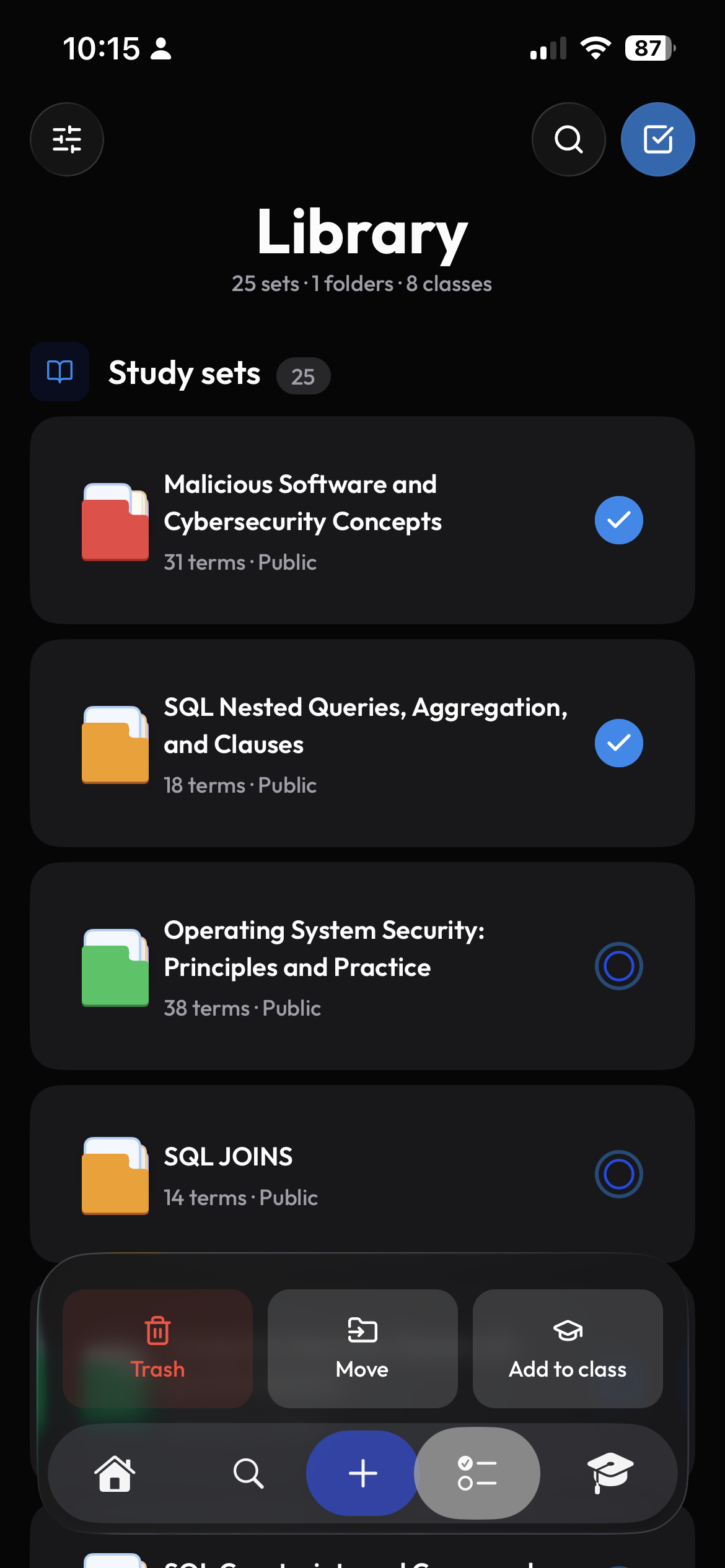
Turn explanations into exam practice.
Ask Cleva to make a study set from your files, then practice in Clevaly. Your notes, explanations, and cards are all available on your phone and computer.
- Create study sets from your course files
- Ask on your phone or computer
- Use your own notes and course files
Frequently asked questions
What is Cleva?
Cleva is the assistant inside Clevaly, designed to help with course questions, difficult material, and choosing what to review next.
How is Cleva different from a separate AI chat?
Cleva can search the course files you have saved in Clevaly. Ask about a reading or lecture without uploading the same material to another chat.
Can Cleva help explain my notes?
Yes. Ask about a section of your notes, request a simpler explanation, or work through another example.
Can I use Cleva on mobile and web?
Yes. Sign in to the same account on your phone or computer to chat with Cleva.
Ask from the work already in front of you.
Create a Clevaly account and meet Cleva inside your own school workspace.
Sign up for Clevaly