Now in public beta

Your school day.
Finally in one place.

Keep your classes, deadlines, notes, and flashcards together. Ask Cleva for help, and study on your phone or computer.
iPhoneAndroidWebChrome extension
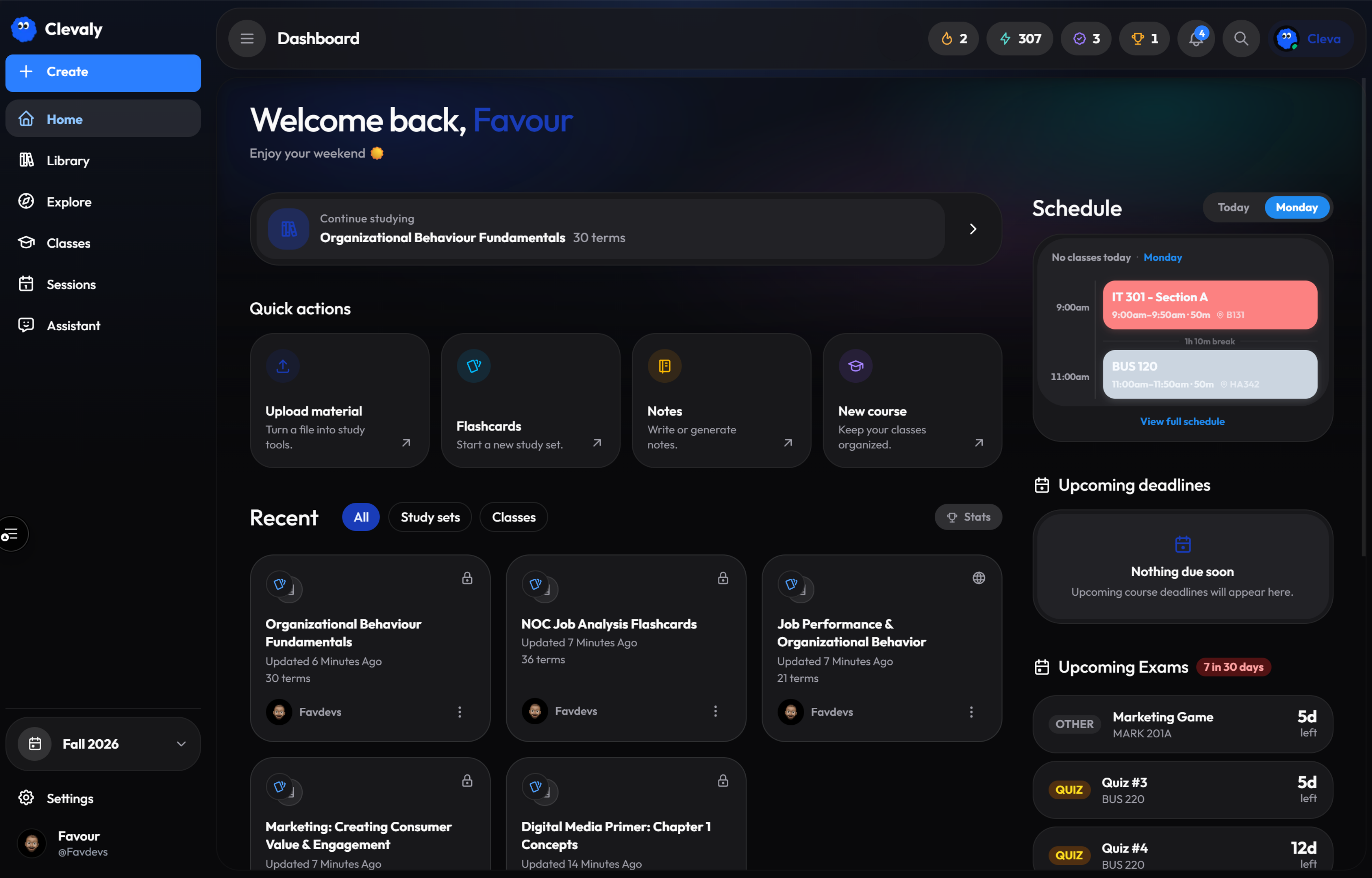
clevaly.com/home
The Clevaly web dashboard: today's schedule, recent study sets and courses
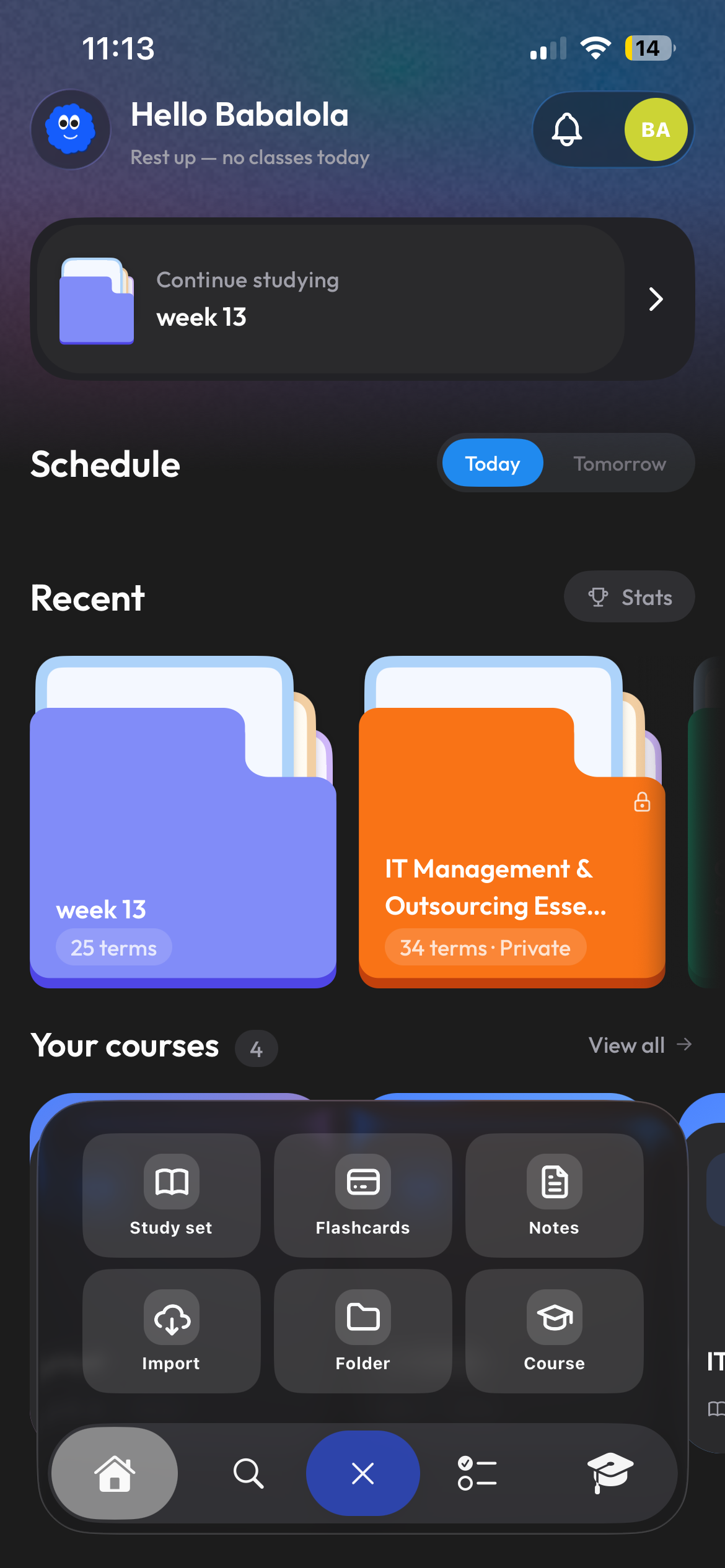
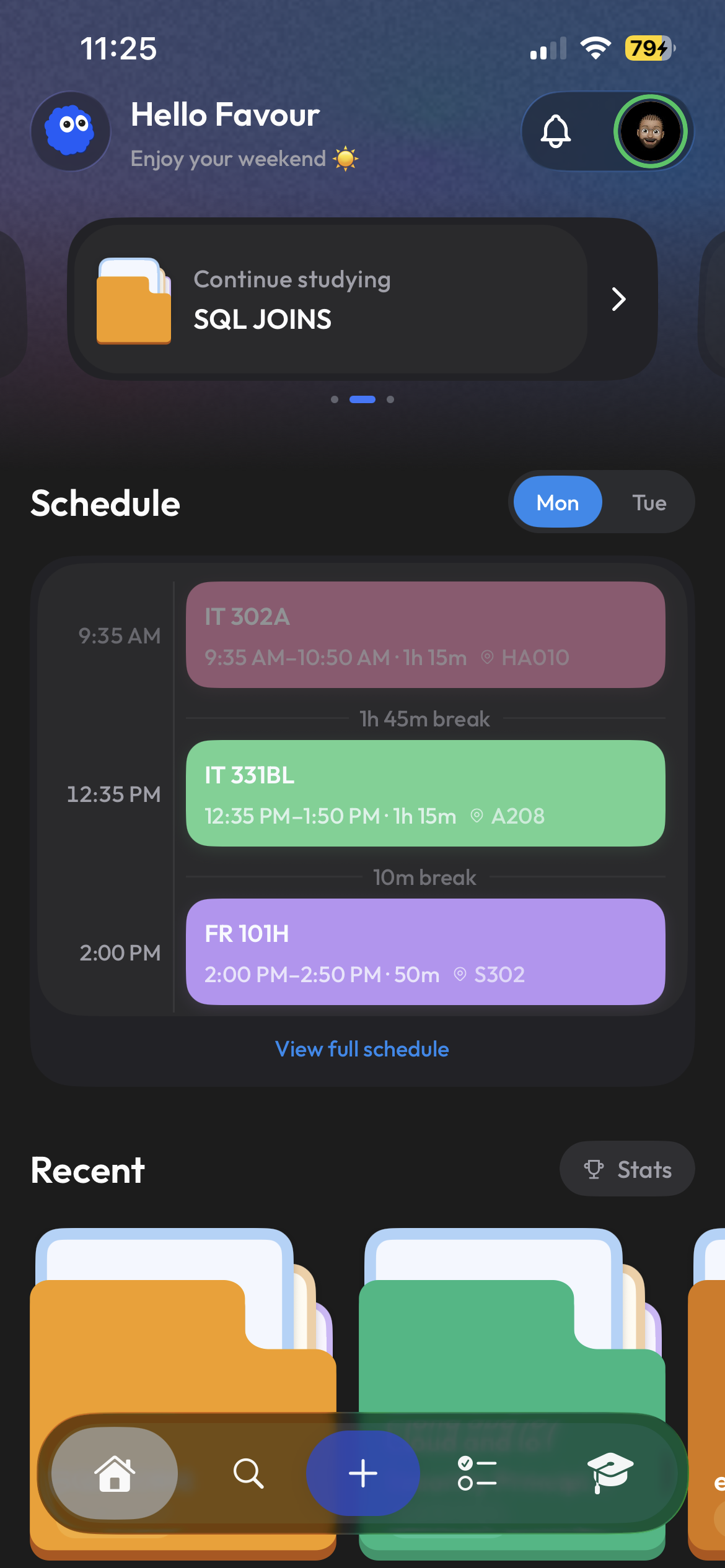
Clevaly home on a phone

Less time getting organized. More time learning.

Find your next class, open the right material, and get back to studying.

The Clevaly school-day dashboard
01

Your day, already organized

See classes, times, recent work, and what needs your attention next.

02

Every course has a home

Keep materials, study sets, notes, and class details connected.

03

Create from what you have

Turn lecture slides and notes into flashcards or study notes.

04

Help with what you are learning

Ask Cleva to explain a reading or quiz you on your course material.
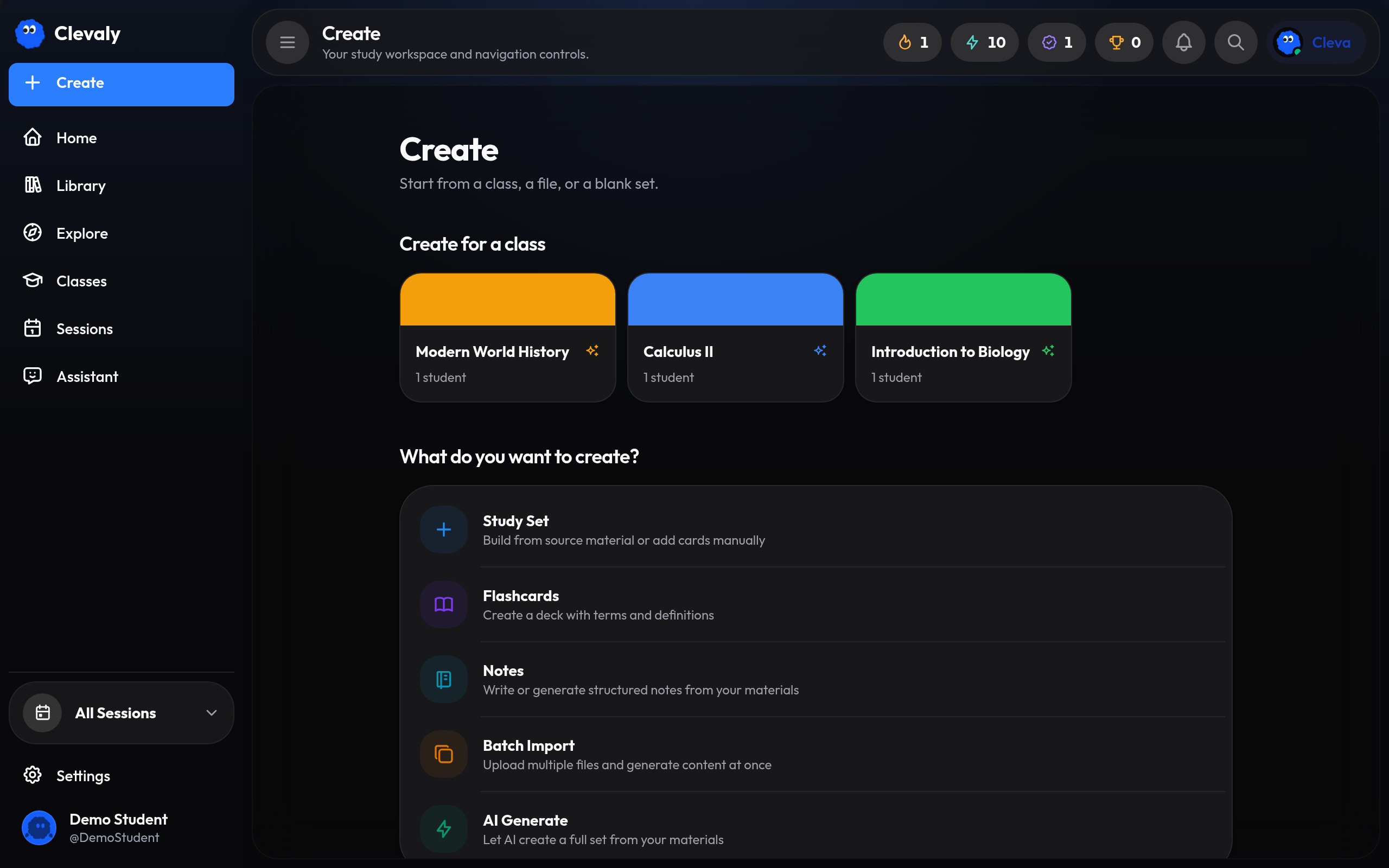
clevaly.com/create
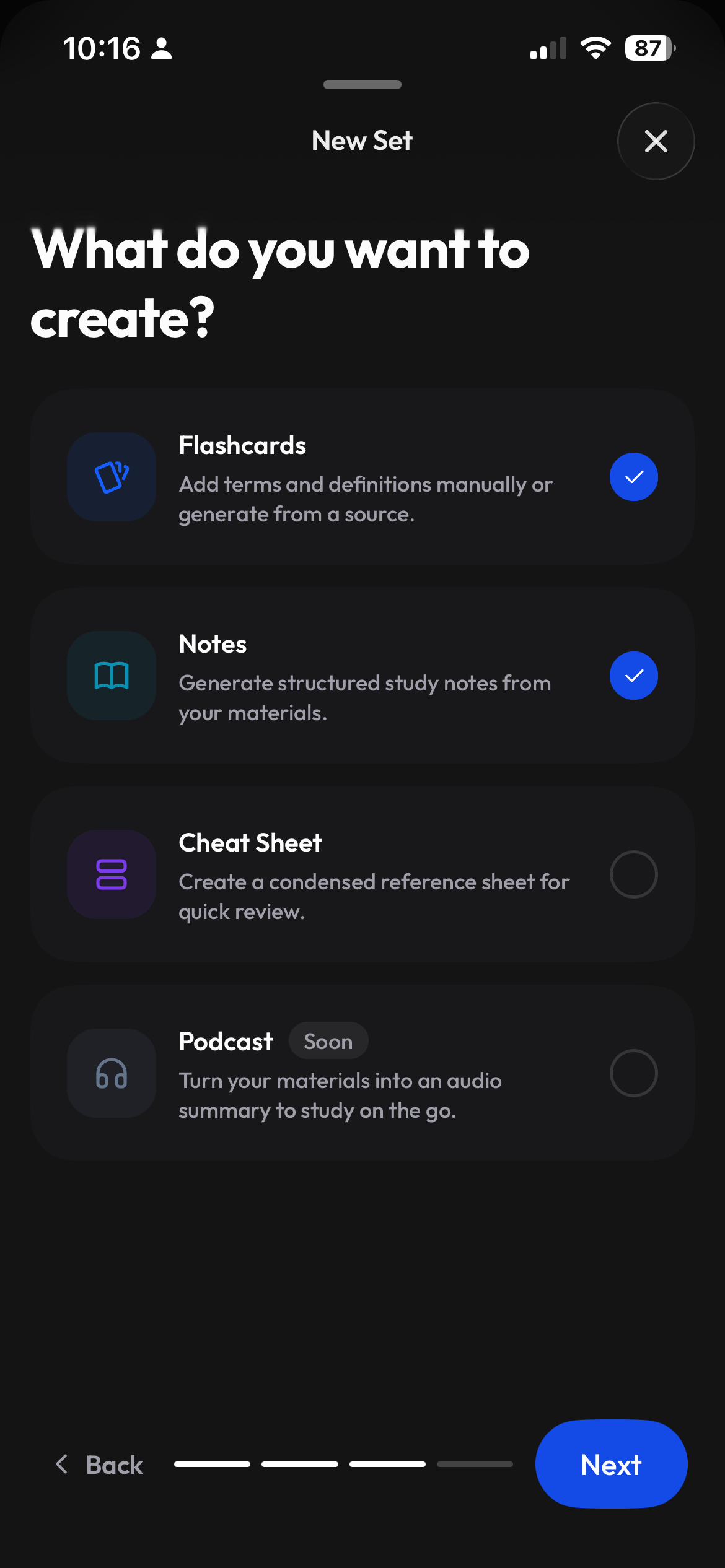
Choosing what to create in Clevaly on the web
Choosing flashcards or notes as an output on mobile

Bring the material. Choose what it becomes.

Upload a file, paste content, or start fresh. Build the flashcards and notes that fit the course instead of starting over in every tool.

  • Files, pasted text, or a blank start
  • Flashcards and notes from one source
  • Keep everything organized by class
Learn · round 2Which process should complete before a system is deployed?
A Patching after go-live
Full installation and hardening
C Disabling the firewall
68%
26 of 38 mastered7 still learning · 5 new

Make it once. Learn it your way.

Review with flashcards, test yourself, or try Learn and Match. Come back to the concepts that need more practice.

  • Review and edit your cards
  • Flashcards, Learn, Test, and Match
  • Study on your phone or computer
Chrome extension · Side panel
MoodleCourses and readings
CanvasFiles and deadlines
BrightspaceCourse material

Your lecture files, ready to study.

Connect Moodle, Canvas, or Brightspace and your readings, files, and deadlines land in the right class automatically. The browser extension captures pages and PDFs as you browse.

  • Moodle, Canvas and Brightspace
  • Course material synced to your classes
  • Schedule and deadlines imported
  • Browser extension for on-page capture
See how to connect

From your next lecture to your next exam.

Organize your courses, take notes, and practice what you have learned.
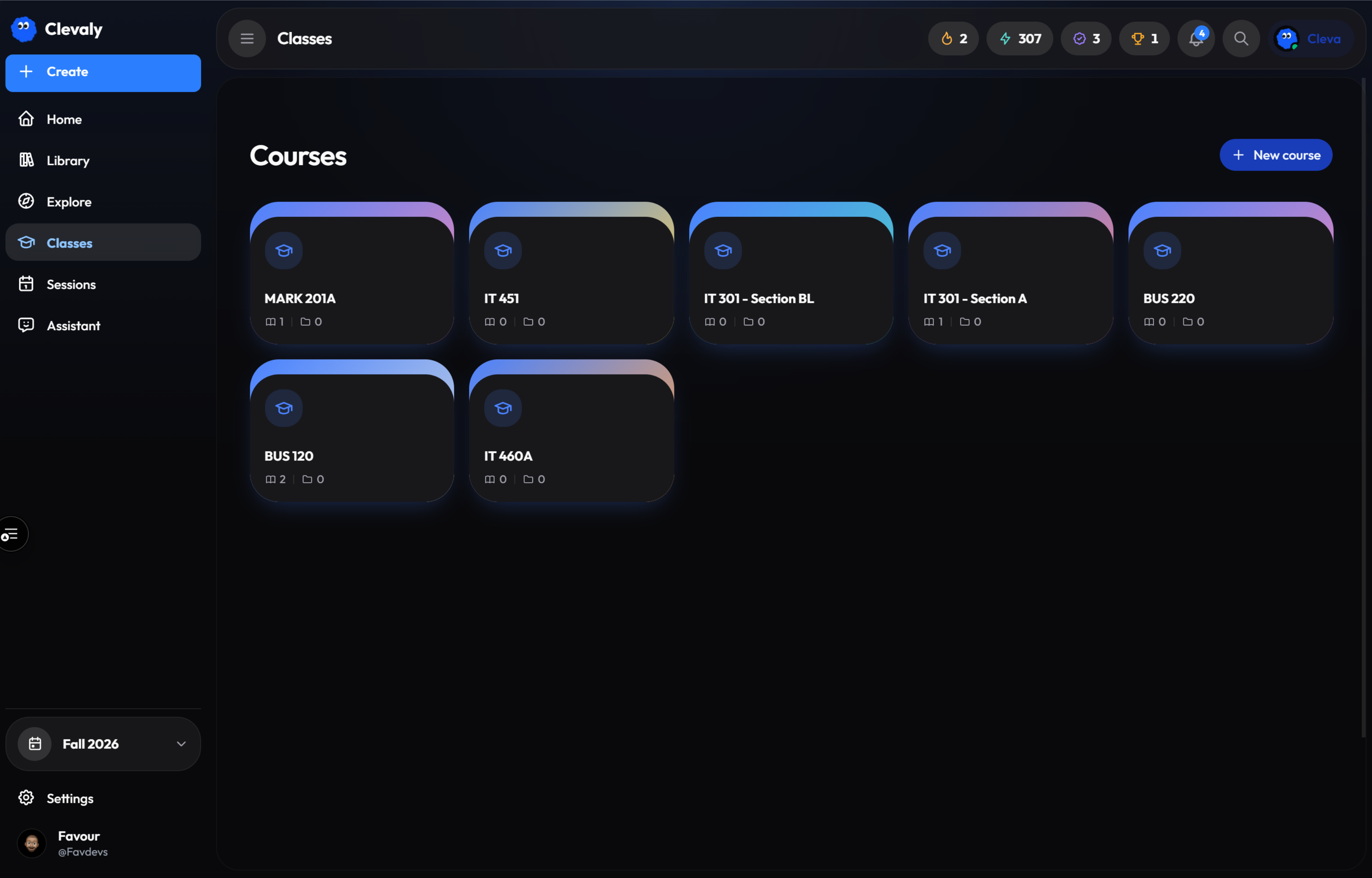
Classes

A clear place for every course

clevaly.com/classes
Classes in Clevaly on the web
Quick create

Create flashcards or notes from your files

Quick create in Clevaly on mobile
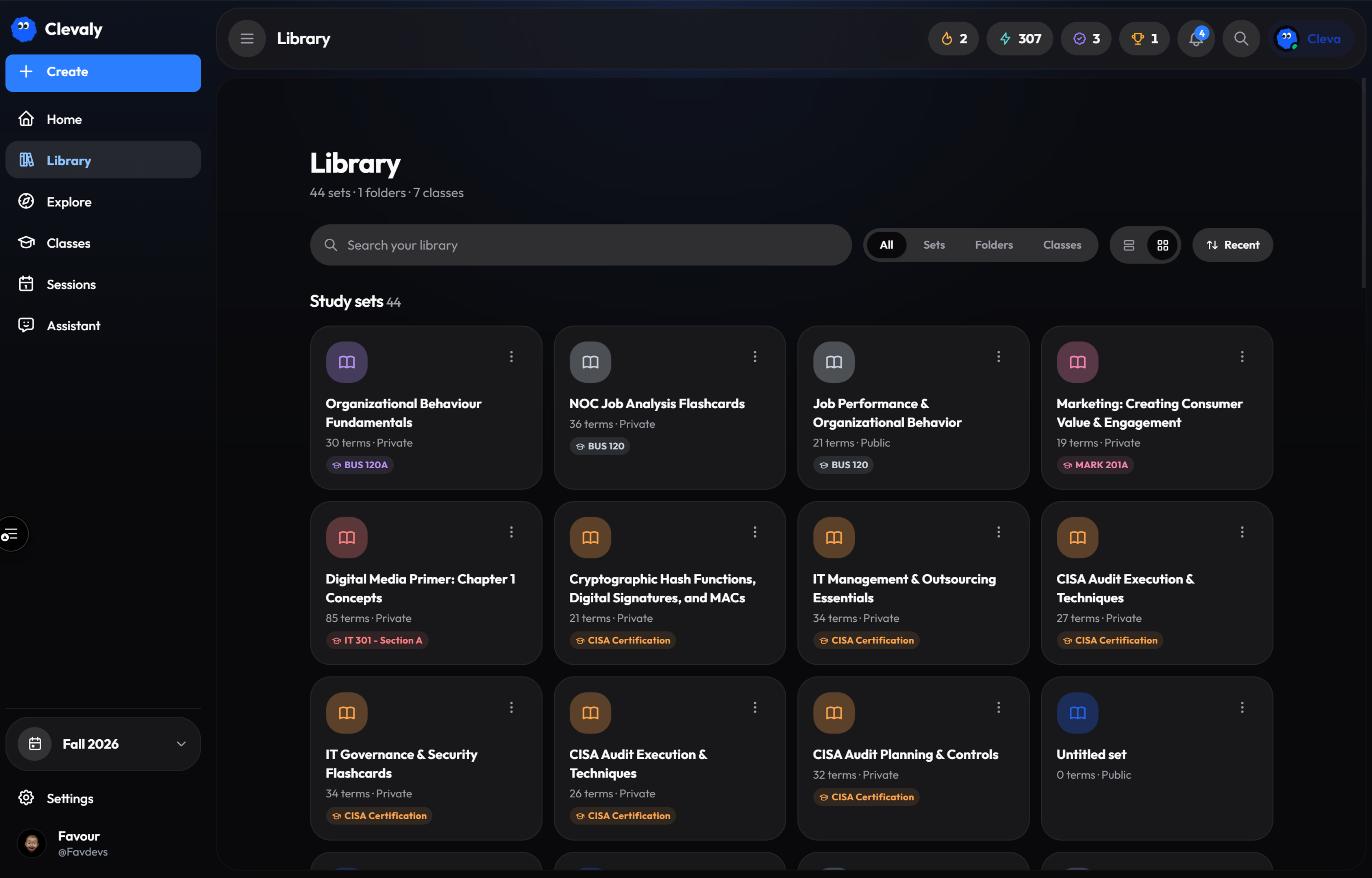
Library

Your study material, kept close

clevaly.com/library
Library in Clevaly on the web
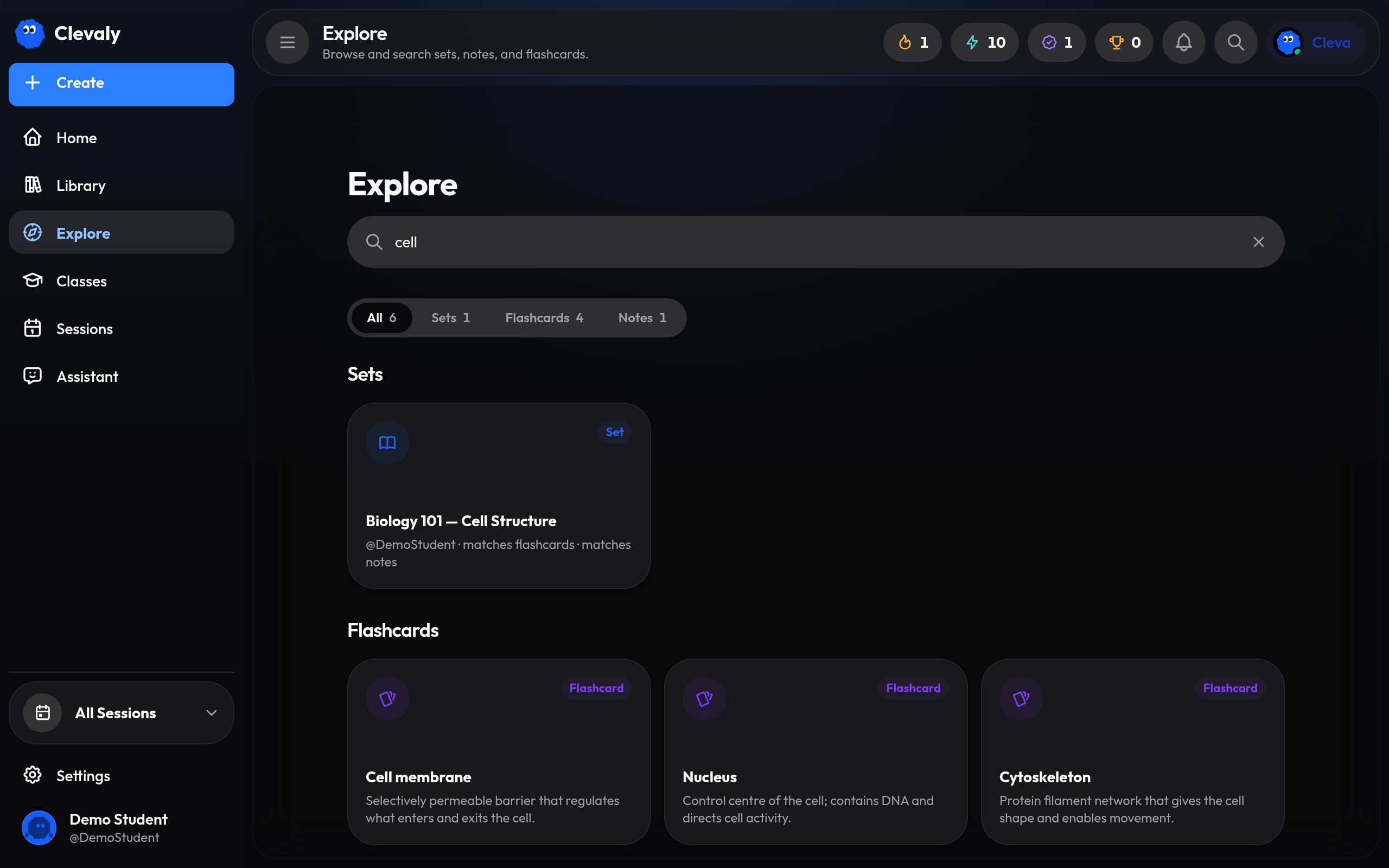
Search

Find useful material faster

clevaly.com/search
Search in Clevaly on the web
Notes

Turn dense topics into clarity

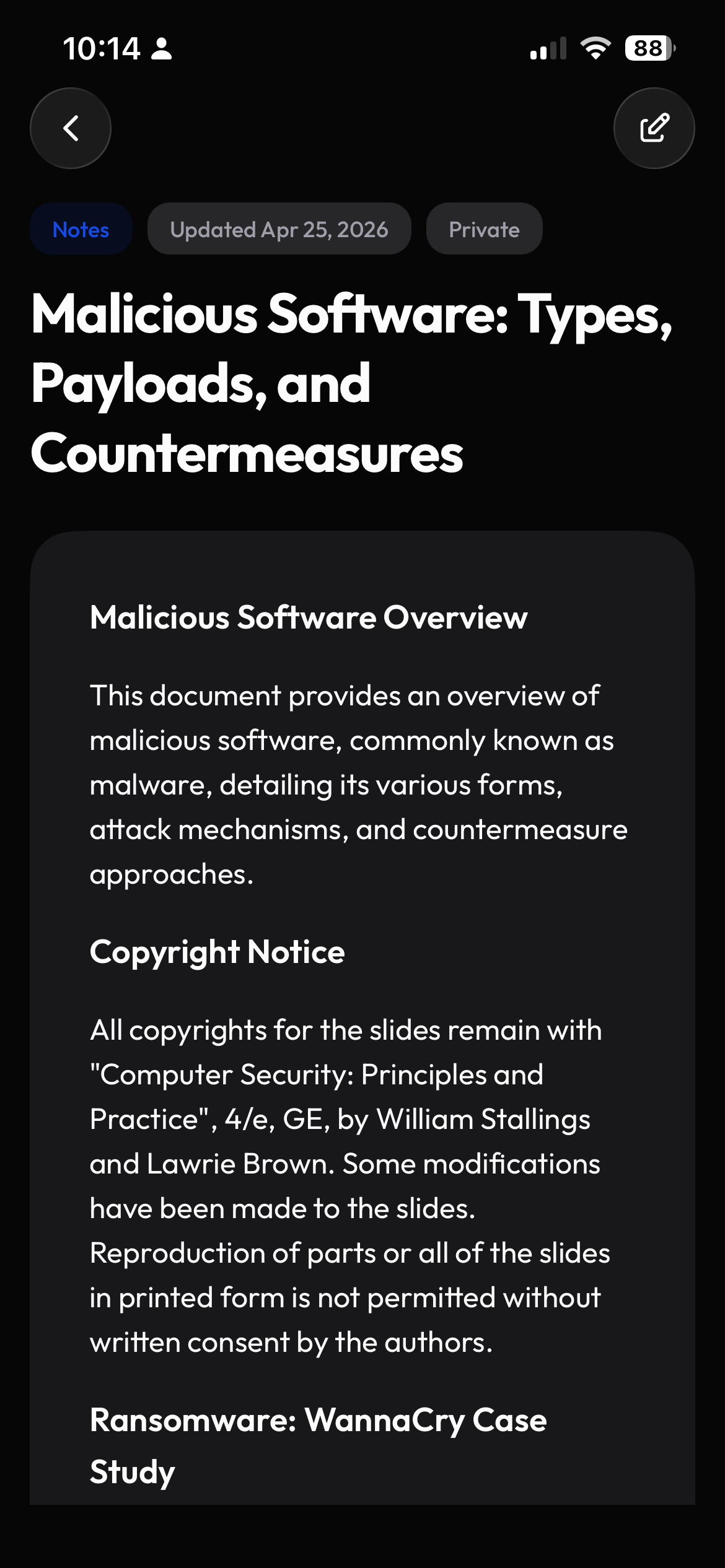
Notes in Clevaly on mobile
Study sets

Practice the topics you need to know

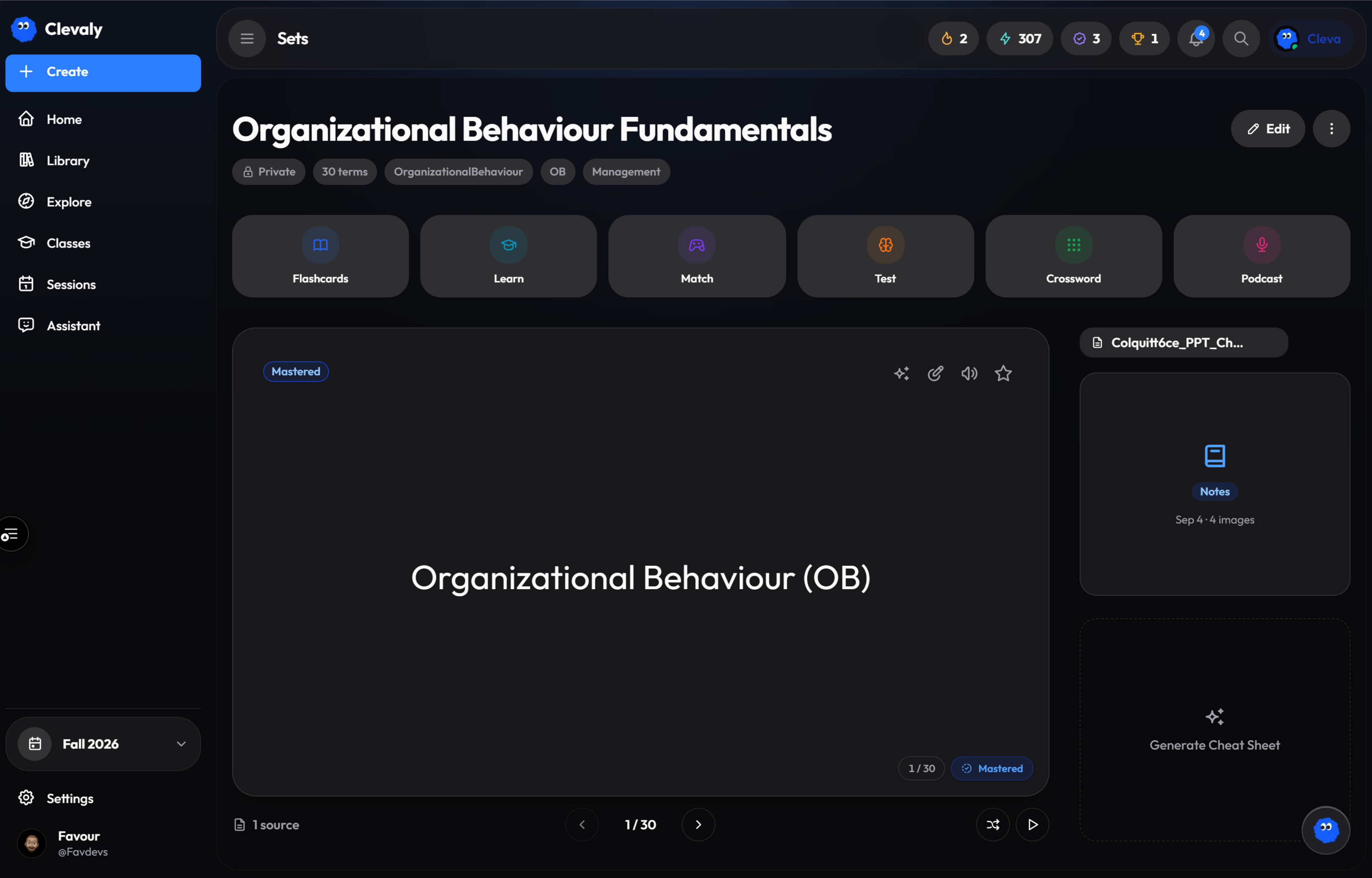
clevaly.com/sets
Study sets in Clevaly on the web

Start where you are. Continue where it works.

Your account, classes, and material move with you.

iPhone

On the App Store.

Check your schedule and review flashcards between classes.

Clevaly on iPhone
Android

On Google Play.

Keep your classes, notes, and study sets with you.
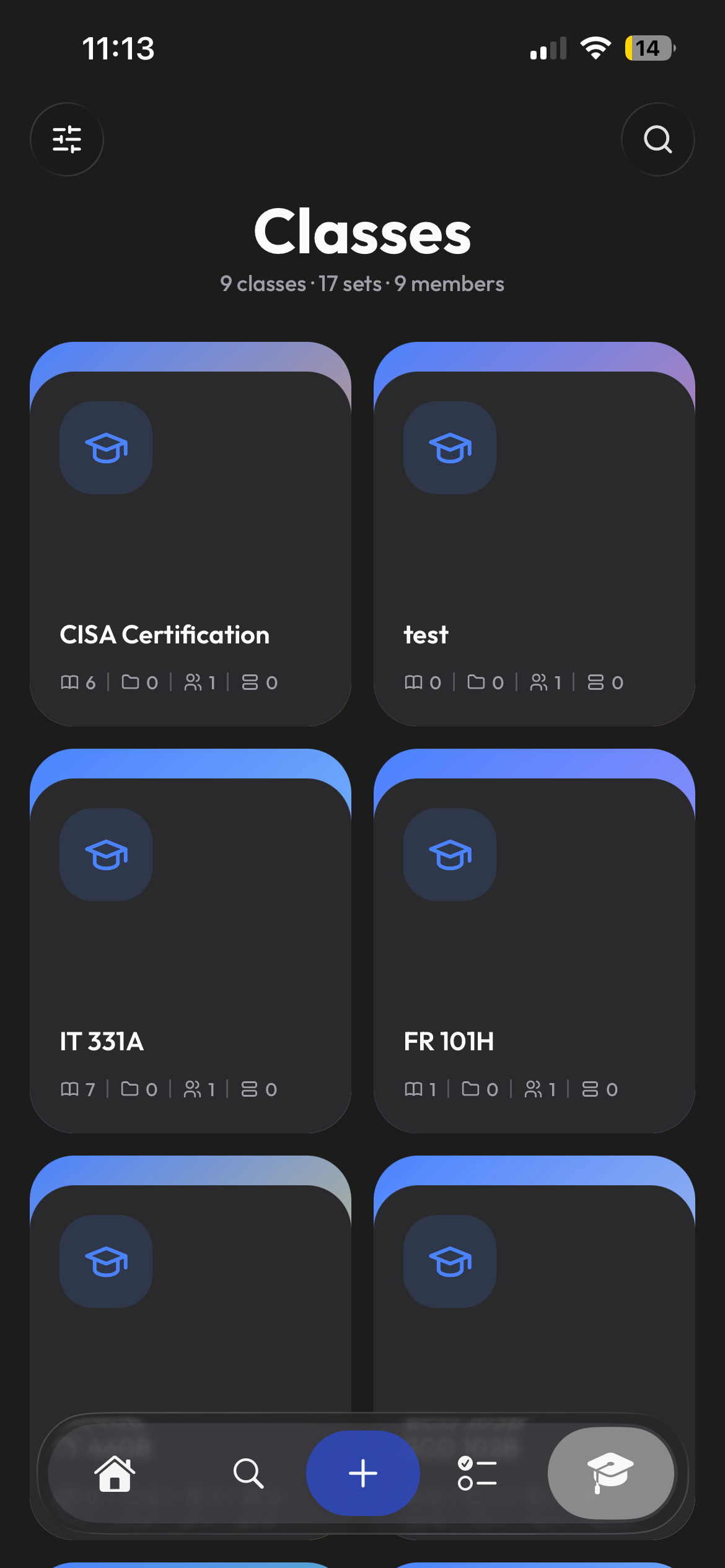
Clevaly on Android
Web

The full workspace in a tab.

Sign in from any computer and pick up where your phone left off.

Open the web app
clevaly.com/home
Clevaly running in a desktop browser
QR code for Clevaly mobile access
Scan to get the app

One link, both stores. Your account works everywhere.

Meet Cleva

Help that already knows what you are working on.

Ask about difficult material, clarify a concept, or work out what to study next without explaining your course from the beginning.

Sign up and meet Cleva
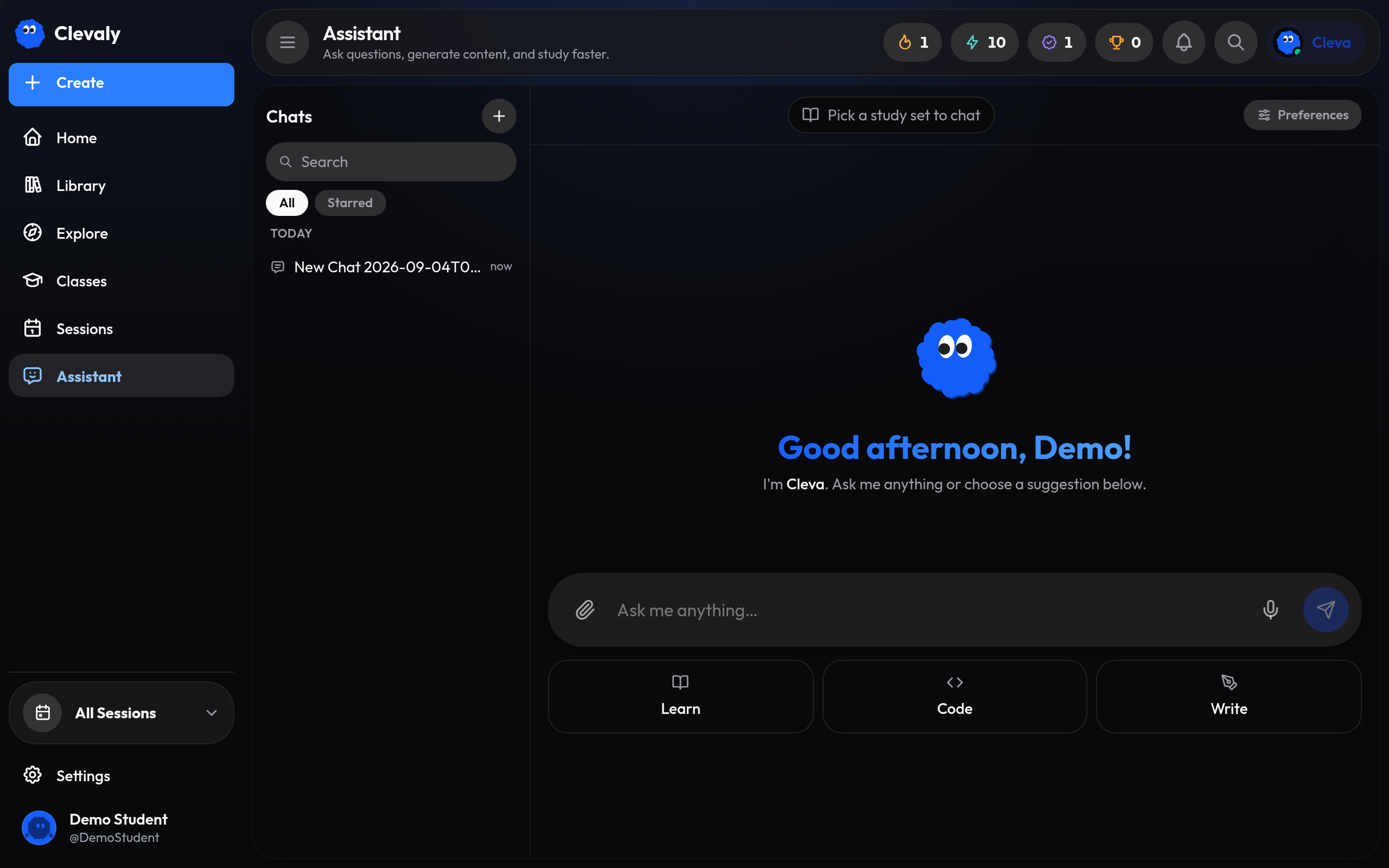
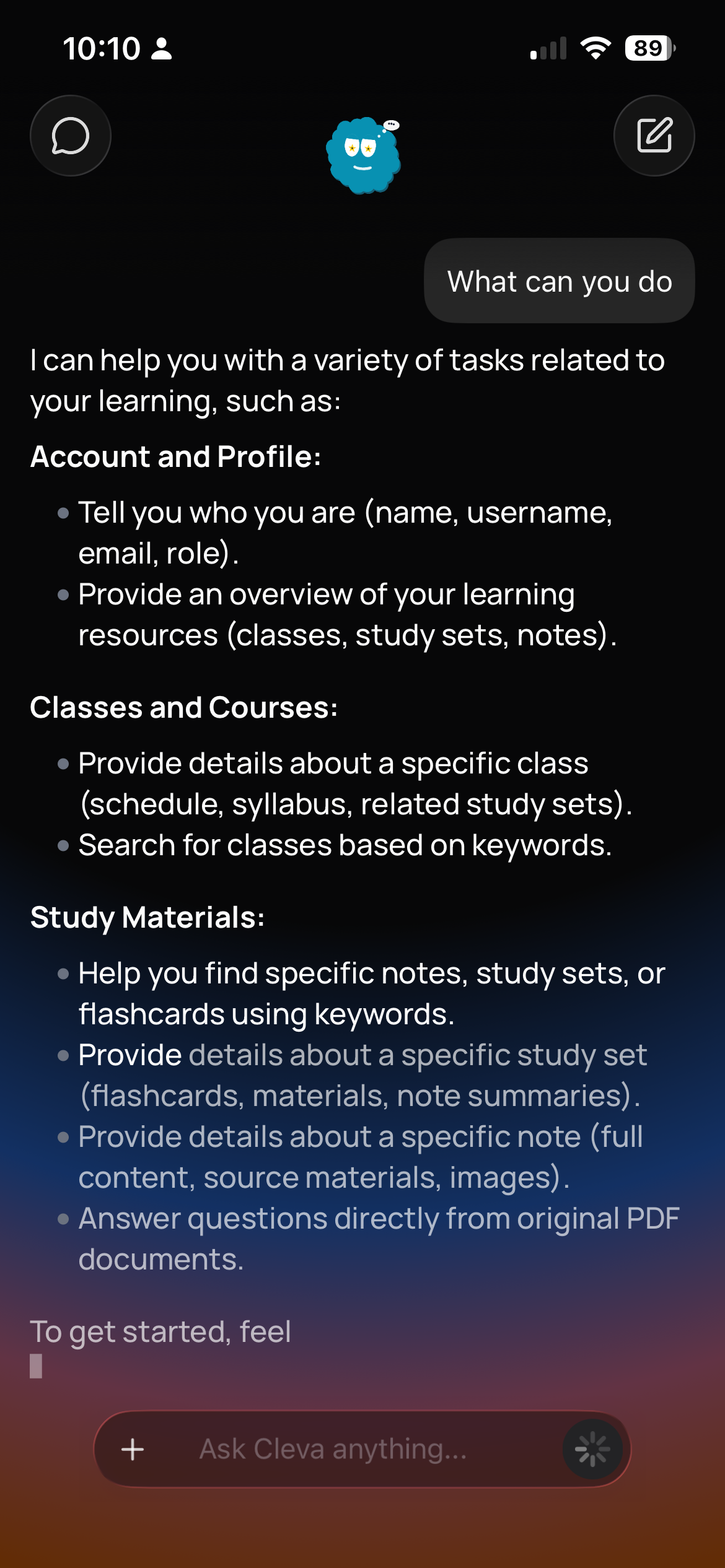
clevaly.com/assistant
Cleva, the assistant, on the web
Cleva assisting a student on mobile

Bring your school day together.

Create your account and start from mobile or the web.

Sign up for Clevaly