The side panel that follows your school tabs.
Open it on a Moodle course page and import what is new. Open it anywhere else and save the page, a selection, a PDF or a lecture video straight into a class. It uses your existing Clevaly sign-in.
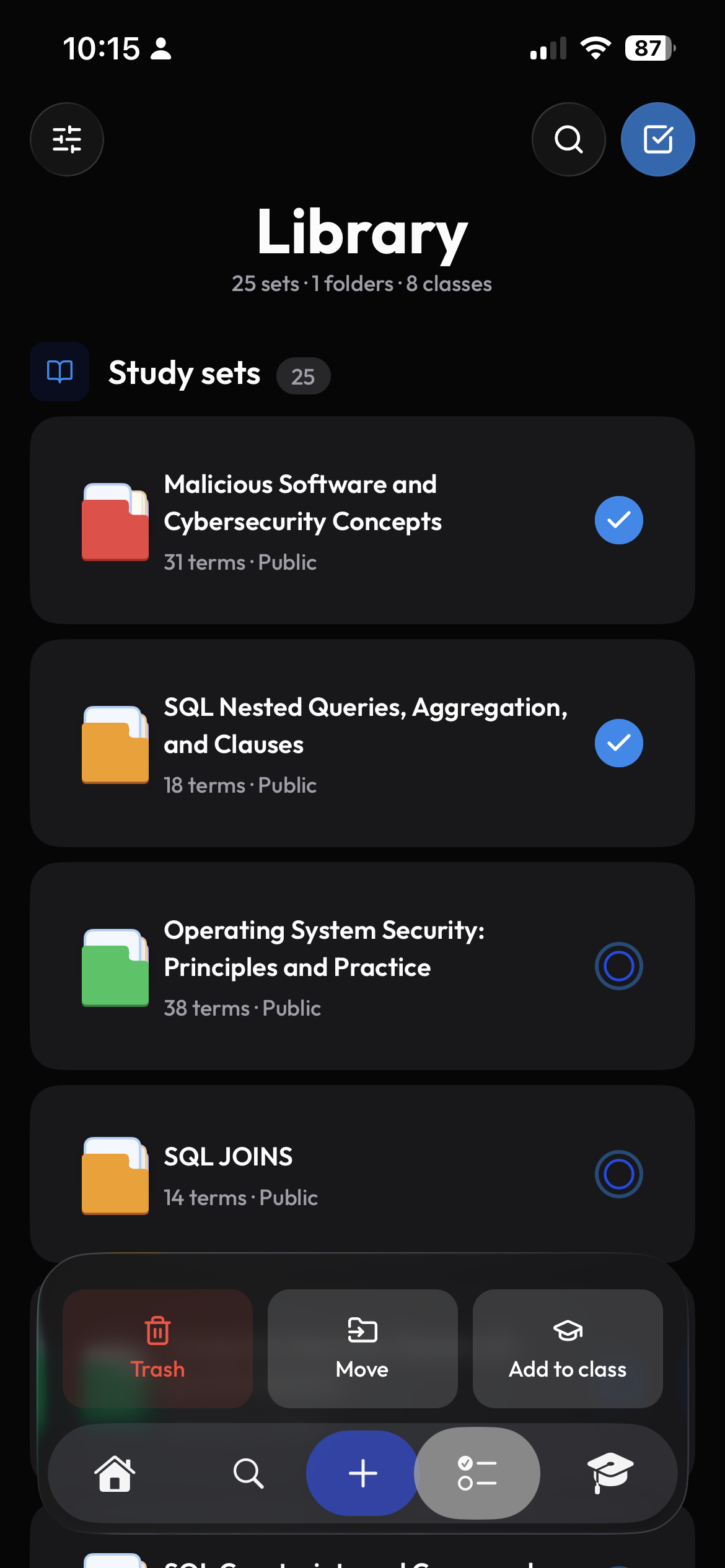
See what is new, import it in one click.
See new files and readings on your Moodle course page, then choose what to bring into Clevaly. Save material by topic and keep assignment deadlines with your class.
- Choose a topic for each resource
- Import everything new across all courses
- Toolbar badge for new material
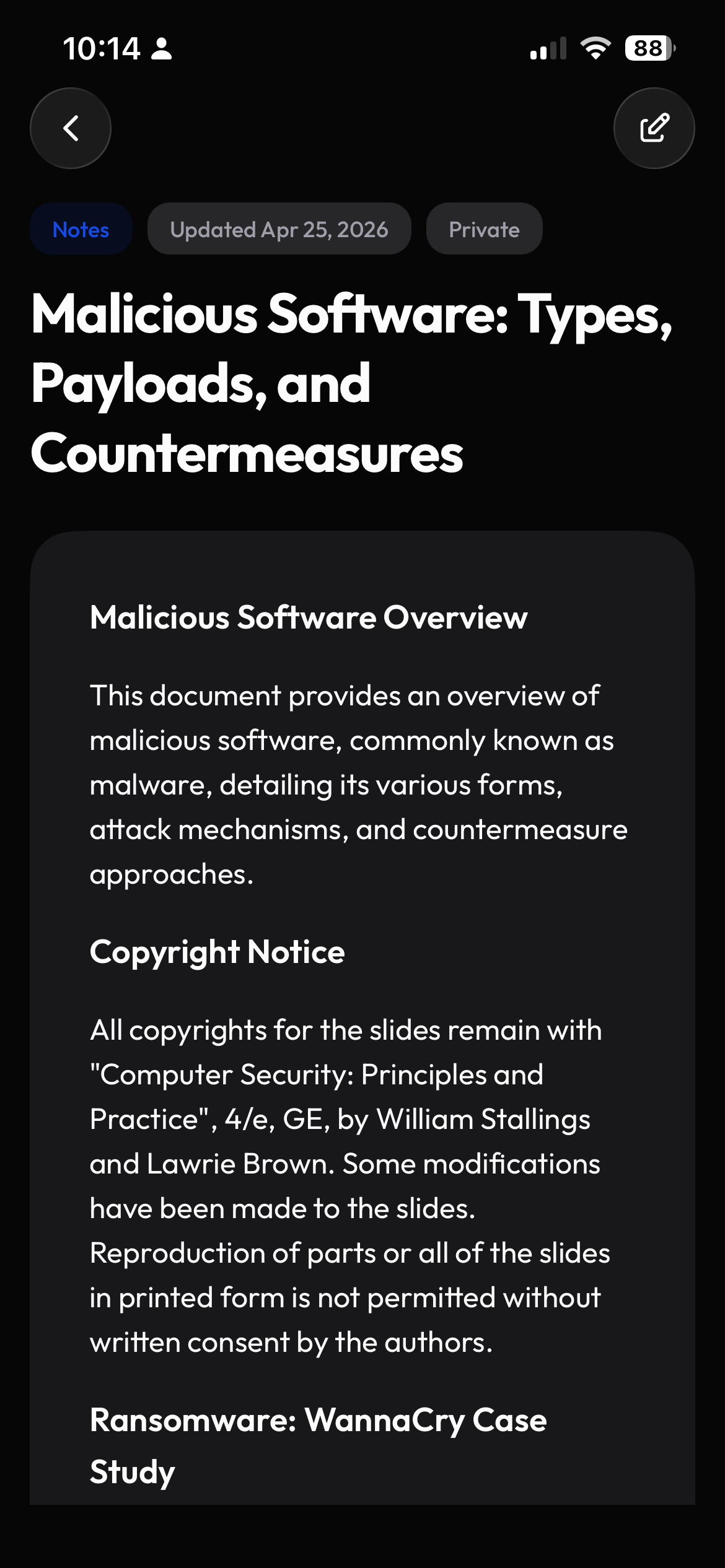
Save the web into the class it belongs to.
Save a useful page, selected text, a PDF, or a lecture video to your class. Find it later in Clevaly and ask Cleva questions about the material.
- Save pages and selected text
- Keep PDFs and lecture videos with your class
- Capture material without leaving the page
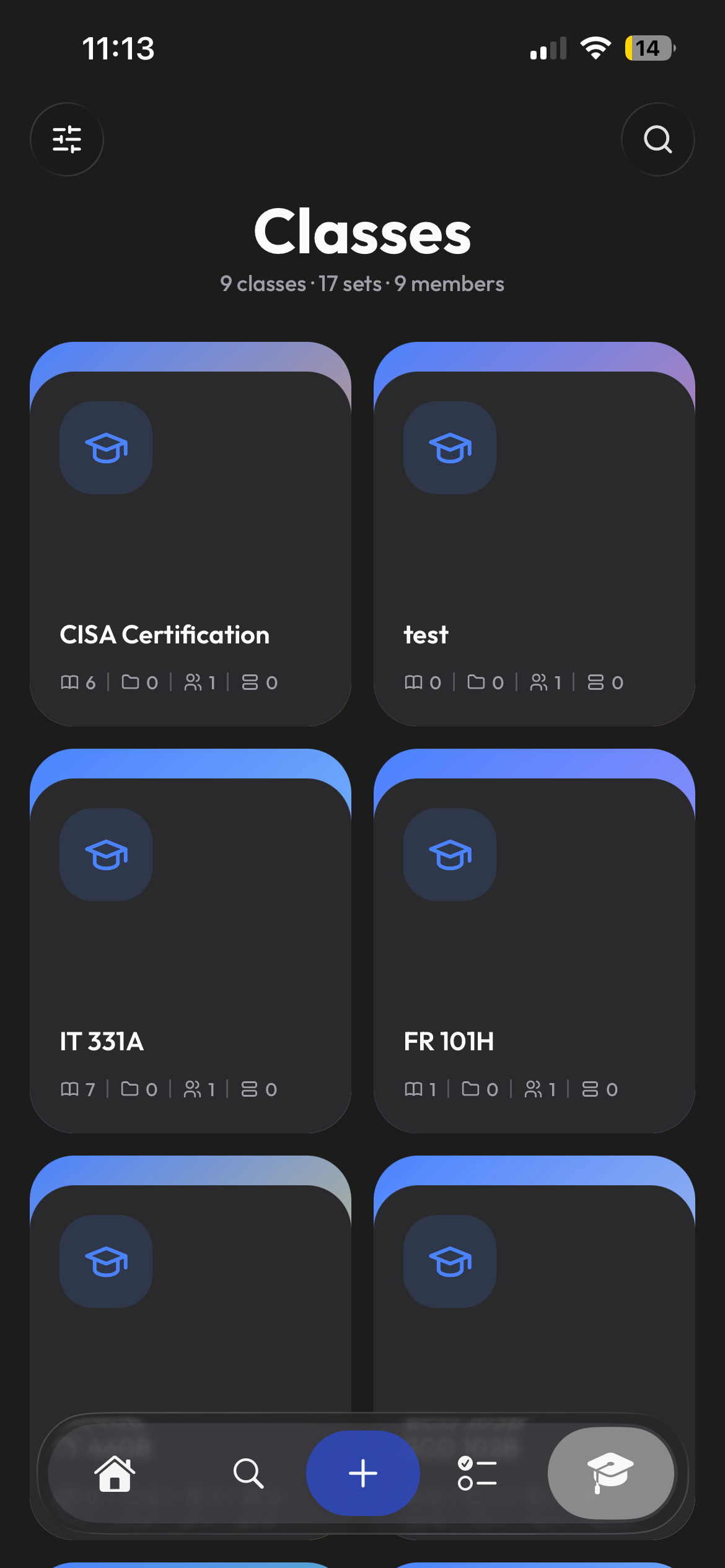
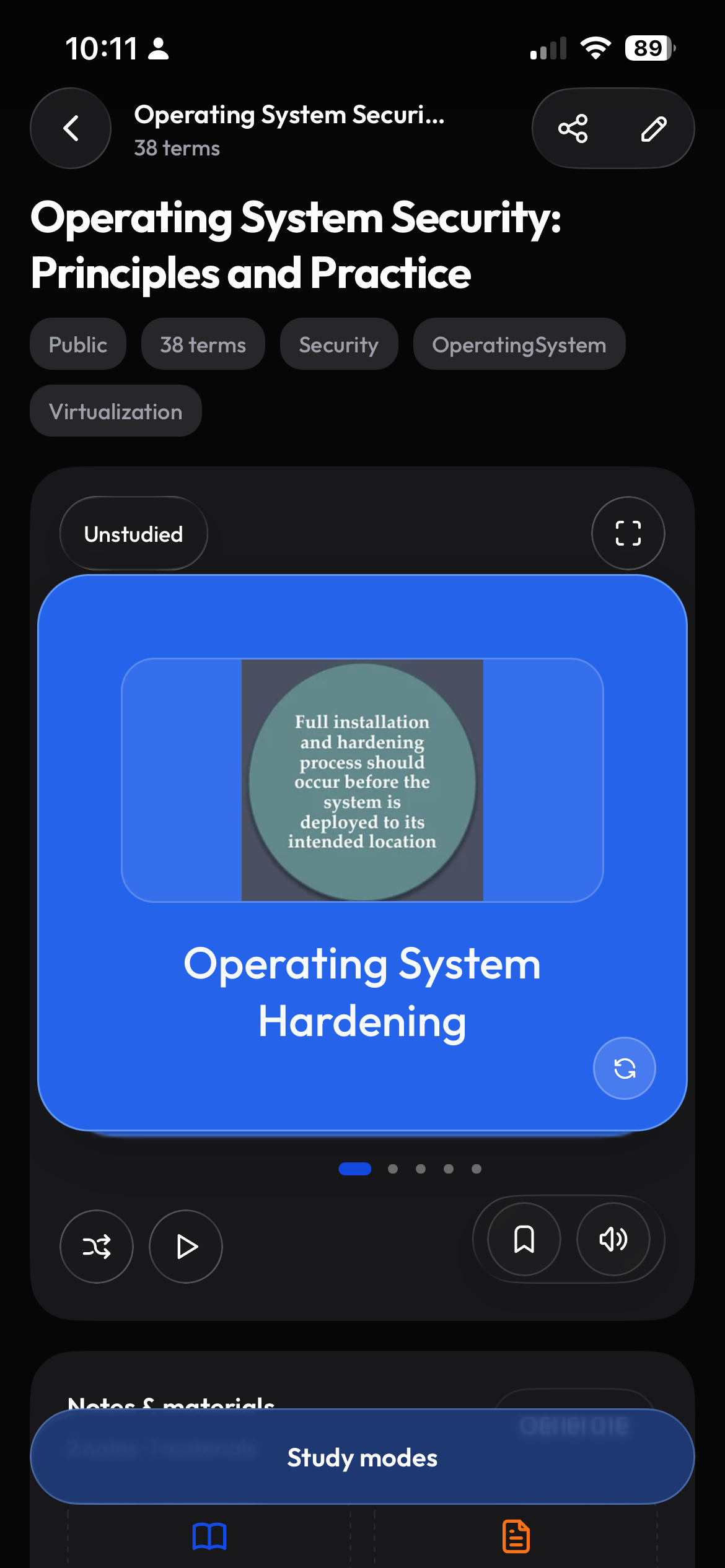
Catch up on new material when you open Moodle.
When you return to Moodle, the extension helps Clevaly check for new course material. You can connect using the Moodle account already signed in to your browser.
- Keep course material up to date
- Auto-import per course
- Connect through your Moodle sign-in
Frequently asked questions
Which browsers are supported?
Chrome, Edge, and Brave support the Clevaly extension.
Do I need a separate login?
No. The extension reuses the session from clevaly.com in the same browser. Sign in on the website and the panel is ready.
Does it work with Canvas or Brightspace pages?
Course-page import is built for Moodle today. Saving pages, PDFs and videos works on any site, including Canvas and Brightspace.

Put Clevaly one shortcut away.
Install the extension from Settings → Integrations once you have an account.
Sign up for Clevaly