Flashcards from your Moodle courses, made for you
Your lecturer already uploaded everything you need to study. Clevaly turns it into flashcards, sorted by week.
Read-only. Your school installs nothing.
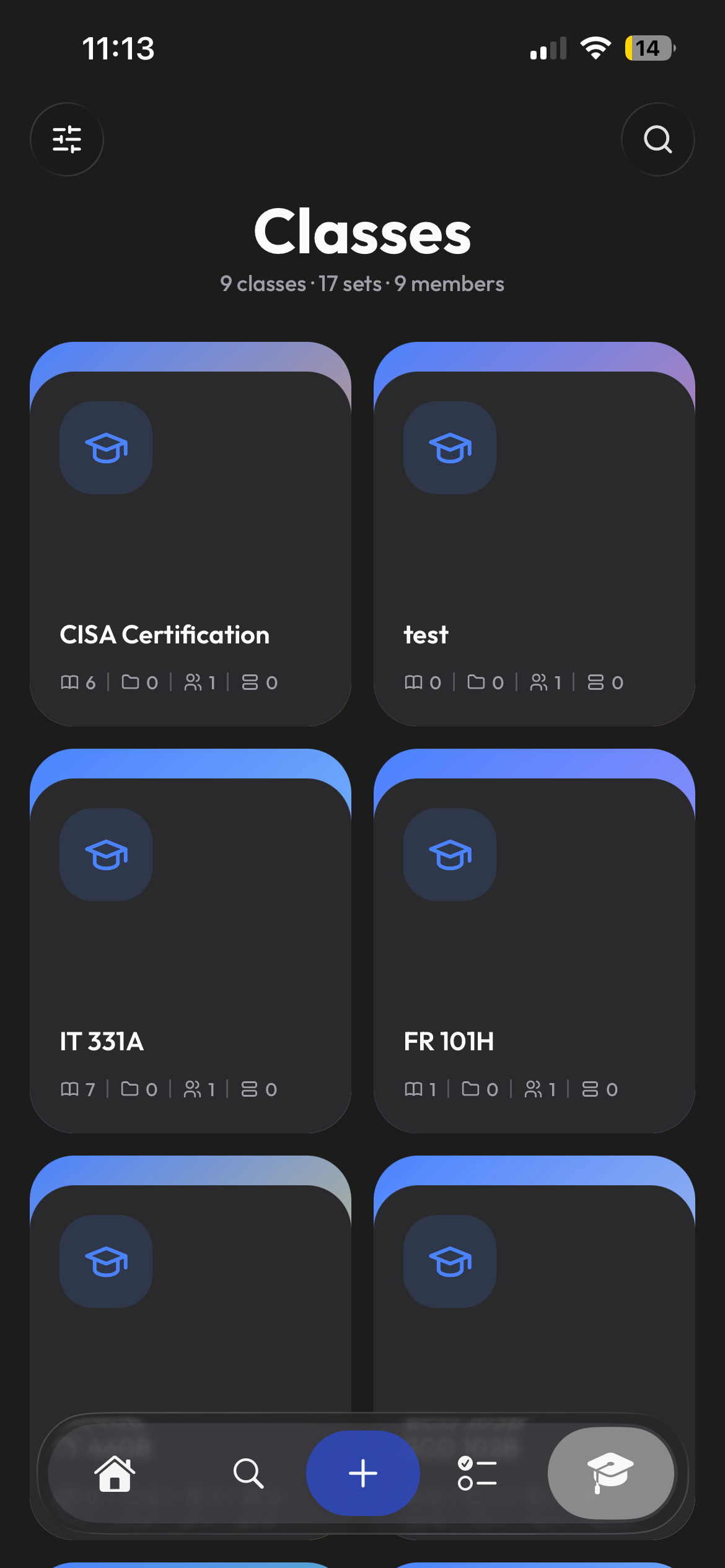
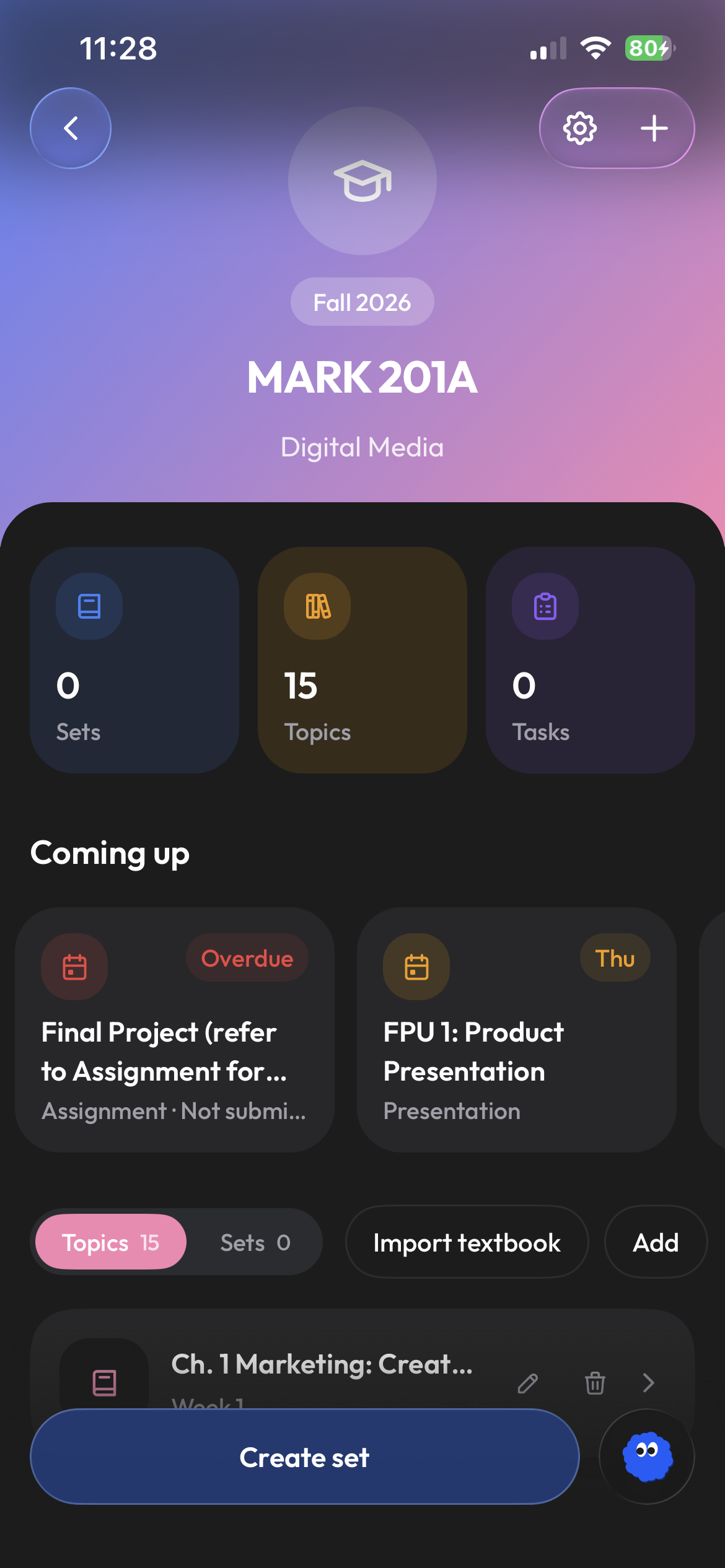
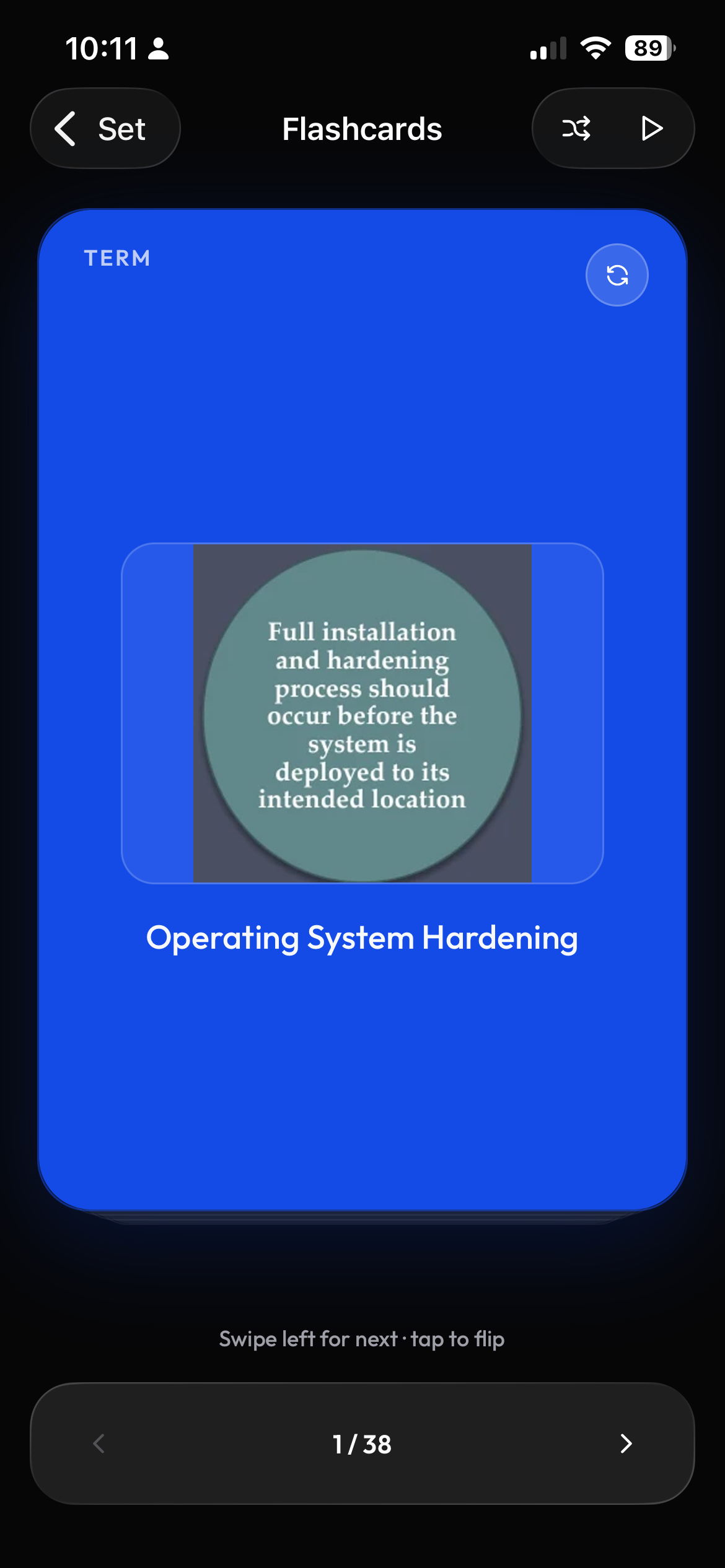
How to get flashcards from Moodle
Clevaly turns Moodle course files into flashcards for students without any plugin from the school. You sign in through your school Moodle login, Clevaly receives a read-only token, and slides and readings are filed under the matching week or topic in your class. You can generate flashcards or a practice test from those files, or let Clevaly keep one study set per topic that updates as new files arrive, then study with Flashcards, Learn, Test or Match on web or mobile. Moodle sync and every study mode are included on the free plan. You can connect Moodle in about a minute, or follow the Connect Moodle guide. See pricing for what each plan includes.
From Moodle to study set in 3 steps
- 1
Sign in with your school login
Sign in with your school Moodle login and Clevaly gets a read-only token.
- 2
Files land under the right week
Files land in your class under the right week or topic.
- 3
Pick an output and study
Pick Flashcards or a practice test and study in Learn, Test or Match.
Read how Clevaly files Moodle material by section, module title and keywords.
One study set per topic, kept up to date
Choose Automatically create or update a study set and you get one set per topic that is topped up as new files arrive and marked stale, so you choose when to regenerate. See course sync and import modes for the other options.
Five ways to study your course files
Studying never uses study actions. Have a single file instead? You can turn a single PDF into flashcards. Read more in study modes at a glance.
| Mode | Best for |
|---|---|
| Flashcards | First pass and quick review |
| Learn | Adaptive rounds until every term is mastered |
| Test | A generated test with a per-question breakdown |
| Match | Terms against the clock |
| Blast | A timed game |
The browser extension on Moodle
The Clevaly browser extension adds a side panel to the Moodle page you are looking at.
- Side panel for Chrome, Edge and Brave
- New-material badge
- One-click import per item or per course
- Works even when your school has turned off Moodle app access, by using your normal browser session
For students, not a plugin
Tools such as Flash Reference add decks inside a course for instructors. Clevaly is for students and works from your own login.
What Clevaly does and does not touch
- Sync never writes to Moodle
- Grades, quizzes and other student work are never downloaded
- Only quiz and assignment deadlines are reported
- Files are not used to train models
Frequently asked questions
Is there a flashcard or spaced repetition tool for Moodle?
Clevaly makes flashcards from your Moodle files and tracks mastery for every term. It does not use an Anki-style scheduler.
Does my school need to install anything?
No. Clevaly uses the standard Moodle mobile-app login, and if that is turned off the browser extension imports from course pages.
Can I make flashcards from Moodle lecture slides automatically?
Yes, turn on the automatic study set mode and each topic gets a set that updates as files arrive.
Does Clevaly post or submit anything to Moodle?
No, sync is read-only.
Will it download my quizzes or grades?
No, only quiz and assignment deadlines.
How often does it sync?
When you open Moodle with the extension installed, and daily otherwise.
Is it free?
Moodle sync and all study modes are on the Free plan, AI generation uses monthly study actions.

Connect Moodle and see this week's slides as flashcards
Create a free account, sign in with your school, and watch your courses fill in.