Turn dense course material into notes you can return to.
Use a file, pasted text, or a blank page to create clearer study notes, then keep them organized with the course and material they came from.
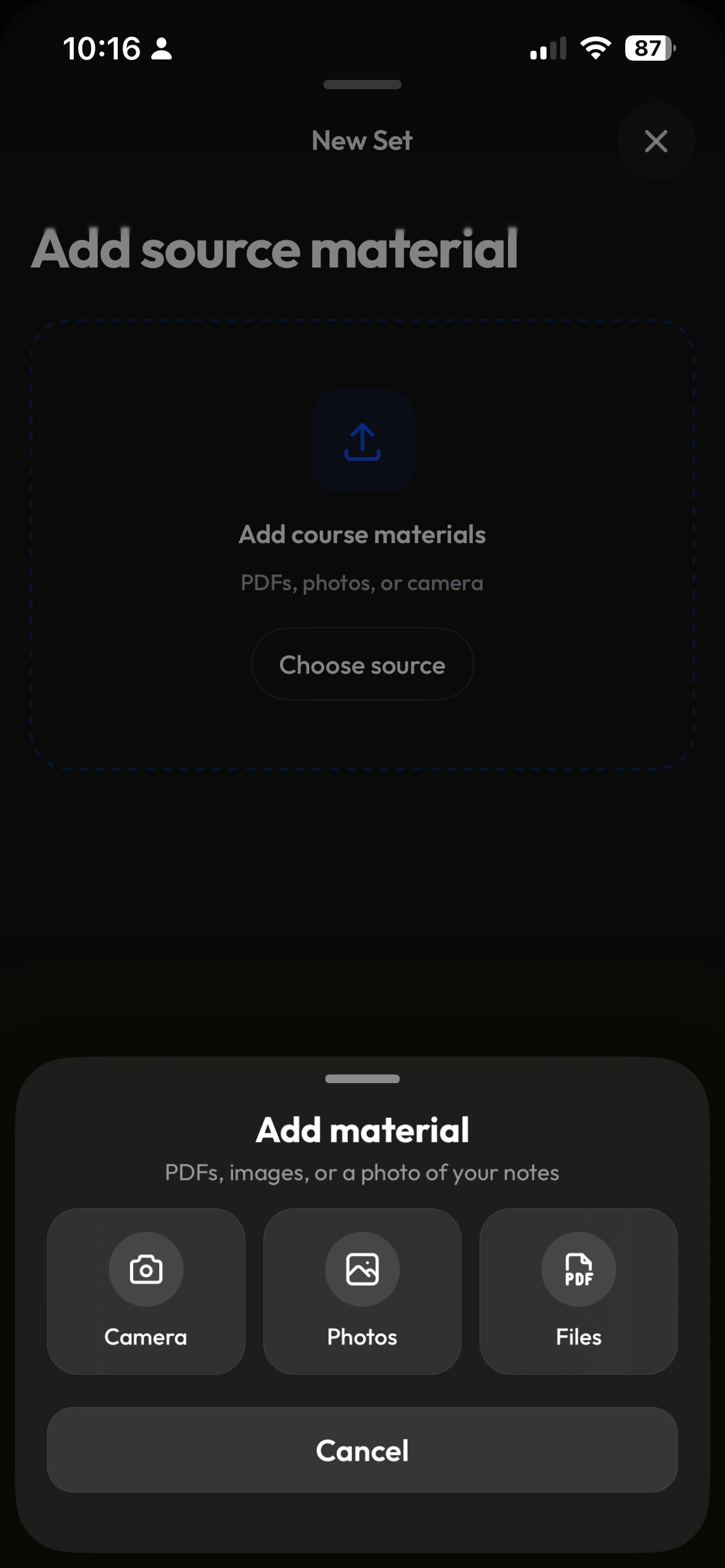
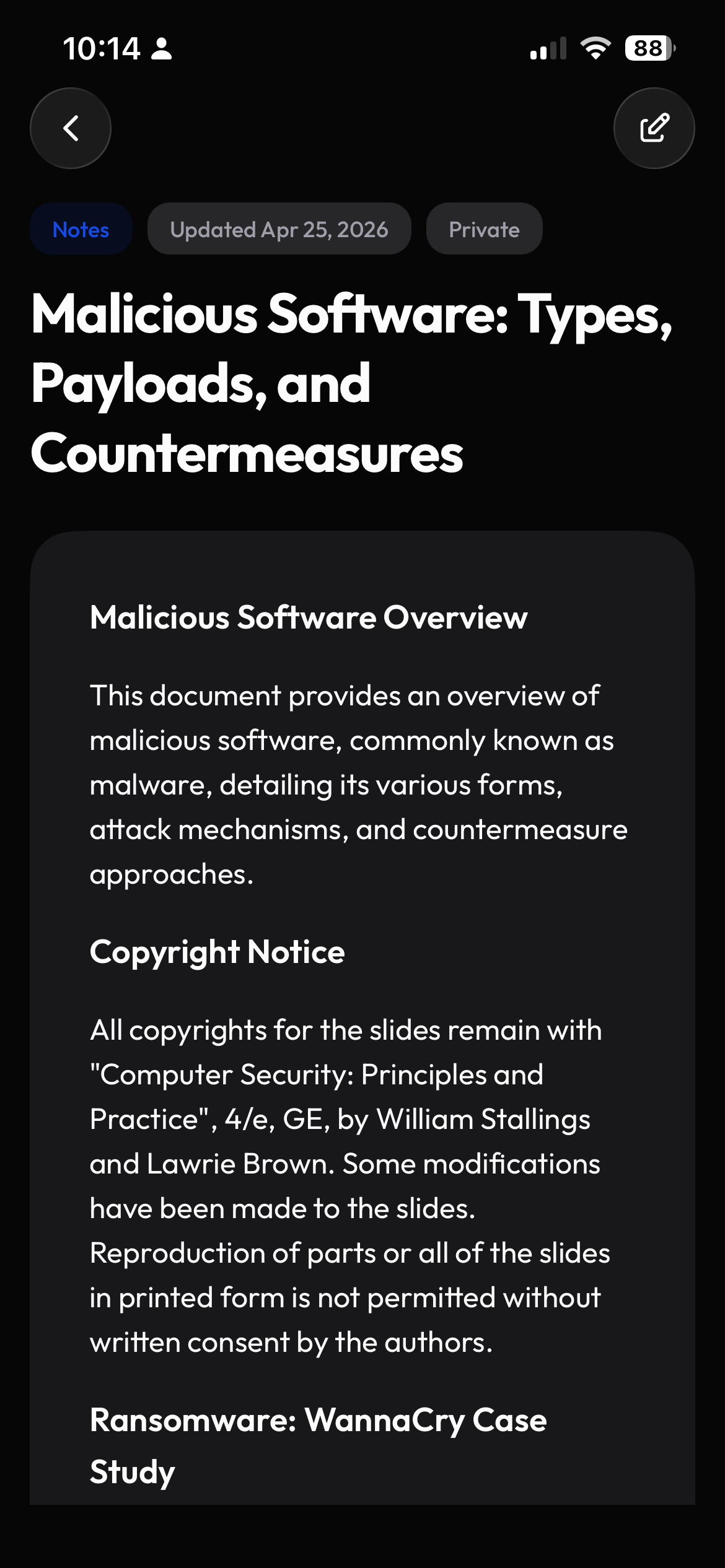
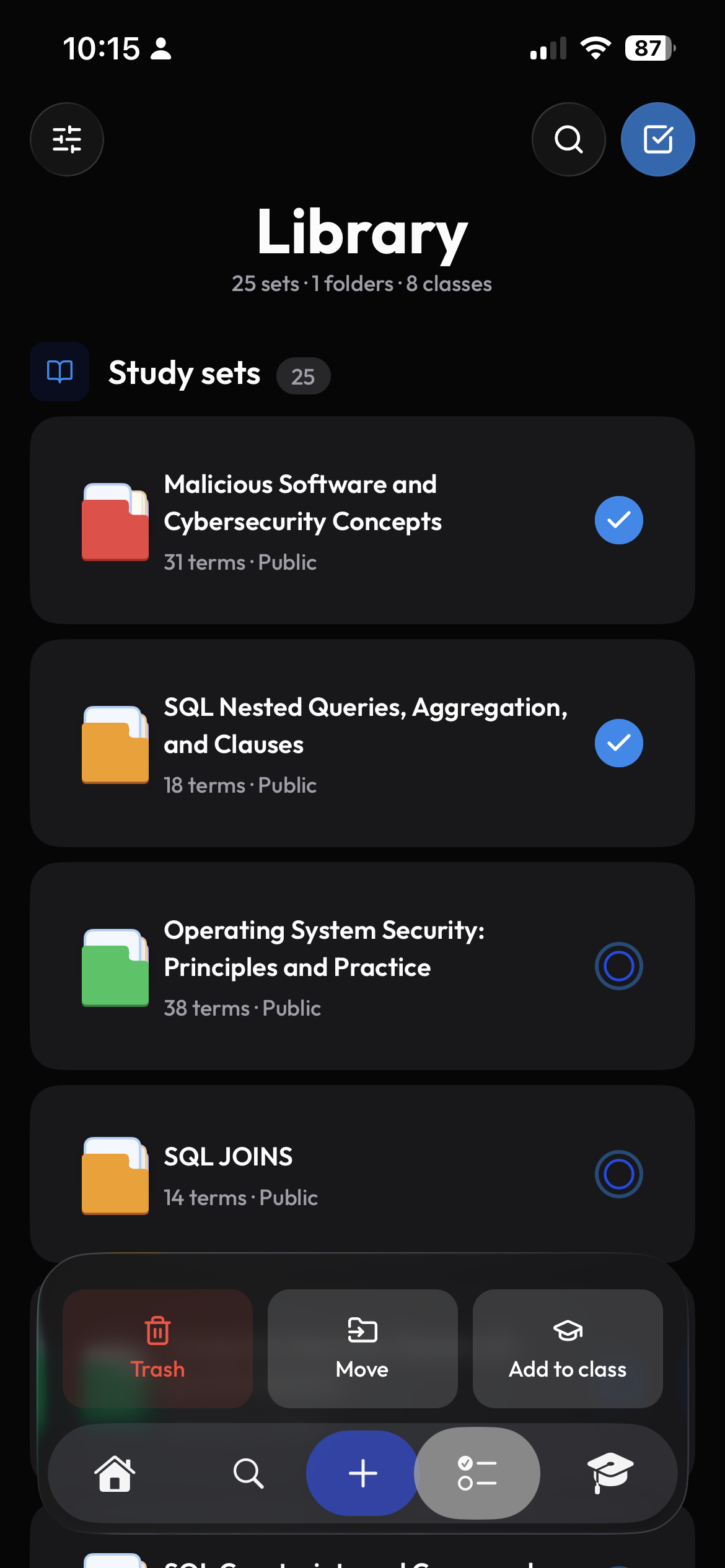
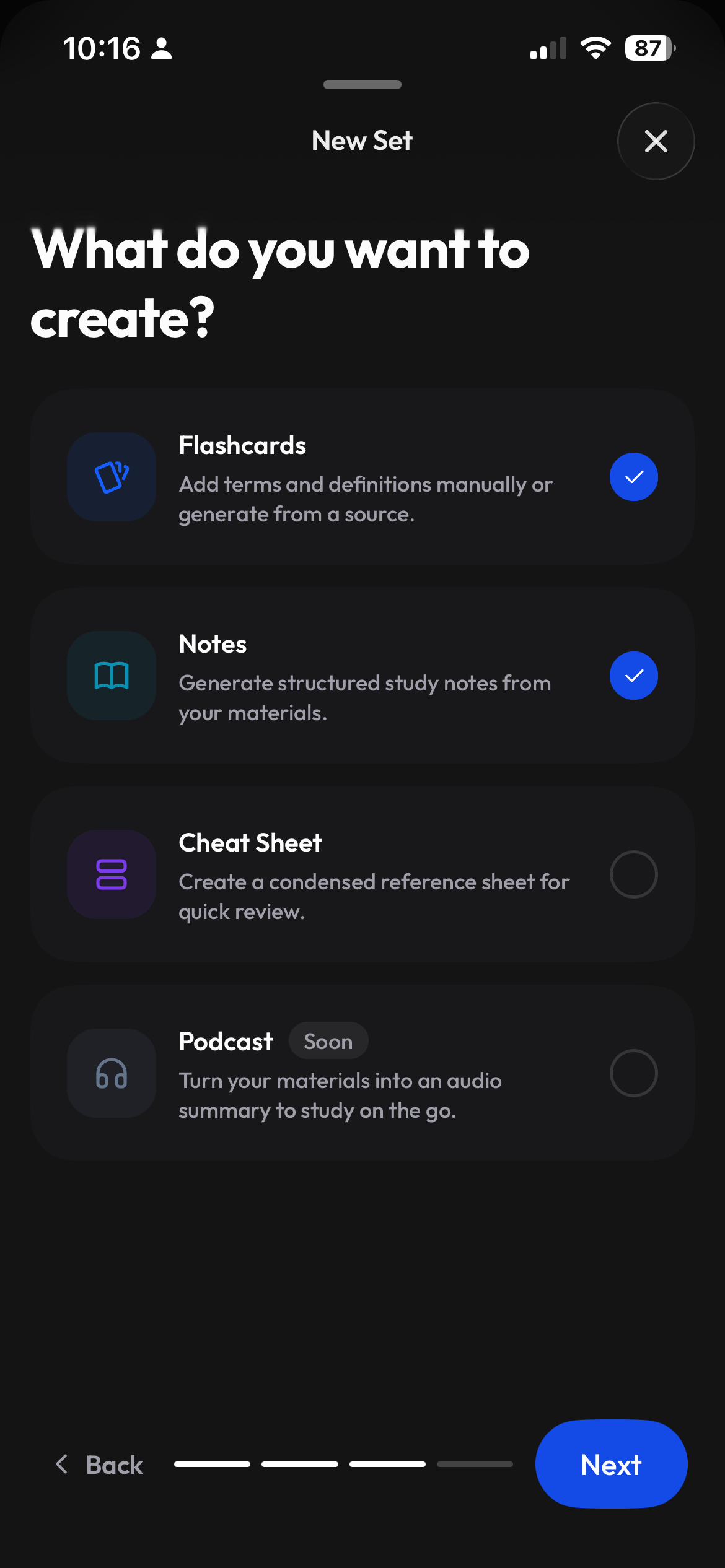
Begin with the material in front of you.
Upload course material, paste the section you are reading, or start with a blank note. Save the result with your class so it is easy to find before a quiz.
- Files, pasted text, or a blank note
- Turn your material into study notes
- Save notes with the class they belong to
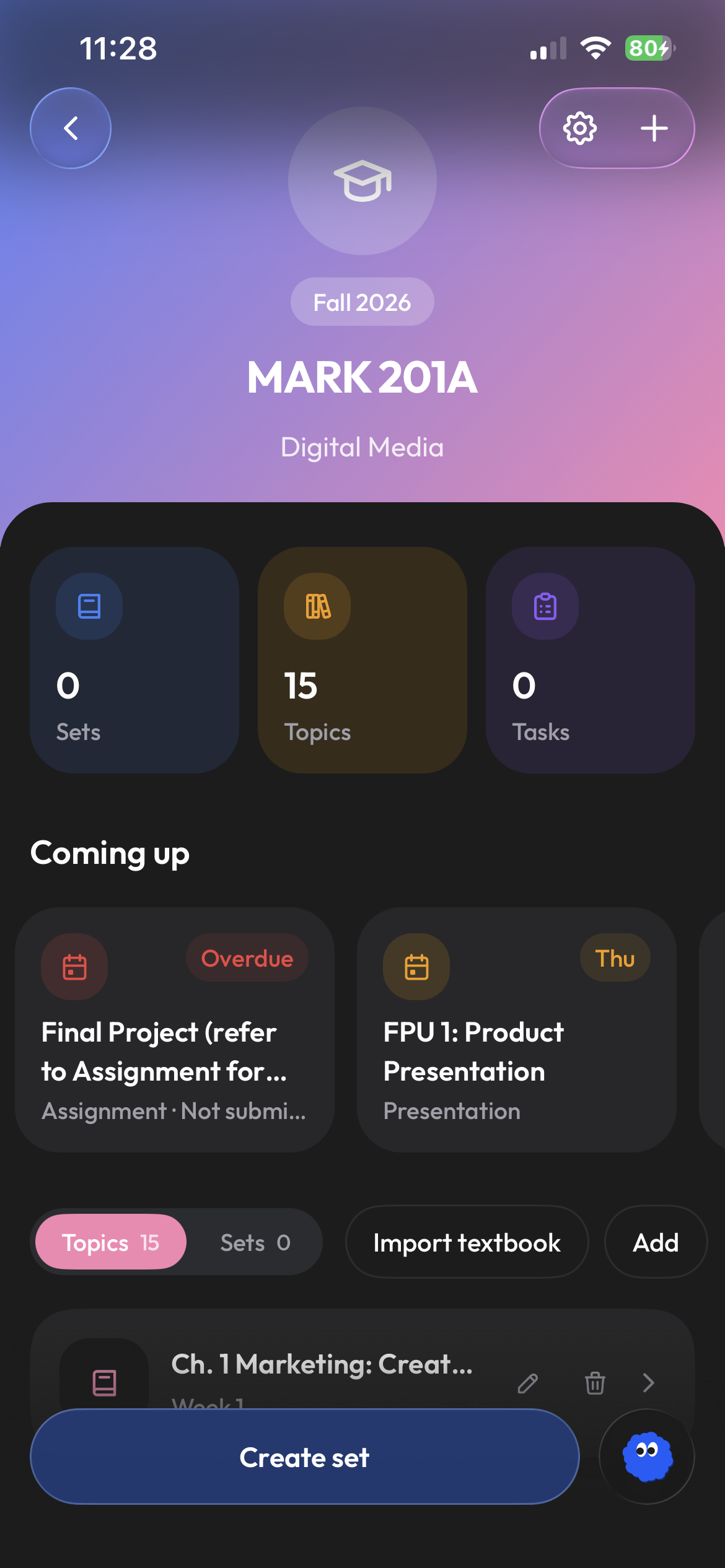
Give complicated topics a structure you can scan.
Break long readings into clear sections and key ideas. Review the important points before a quiz or return to a topic you want to understand better.
- Clear sections for long topics
- Read your notes on your phone or computer
- A direct path back to the related course
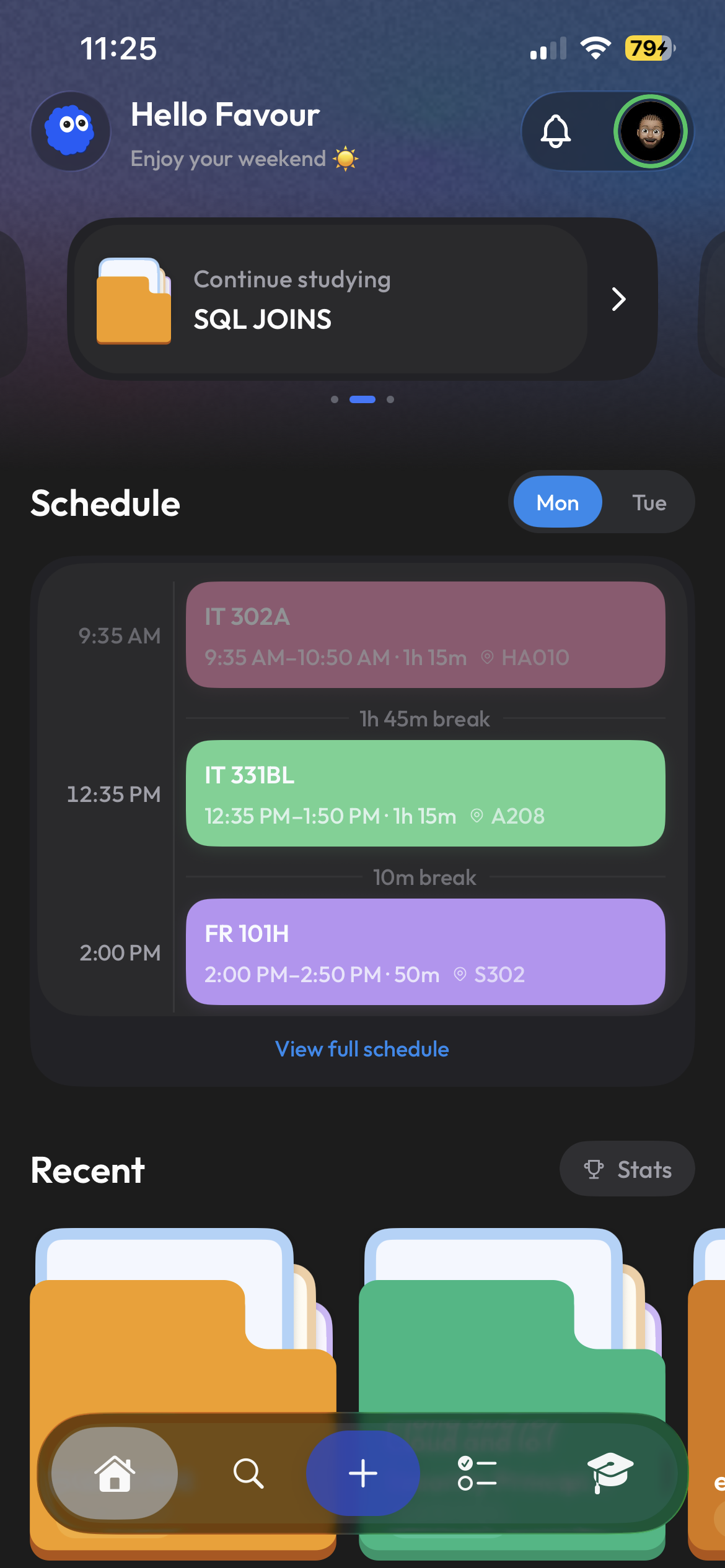
Find the note again when it matters.
Find your notes in your library or class when it is time to review. Open them on your phone between lectures or on your computer for a longer study session.
- Recent material on your home screen
- A library for study material
- Access from mobile and web
Frequently asked questions
Can Clevaly make notes from uploaded material?
You can start note creation from an uploaded file, pasted text, or a blank page, then keep the result in the same school workspace.
Are notes connected to my classes?
Clevaly is organized around courses, so notes and other study material can remain connected to the class they support.
Can I access my notes from a computer?
Yes. Sign in on your computer to read and edit the same notes you use on your phone.
Can I also create flashcards from course material?
Yes. During creation, Clevaly can support different useful outputs, including notes and flashcards.

Make notes part of the course, not another loose file.
Bring your material into Clevaly and create notes you can find, read, and use again.
Sign up for Clevaly