Give your favorite assistant your course material.
Connect a compatible assistant, such as Claude or ChatGPT, to your classes, deadlines, and study material. Choose its permissions and disconnect it at any time.
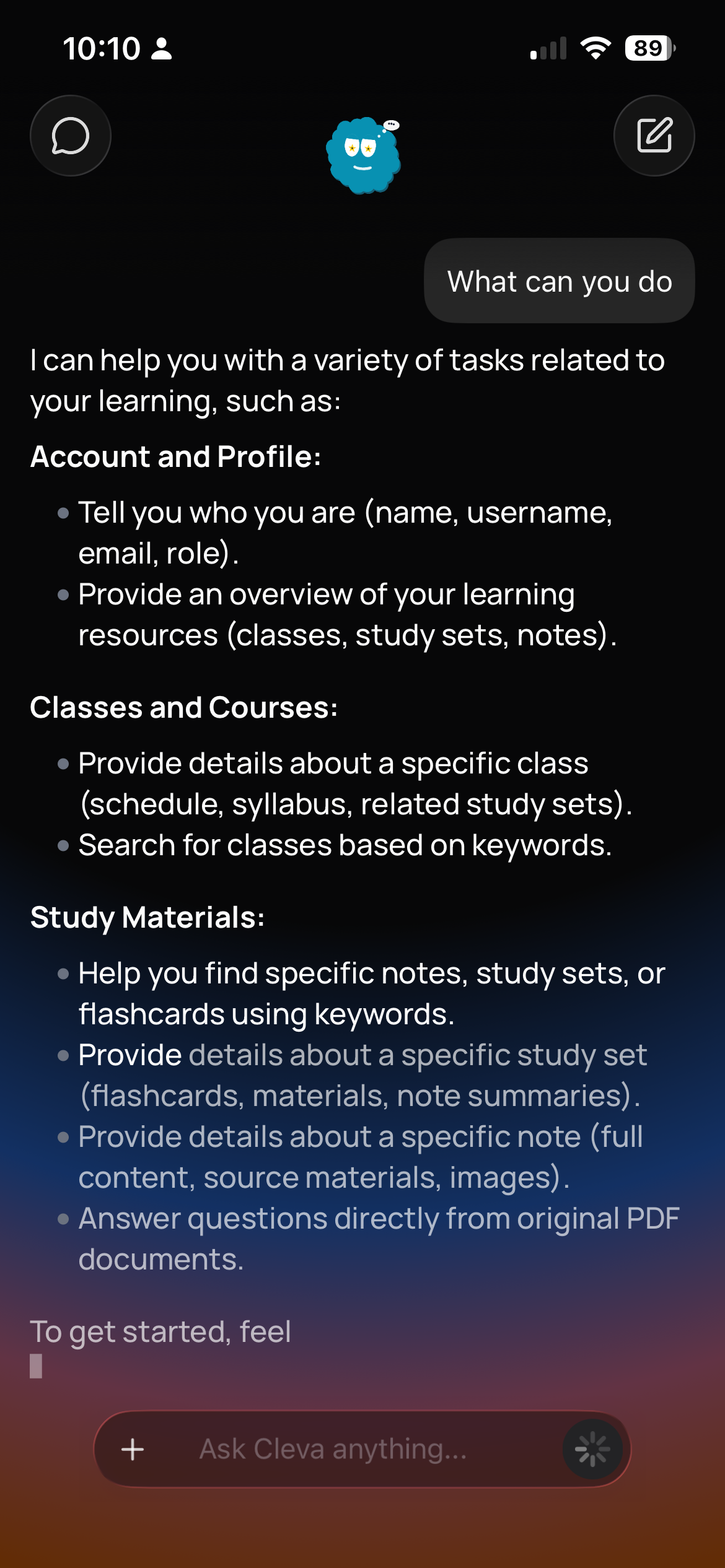

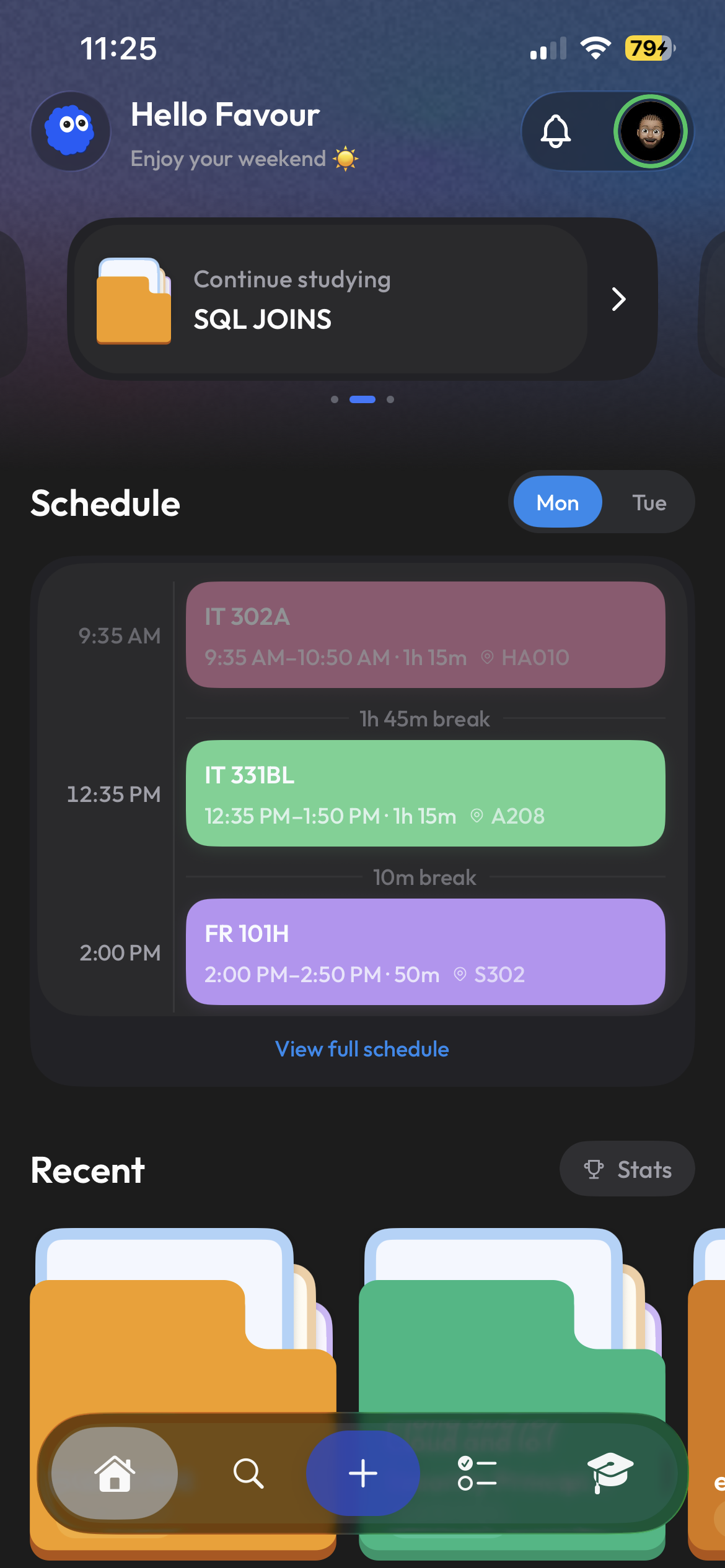
Study with the assistant you already use.
Connect a compatible assistant through Settings → AI agents. Give it access to your Clevaly workspace so you can ask about your courses without uploading the same files again.
- Claude, ChatGPT, Claude Code, Cursor, VS Code
- Connect with your Clevaly account
- Setup guides for each app in Settings
It reads the syllabus so you do not have to paste it.
Ask what is due this week, get help with a lecture PDF, or review a study set. Your connected assistant can use the classes and material you already have in Clevaly.
- Timetable, deadlines and syllabus dates
- Find answers in your course files
- Sets, notes and progress
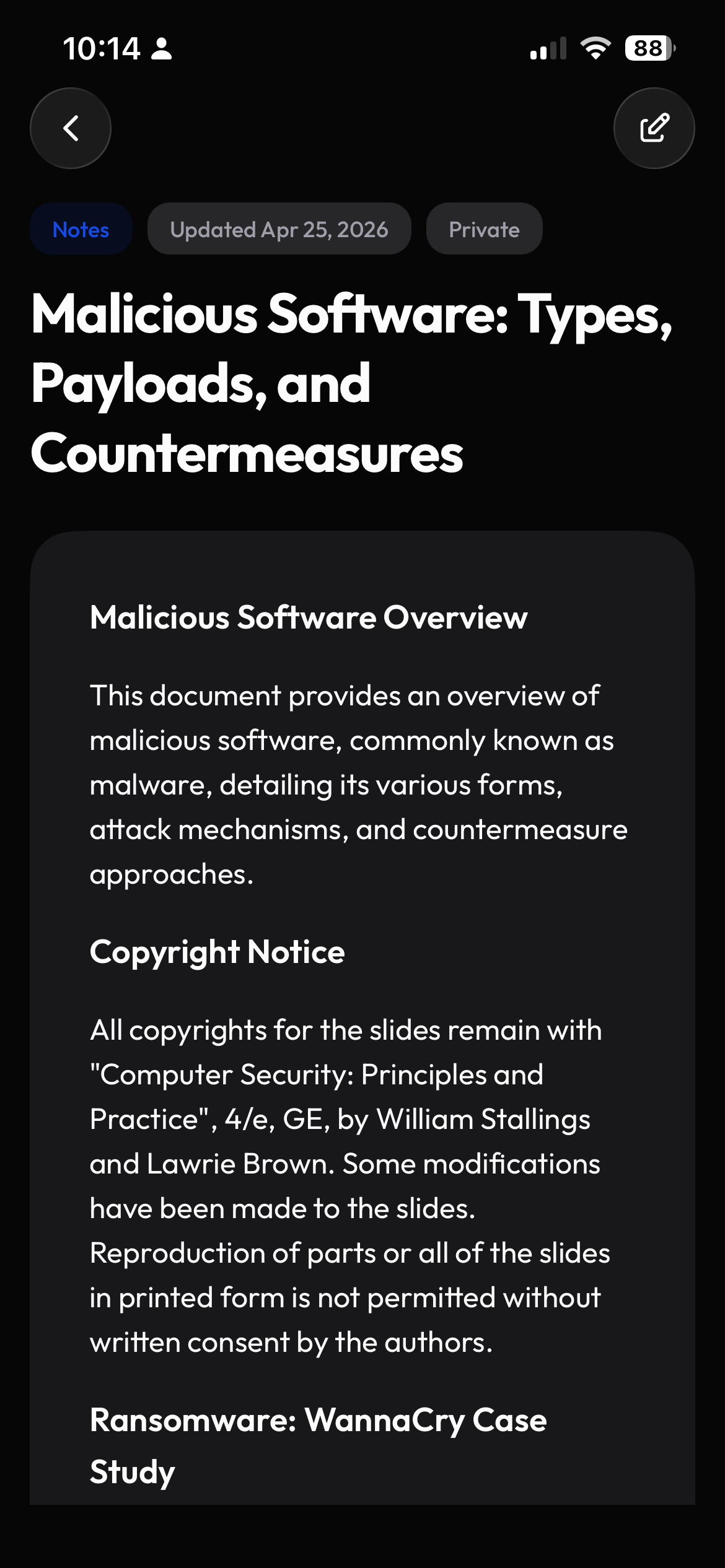
Choose what your assistant can do.
Choose whether an assistant can only read your workspace or also create notes and study sets. Review its activity in Settings and disconnect it whenever you want.
- Choose what each assistant can access
- Activity feed of everything recorded
- Disconnect revokes immediately
Frequently asked questions
Is this different from Cleva?
Cleva is the assistant built into Clevaly. Connecting an external agent lets the assistant you already pay for or prefer work from the same workspace. Both read the same classes, files and progress.
Can an agent see other students' data?
No. An agent acts as you and sees exactly what you can see: your classes, your sets, and material shared with classes you belong to.
What does it cost?
Connecting agents is free on every plan. Generation the agent asks Clevaly to do, such as creating a set, uses the same study actions as doing it yourself.
Your assistant, your semester, one connection.
Connect your preferred assistant and start asking questions about your own course material.
Sign up for Clevaly