The study app that lives next to your Moodle.
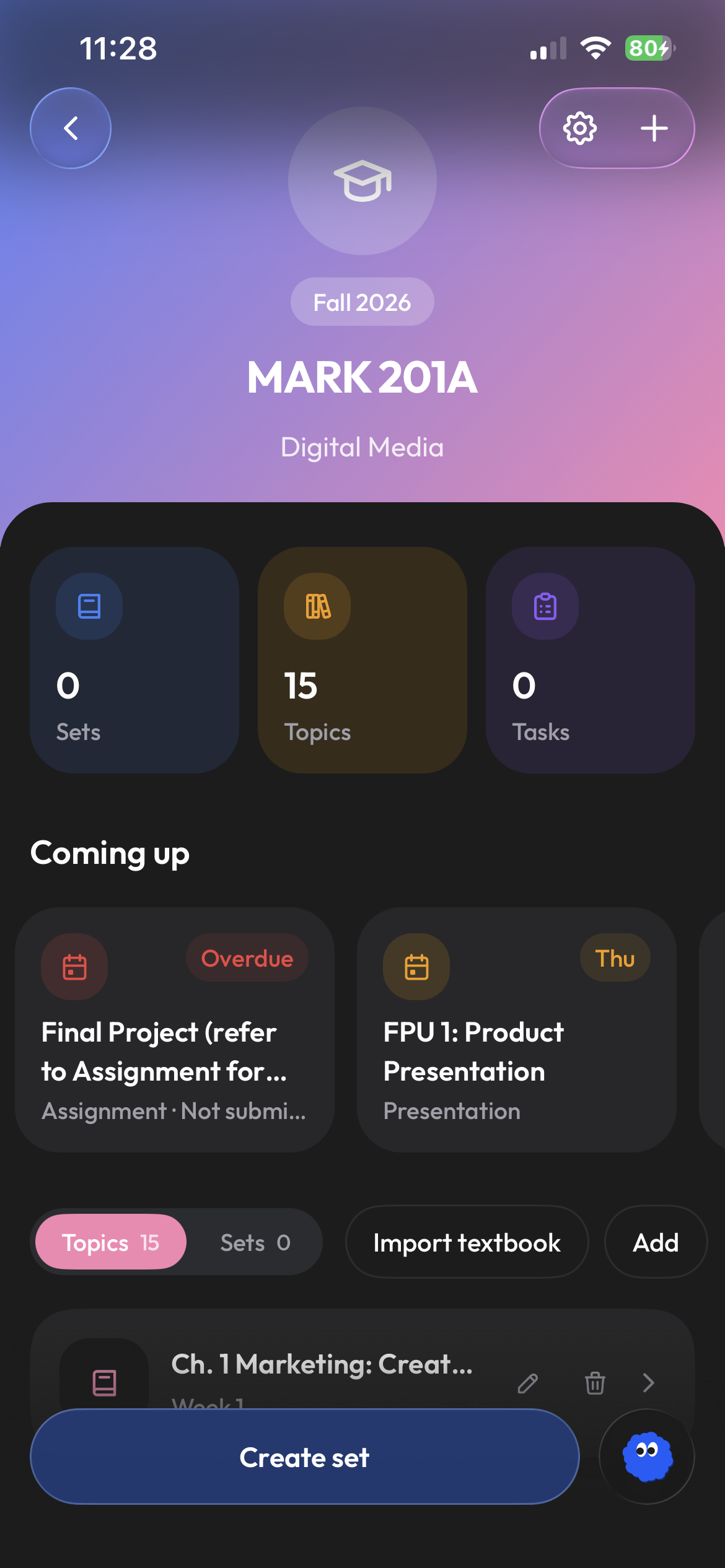
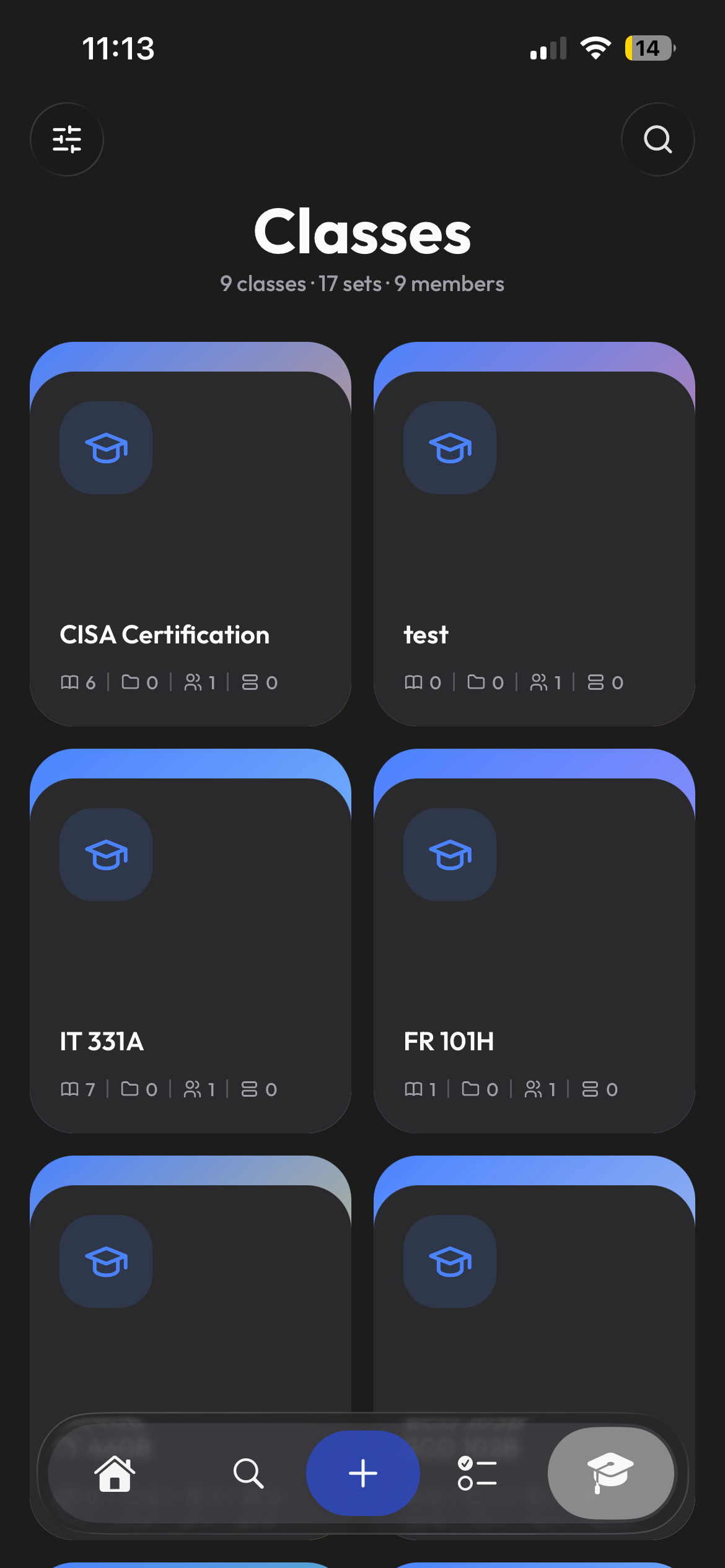
Sign in through your school's Moodle once. Course files sync into your Clevaly classes, ready to become flashcards, notes or a practice test.
Connect with the login you already use.
Clevaly starts Moodle's own app login, so your school's single sign-on and two-factor work as usual. What comes back is a read-only app token, not your password, and you can revoke it from Moodle or from Clevaly at any time.
- Use your school's usual sign-in
- Connect through your school login
- Read-only access, revocable any time
Import from the course page you are looking at.
The Clevaly browser extension adds a side panel to Moodle. It lists what is on the page, flags what is new since your last visit, and imports files, folders, pages and links into the topic you pick. Quiz and assignment deadlines flow into your class automatically.
- One-click import per item or per course
- New-material badge on the toolbar
- Deadlines from Moodle's calendar on Home
Practice what your lecturer covered.
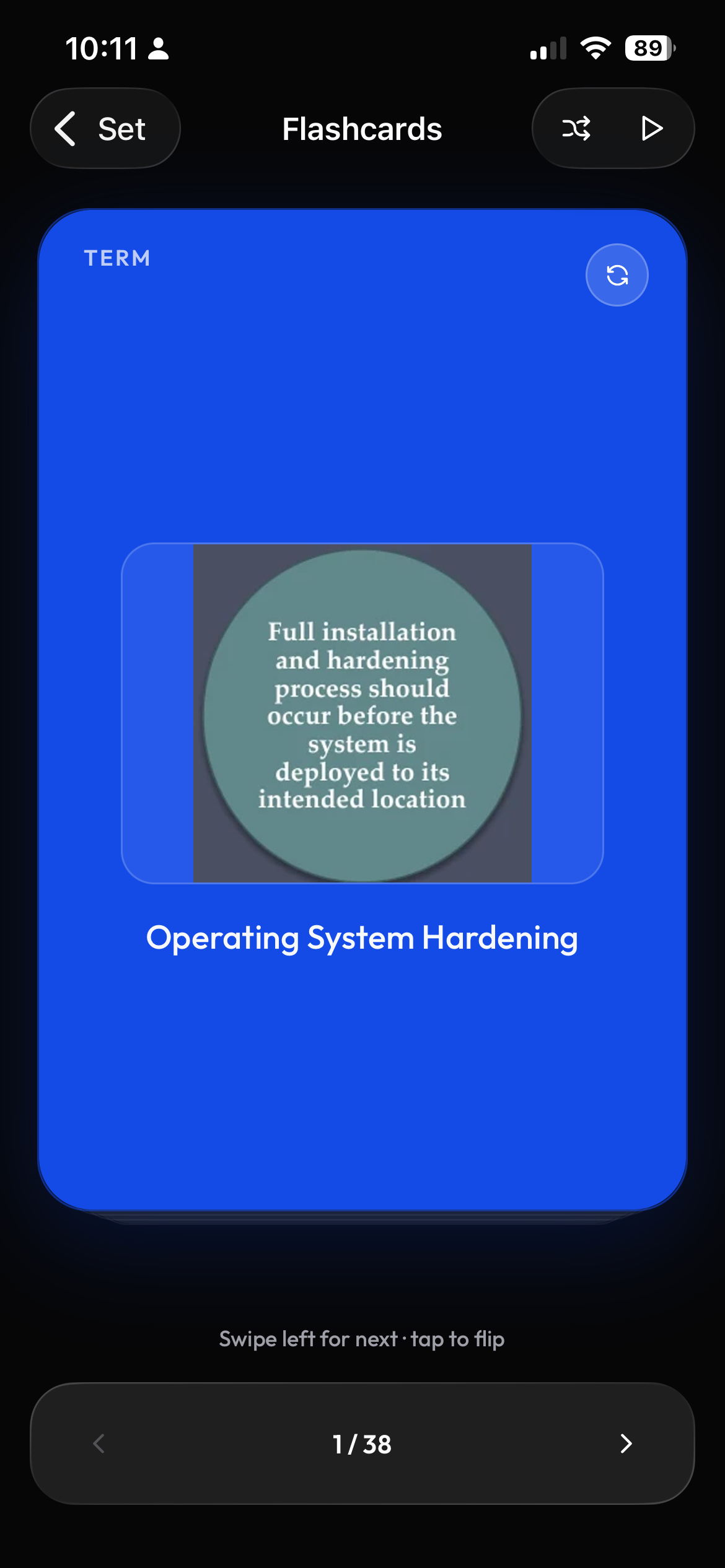
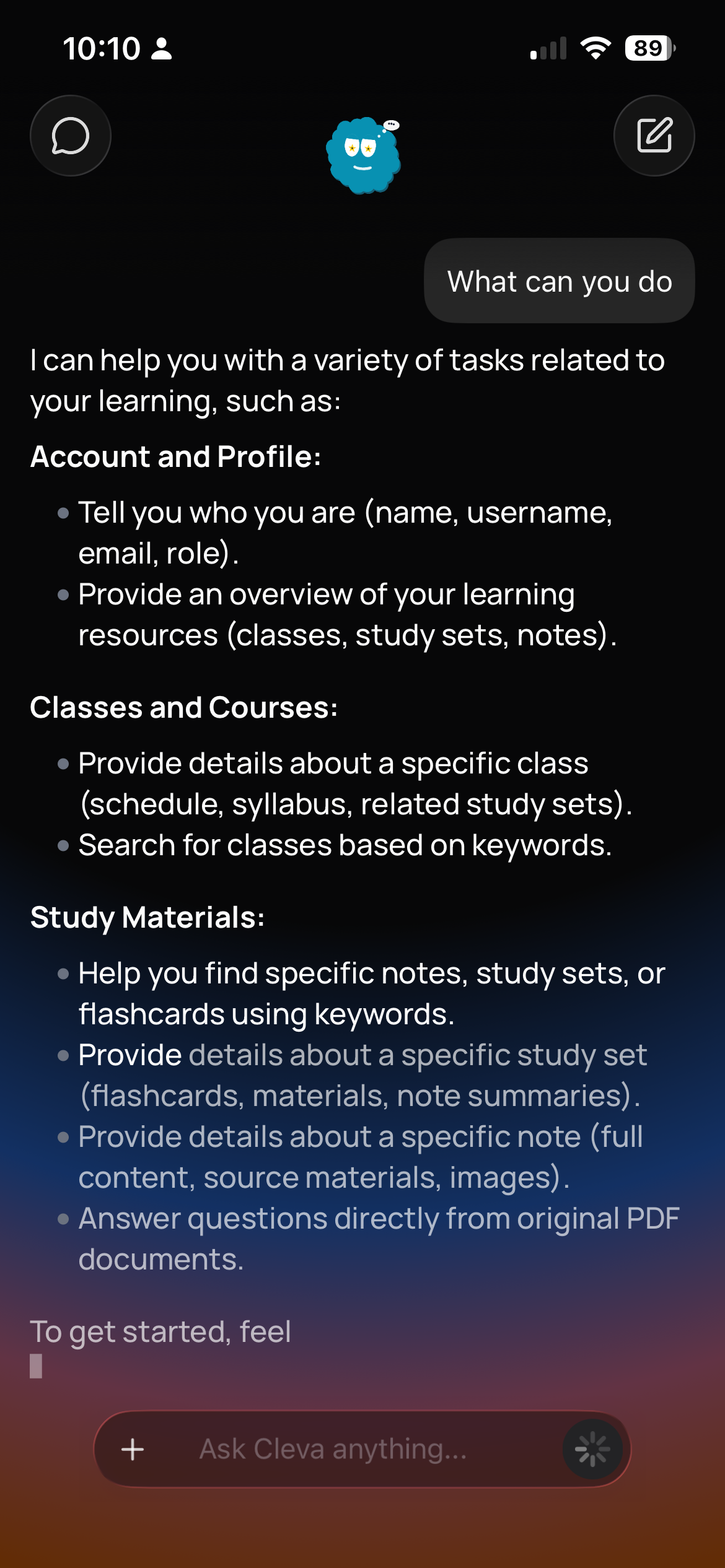
Choose your course files and create flashcards, notes, a cheat sheet, or a practice test. Ask Cleva for help with the parts you want to understand better.
- Flashcards, notes, cheat sheets and tests
- Cleva grounded in your course files
- Progress synced across mobile and web
Frequently asked questions
Does my school need to install anything?
No. Clevaly uses Moodle's standard mobile-app login and web services, which most schools already enable for the official Moodle app. If your school has disabled them, the browser extension can still import from course pages using your normal browser session.
Which Moodle versions are supported?
Clevaly connects through Moodle mobile-app services. Availability depends on your school's configuration; the connection guide can help you check.
What if my Moodle session expires?
Sync pauses and Clevaly tells you to reconnect. Signing in again through your school takes a few seconds and nothing already imported is lost.

Bring your Moodle material into Clevaly.
Create a free Clevaly account, sign in with your school, and watch your courses fill in.
Sign up for Clevaly