Mobile and web
One account. Two places to get school done.
Use Clevaly for quick moments on your phone and longer sessions on the web. Your classes and material stay connected.
app.clevaly.com/home
Monday, August 28Good day, Babatola
IT 302BLRoom 208
ECO 102BHall 4
IT 331ALab 3
Recent
Study setSecurity principles
NotesOperating systems
Study setEconomics review
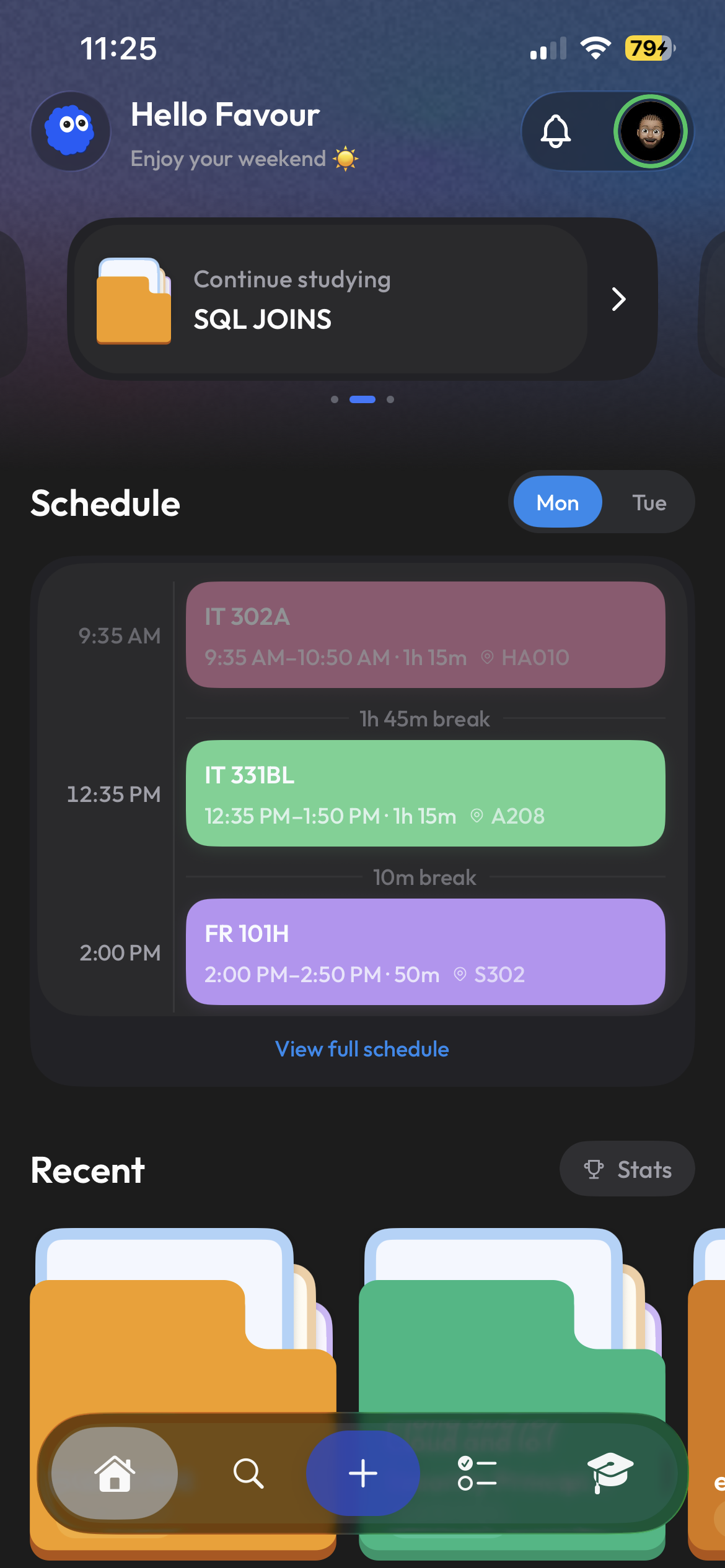
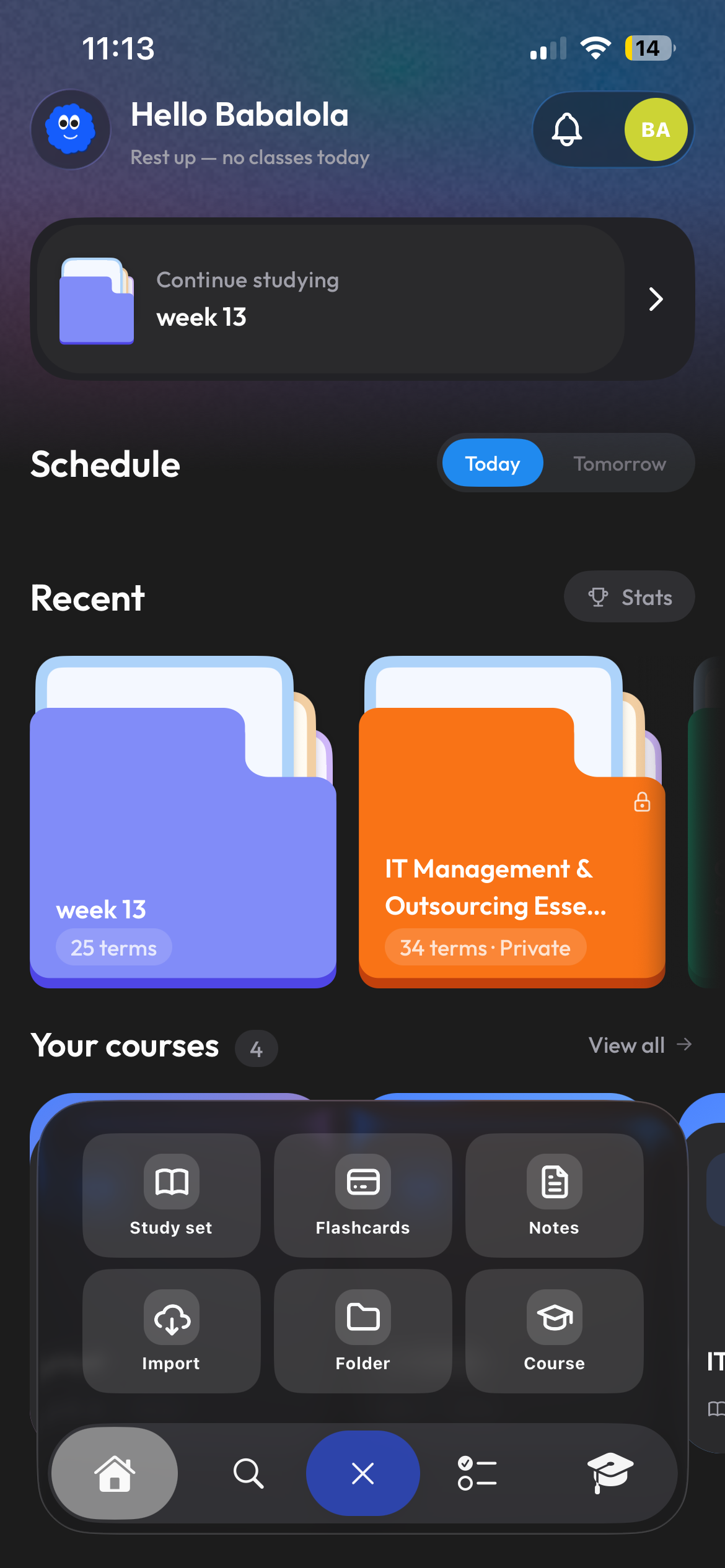
On mobile
The quick path through a busy school day.
Check your schedule between classes, capture material when you receive it, and start a focused study session wherever you have a few minutes.
- Classes and schedule at a glance
- Fast creation from files or text
- Study sessions made for touch
app.clevaly.com/home
Monday, August 28Good day, Babatola
IT 302BLRoom 208
ECO 102BHall 4
IT 331ALab 3
Recent
Study setSecurity principles
NotesOperating systems
Study setEconomics review
On the web
More room when the work needs it.
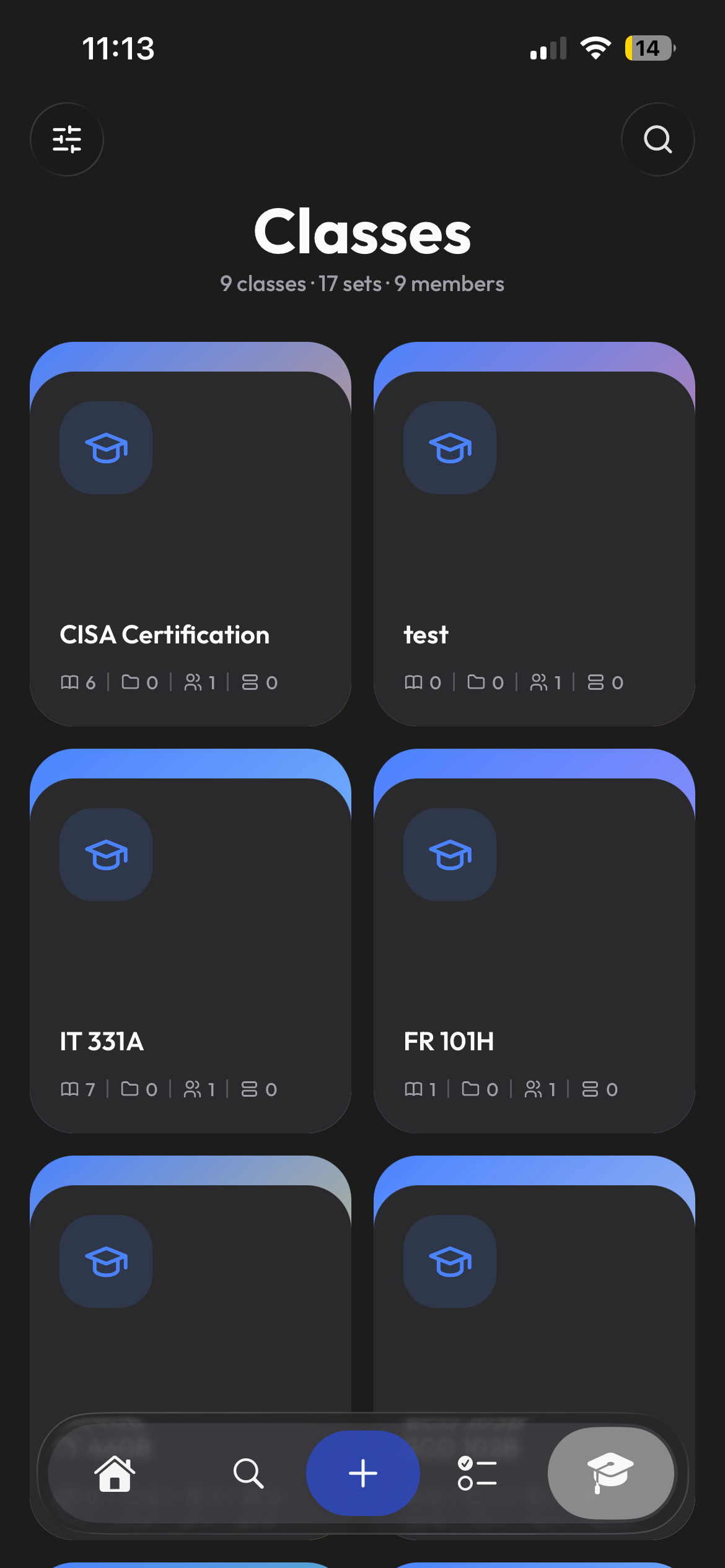
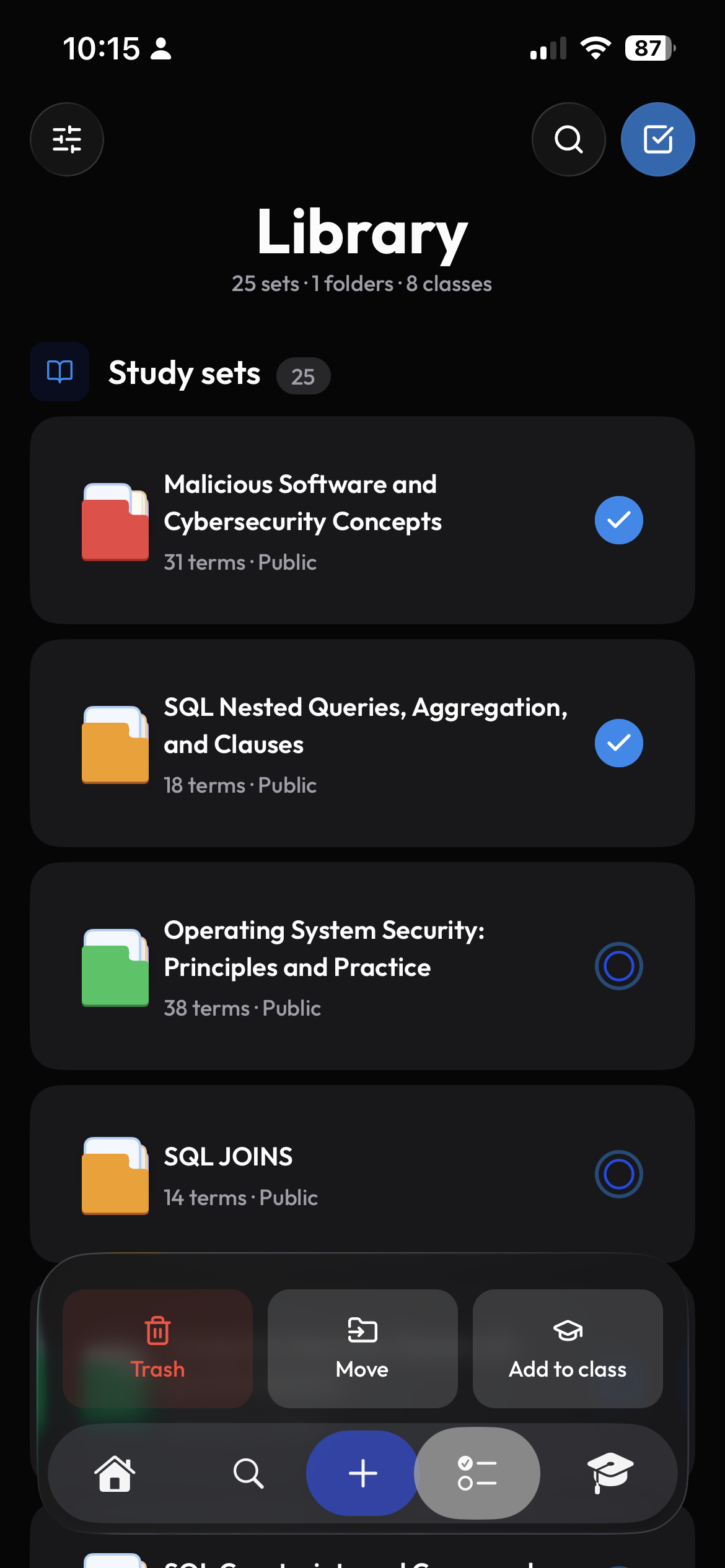
Open Clevaly from a computer for longer notes, deeper organization, and a wider view of the same school workspace. Nothing needs to be transferred first.
- Your classes, notes, and study sets
- A wider workspace for longer sessions
- Continue from where mobile left off
One account
Your classes and study material go with you.
Clevaly keeps classes, material, and recent activity connected across devices. Starting somewhere else does not mean starting over.
- Your material stays organized by class
- Recent work remains easy to find
- Ask Cleva about your course material

Start on either screen.
Create one Clevaly account and use the workspace that fits the moment.
Sign up for Clevaly