Give every student the same organized version of your course.
Set the class up once and students get the timetable, syllabus dates, topics and material you set up. Collab assignments turn the class into a study set together.
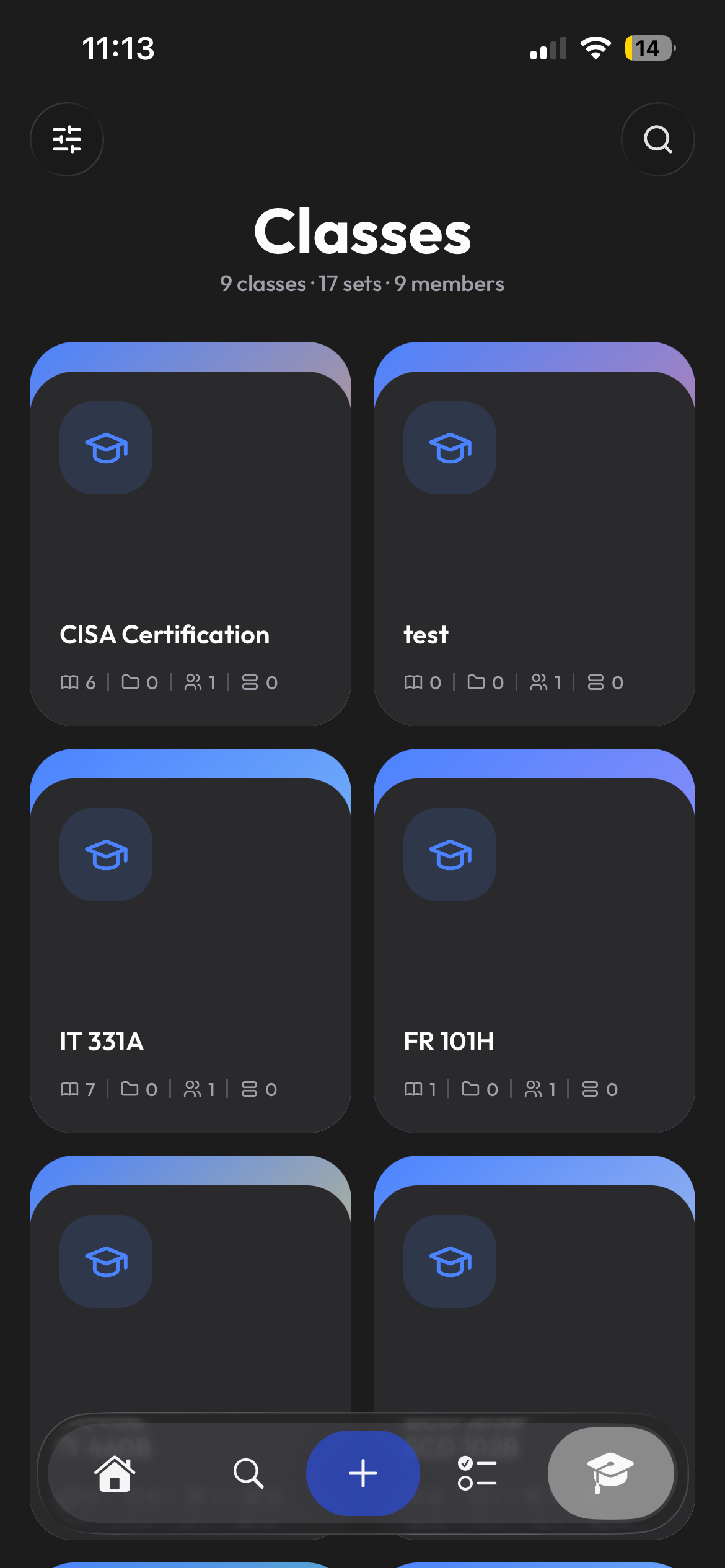
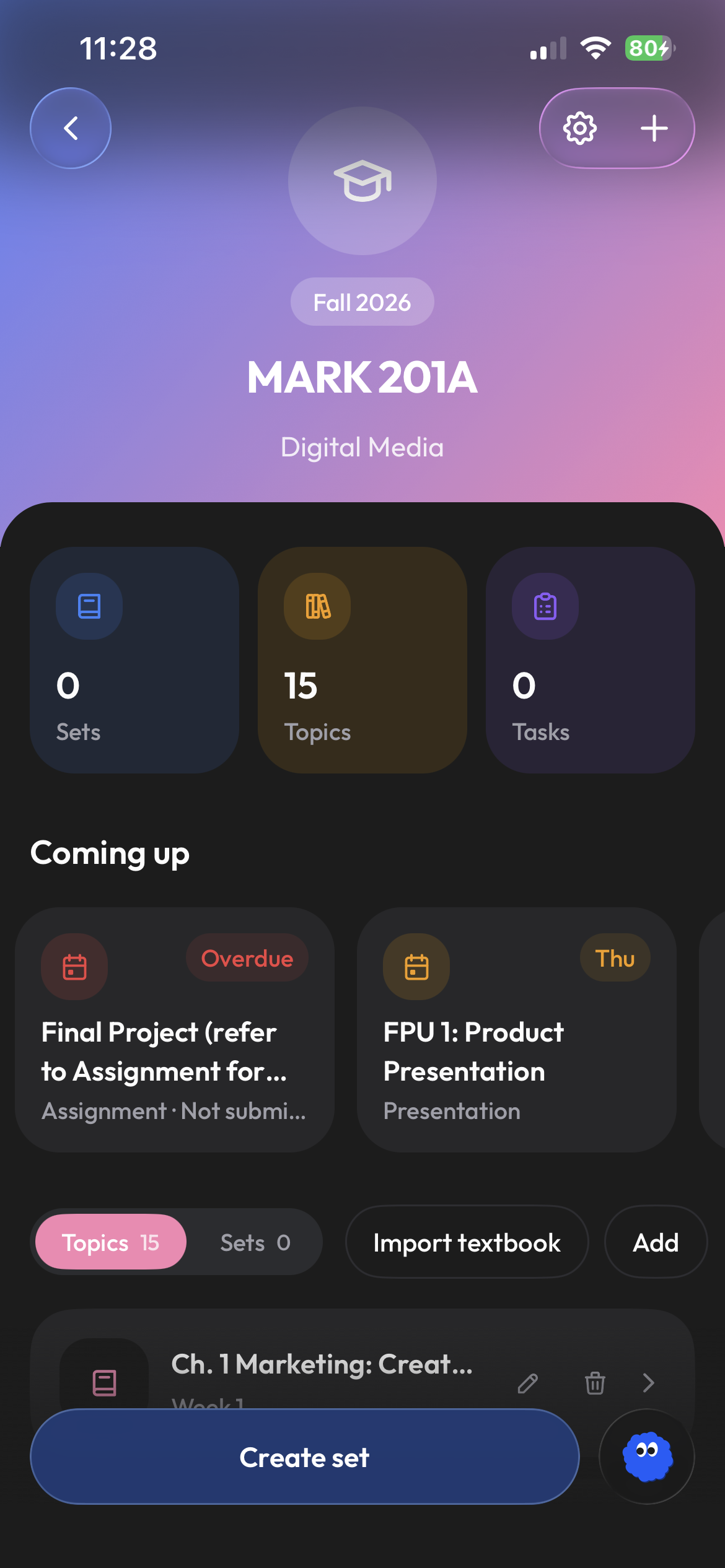
Set it up once. Everyone gets the same course.
Create the class, upload the syllabus and Clevaly extracts the exam dates, assessments, weekly topics and meeting times. Students added to the class see the same topics and dates, and email invites can add teaching assistants as teachers. Organizations get join links per section.
- Join links for organization classes
- Syllabus becomes topics and dates
- Teacher and student roles
Post it once, filed by topic, ready to study.
Material you add to a class topic is visible to every member. Students generate their own flashcards and notes from it, and Cleva answers their questions from your slides rather than from the open web. Sets can be shared class-only without ever being public.
- Class-only visibility for sets
- Cleva grounded in your material
- Works alongside Moodle, Canvas and Brightspace
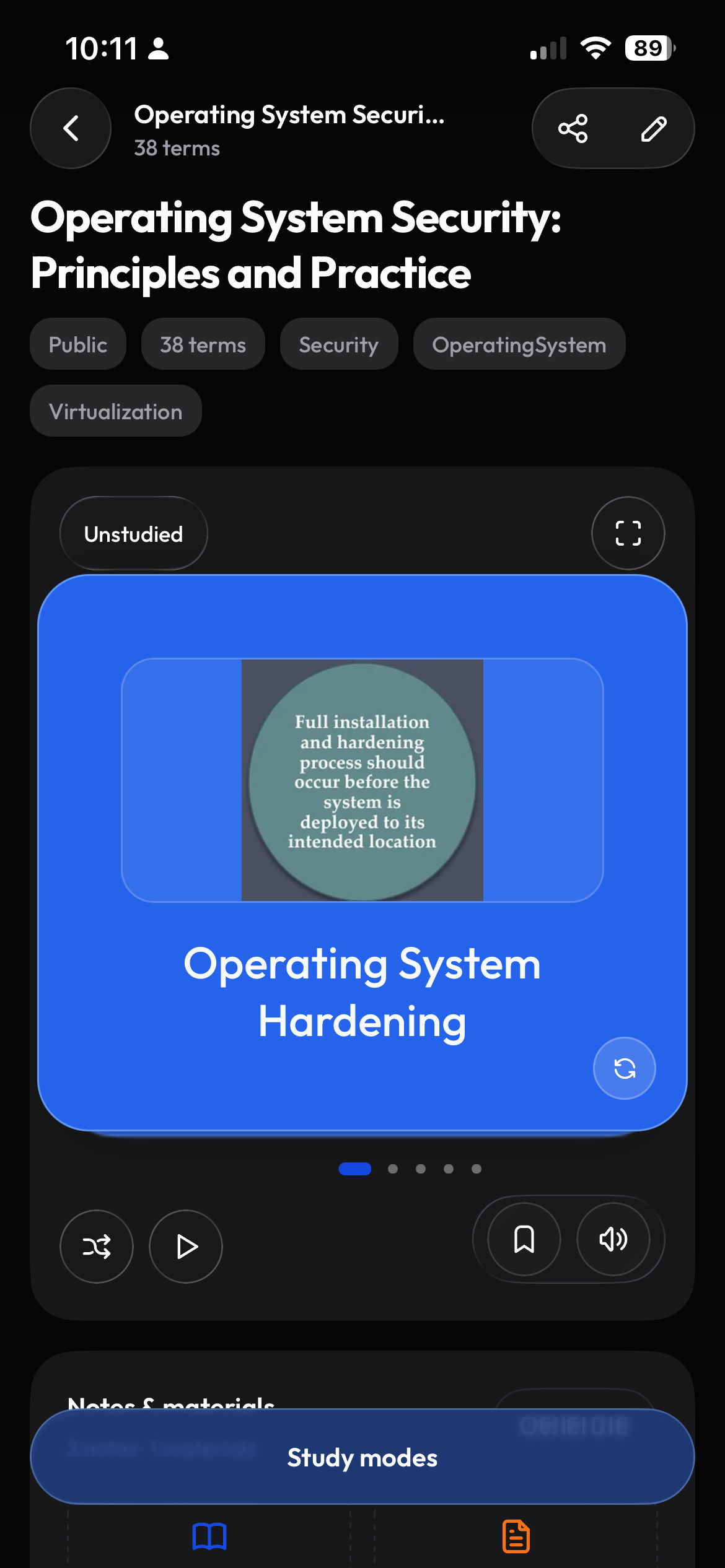
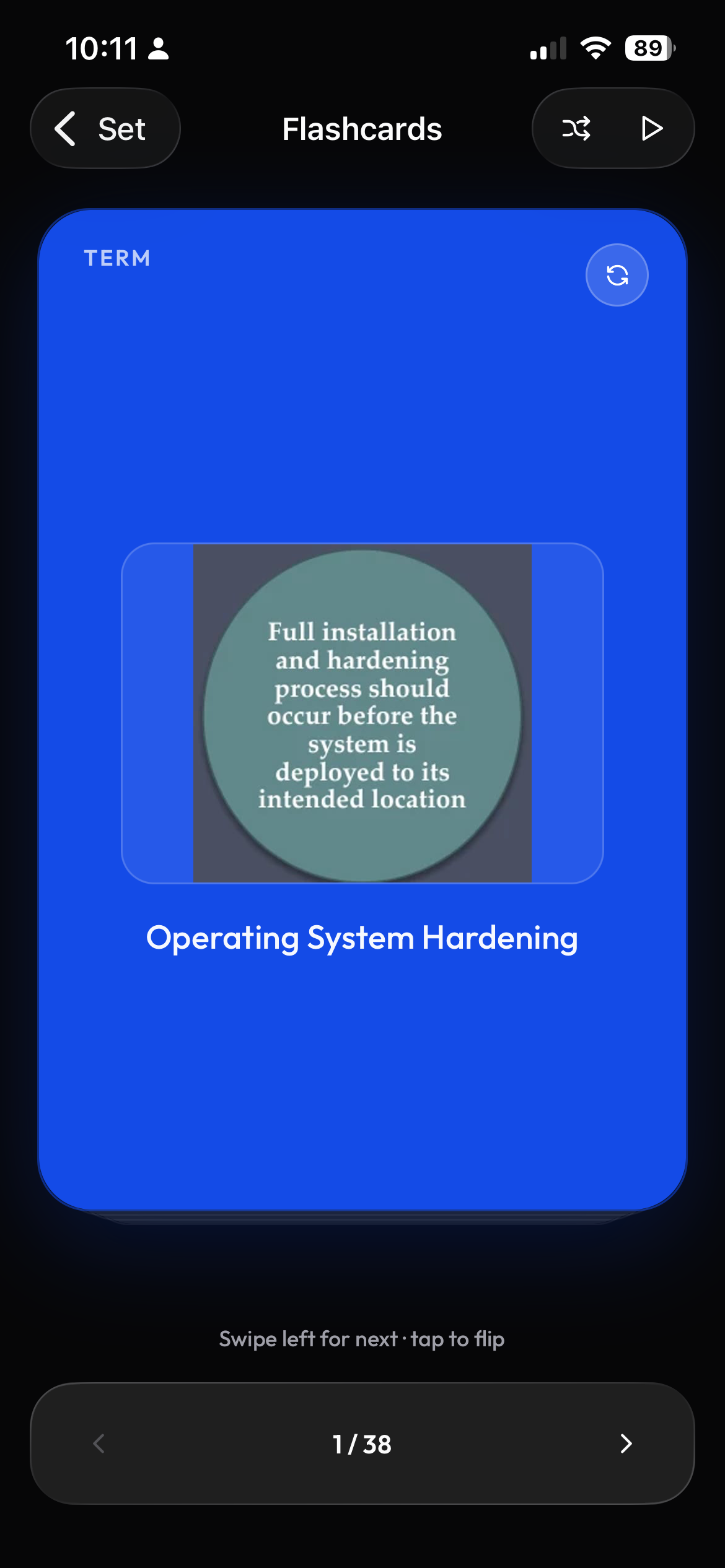
The whole class builds one study set.
Invite students to contribute flashcards by topic, then review their submissions. The finished set gives everyone in the class material to practice with Learn, Test, and Match.
- Assign contributions by student or topic
- Set submission dates and deadlines
- Grading with notifications to students
Frequently asked questions
Is Clevaly free for teachers?
Creating classes, syllabus parsing, sharing material and collab assignments are all included in the free plan. Paid plans only raise personal AI generation limits.
Can students see each other's work?
Only what is shared with the class: class material, class-visible sets and collab assignment submissions once they form the shared set. Personal sets, notes and progress stay private.
Does it replace our LMS?
No. Clevaly sits beside Moodle, Canvas or Brightspace and pulls material from them. Grades, submissions and official records stay in your LMS.
We are a school or district. Can we talk?
Yes. Email support@clevaly.com with your school and roughly how many students, and we will set up a call.

Set up your class before the first lecture.
Create a free account, add your syllabus and have the course ready on day one.
Sign up for Clevaly