Turn images and screenshots into flashcards
Start from the slide or textbook page you have in front of you. Review the generated cards and keep them with your class.
How it works
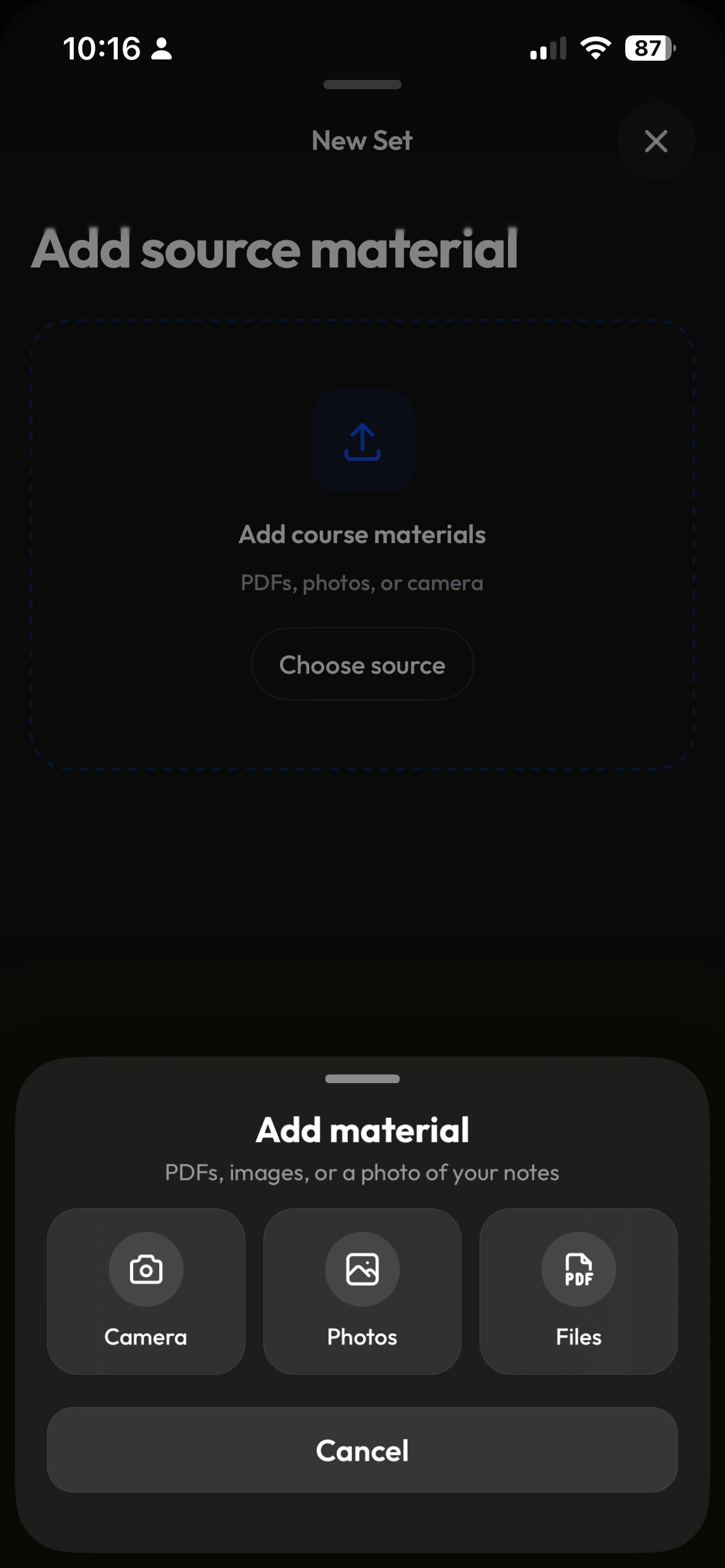
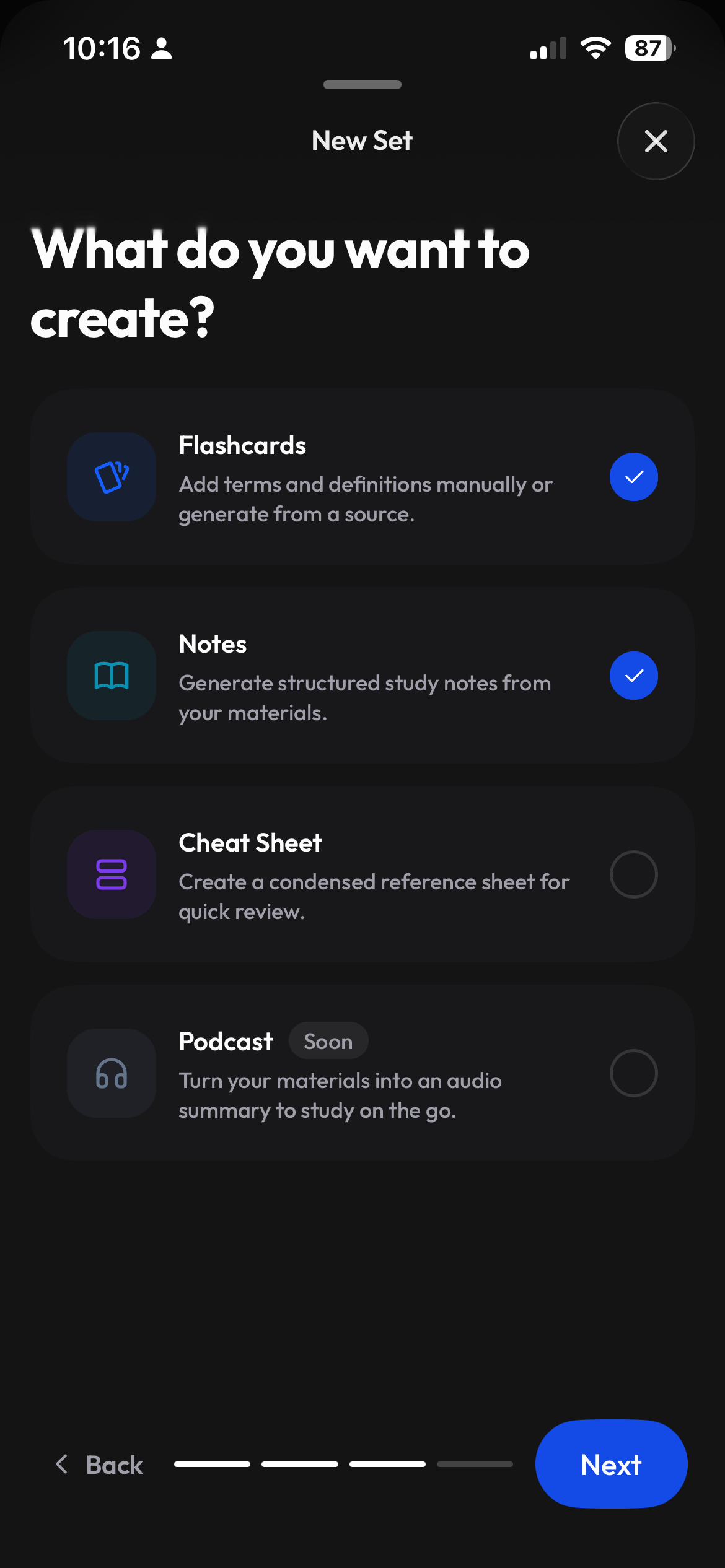
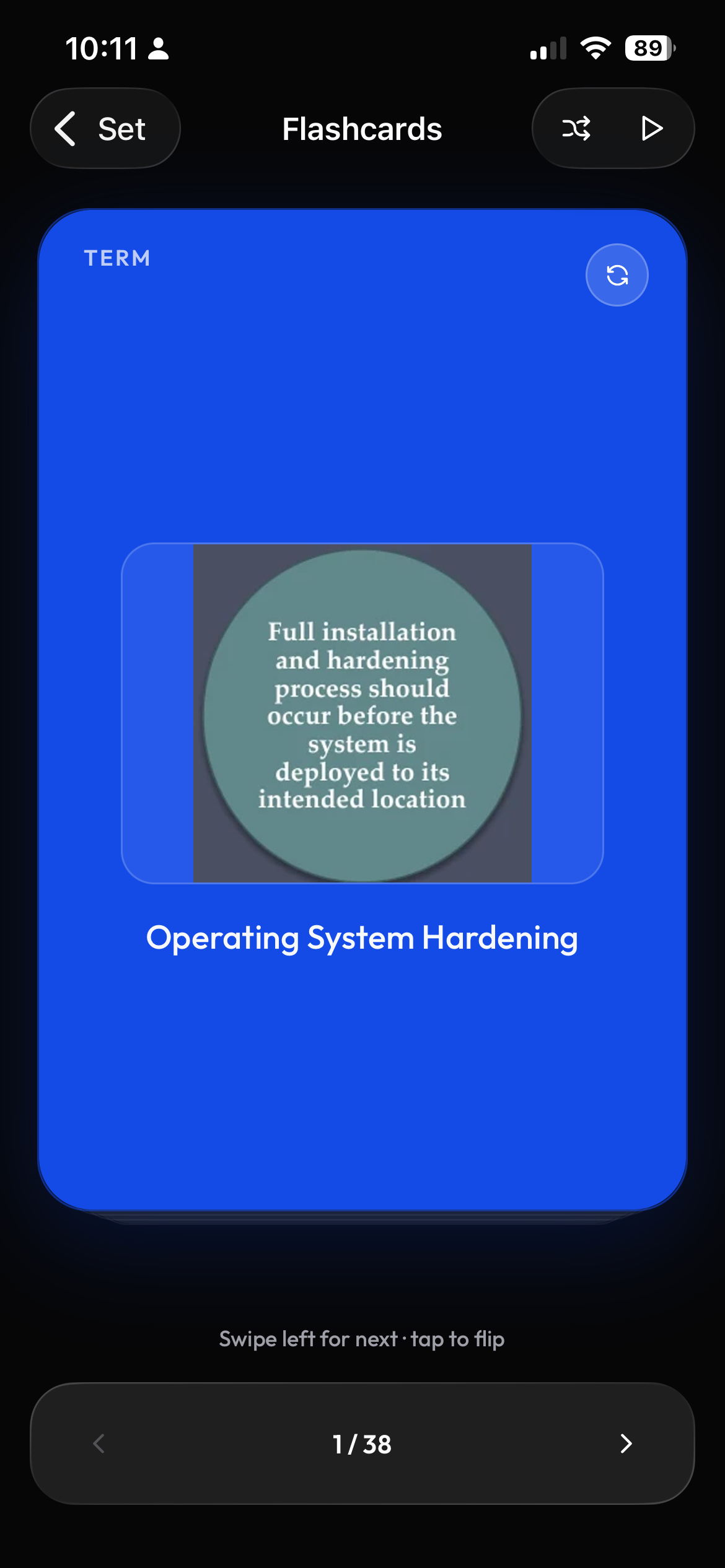
Create a study set, pick the class, upload the image or screenshot as the source, choose Flashcards. Images are an accepted source alongside PDFs, documents and YouTube links. Review and edit, then study in Flashcards, Learn, Test or Match. You can also add your own pictures to any card in the editor.
Get started in 3 steps
- 1
Add the image as your source
Create a study set, choose its class, and upload the image or screenshot you want to study.
- 2
Choose Flashcards
Let Clevaly write cards from the source. Compare the output with the image and edit the terms and definitions.
- 3
Review and study
Open Flashcards, Learn, Test or Match. You can also attach your own picture to a card in the editor.
Start with a clear source
A screenshot of a lecture slide or a photo of a textbook page can be a useful starting point. Choose material where the text and the details you want to study are readable.
- A lecture slide screenshot with a definition or diagram
- A textbook page with the explanation you are learning
- An image of a figure you want to review alongside its terms
Add pictures to individual cards
Using an image as a source and attaching a picture to a card are separate steps. Add your own pictures in the editor when a visual helps explain a term. Follow how to make flashcards with images for the manual workflow.
Keep source images in your notes
Generated notes can include images from the source when you choose that option. Review the images and text together so the visual stays connected to the explanation.
Have the original file?
If you have the original lecture file, use PDF to flashcards or PowerPoint to flashcards instead of collecting screenshots of each page.
Study the same set in four ways
| Mode | How to use it |
|---|---|
| Flashcards | Review a term, then reveal its definition. |
| Learn | Practice the terms in your set. |
| Test | Check your understanding with a practice test. |
| Match | Pair terms with their definitions. |
Frequently asked questions
Can I turn a picture into flashcards?
Yes. Upload the picture as the source for a study set, choose Flashcards, then review and edit the generated cards.
Can I use a screenshot of my slides?
Yes. Upload the screenshot as the source. Use a clear screenshot and check the output against it.
Can I put my own pictures on flashcards?
Yes. Add a picture to a card in the editor. Using an image as the generation source does not automatically attach that image to each card.
Are flashcards made from images accurate?
AI can make mistakes or miss details. Check the generated material against your source and edit it before studying.
Are my images used to train AI?
No. Your files are used to create your study material, not to train AI models.
Keep building your study plan

Make a study set from the image you have
Upload your source, review the cards, and study the terms in your class.